Project Oogie
Project Oogie is a native Windows PC port of the Xbox version of The Nightmare Before Christmas: Oogie's Revenge, offering widescreen and higher resolutions.
- Type: PC port
- Game: The Nightmare Before Christmas: Oogie's Revenge
- Runs on Windows
- By Pallypots
- Latest release v0.2.1, 2026-10-28
- Source: https://github.com/Pallypots/ProjectOogie
README
Project Oogie
A native Windows PC port of The Nightmare Before Christmas: Oogie's Revenge (Xbox, 2005)
made by static recompilation · version 0.1 · a fan project by Pallypots
What is this?
Project Oogie runs the original Xbox game natively on Windows, without an emulator.
It is a recompilation, not a decompilation:
| Decompilation | Recompilation (this project) | |
|---|---|---|
| What is made | Hand-written C that rebuilds the game's source code, function by function | The game's own Xbox program, translated machine instruction by instruction into C by a tool, then compiled for PC |
| How long it takes | Years of manual work | The whole game at once: 10,534 functions, translated automatically |
| How faithful | As faithful as the people rewriting it | The original code itself, running natively |
The translation is done with XboxRecomp. The parts of the Xbox the game talks to (its kernel, the NV2A graphics chip, the sound chip, the controller ports) are reimplemented for Windows: graphics go through Direct3D 11, sound through XAudio2, controllers through XInput and SDL2. Everything the PC port adds (the settings menu, widescreen, higher resolutions, accessibility options) is built around the game, never by changing its data.
You need your own copy of the game. The port reads the art, sound, films and levels from your own disc image on first start. It does not include them.
Features
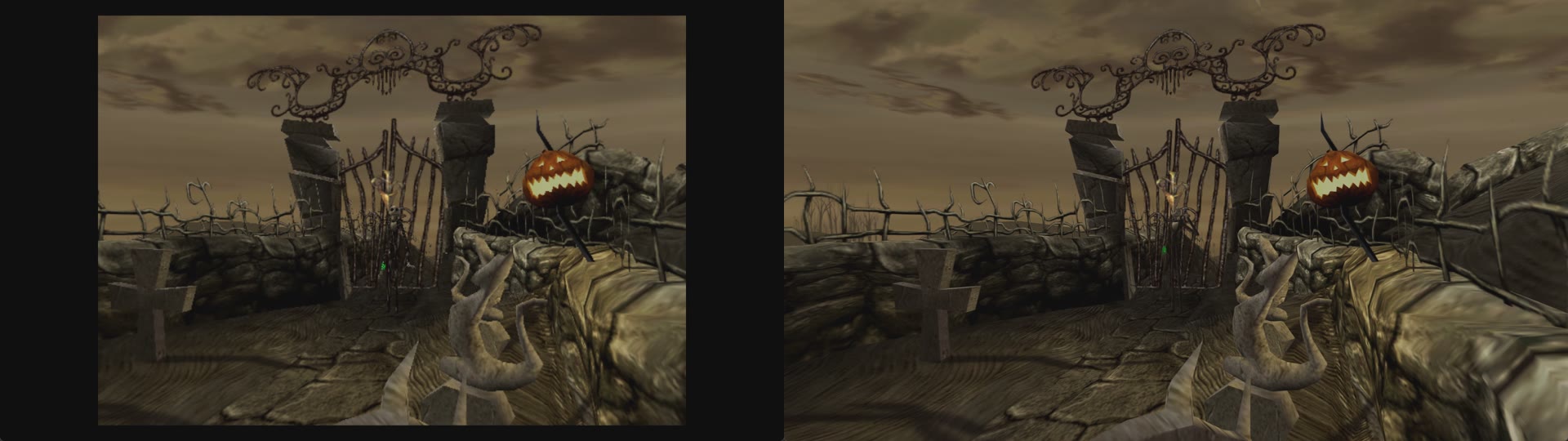
Left: the original 640 x 480, 4:3 picture. Right: the port, widescreen at the screen's own resolution.
Picture
- Widescreen that shows more of the world, not a stretched picture. The HUD can sit in the screen corners. Films and menus keep their 4:3 shape, with black, blurred or stretched sides (your choice).
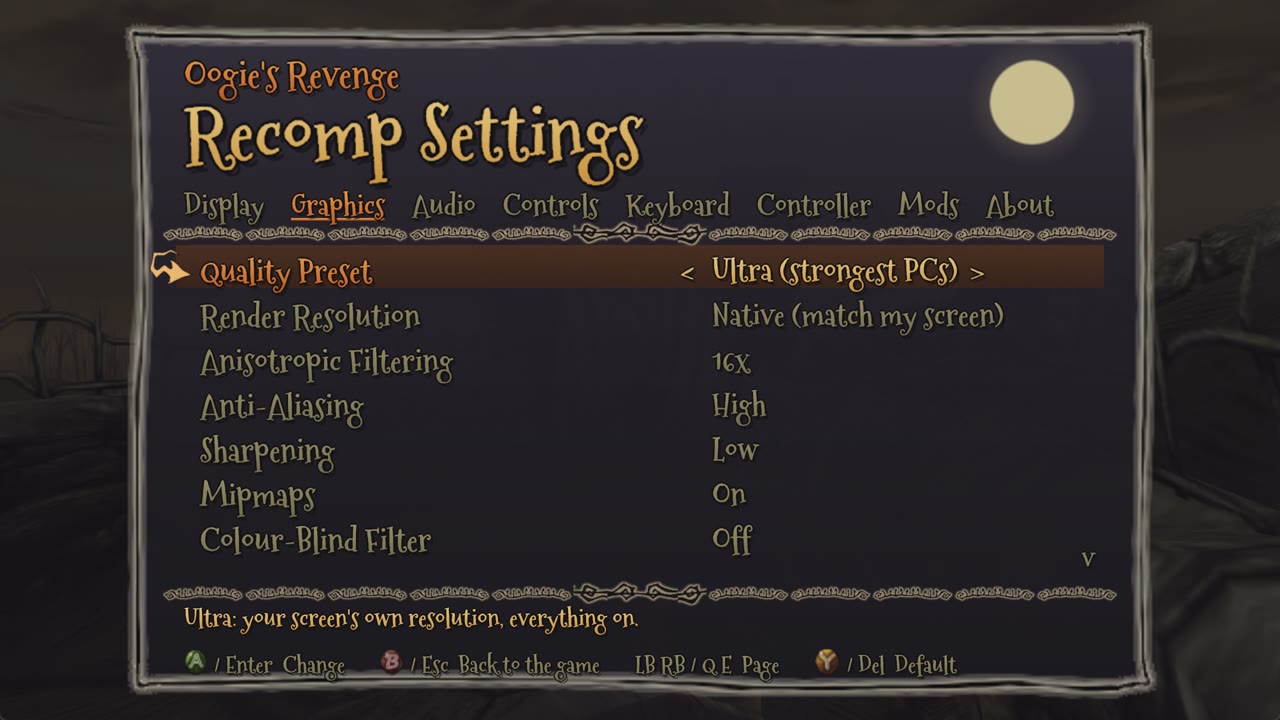
- Render resolution: Auto (the best that holds 60 fps), Native (your screen's own size), or a fixed size from 480p to 2160p. Tested up to 1800 lines.
- Quality presets: Low, Medium, High, Ultra. One choice sets all of the picture options below.
- Anti-aliasing (Off, Low, High), sharpening (Off to High), anisotropic filtering (up to 16x).
- Mipmaps: smooth distant textures with no shimmer. The game asks for them, but the original ships none.
- Field of view from 70% to 140%.
Smooth play
- Locked 60 fps, the game's own speed. Its logic, films and music stay in time.
- Fast texture loading (about 13 times less work than a plain decoder) and no pauses from the program's own logging.
- Battery aware: on a laptop running on battery, Auto resolution starts lower.
- Picks the fast graphics card on laptops with two.
Controls
- Controllers: Xbox controllers (XInput) and PlayStation 5 DualSense (tested), plus other SDL2 pads such as PlayStation 4, by cable or Bluetooth, with hot-plugging and rumble.
- Keyboard and mouse, with every key and every controller button rebindable in the menu.
- Proper stick dead zones, and full-speed running on diagonals with modern round-gated sticks.
Accessibility
- Colour-blind filter: protanopia, deuteranopia and tritanopia correction.
- Auto-repeat held button: hold A, B, X or Y and it presses itself about ten times a second, so button-mashing moments need only a hold.
- Volume, mute and pause when the game is in the background.
Quality of life
- In-game settings menu (press F1, or Back + Start on a controller), drawn with the game's own frames, cursor and buttons. Every change applies at once and is saved.
- First-start setup: point it at your disc image; it checks it and copies the game files.
- Skip intro logos, F11 fullscreen, F12 screenshots (PNG at full resolution); the window remembers its size and place.
- Save backups: the last ten copies of your saves are kept.
- Crash reports with the log, if something ever goes wrong.
Mods
- Replacement files:
mods\<Mod Name>\files\<path on the disc>(for example, a replacement film). - Texture packs: switch on Save Game Textures, and every texture the game shows is saved to
texture_dump\as<width>x<height>_<hash>.png. Edit or upscale it and put it, under the same name, inmods\<Mod Name>\textures\. Any size works. - Mods are switched on and off on the menu's Mods page.
Playing
See requirements.txt for what you need. In short: 64-bit Windows 10 or 11, a Direct3D 11 graphics card, and your own disc image of the USA Xbox version (title ID 42560004).
- Download the release zip from the Releases page and unzip it anywhere.
- Run
Project Oogie.exe. The first time, it asks for your disc image, checks that it is the supported version, and copies the game files next to the program (about 3.5 GB, once). The disc image is only read, never changed. - Press F1 for the settings menu.
Default keyboard: WASD move, arrow keys are A/B/X/Y (Down A, Right B, Left X, Up Y), T F G H the d-pad, Enter Start, Backspace Back. All of them can be changed in F1 > Keyboard.
Steam Deck, SteamOS and Linux (Proton), from version 0.2
- In Desktop Mode, download the release zip and extract it to a folder of your own (for example
~/Games/ProjectOogie). Use the 0.2 zip or later: the 0.1 zip does not extract correctly on Linux. - In Steam: Add a Game > Add a Non-Steam Game, choose
Project Oogie.exe. Then in the game's Properties > Compatibility, tick Force the use of a specific Steam Play compatibility tool and choose Proton Experimental (or a recent Proton). - Start it once in Desktop Mode: choose your disc image in the window that opens and let it copy the game files. After that, play in Game Mode as usual.
- If it does not start, please open an issue with
logs/play.logfrom the game's folder, and a Proton log if you can (launch options:PROTON_LOG=1 %command%; the log issteam-<number>.login your home folder).
Tested under Wine 10 so far; Steam Deck reports are very welcome.
Status (version 0.1)
- The whole game loads and runs. Automated checks start every one of the 24 chapters and play it for three minutes, at 60 fps, with no crashes.
- Played by hand from the start into Chapter 7 so far.
- Known issues are tracked openly in docs/KNOWN_ISSUES.md. Still open: the widescreen door transition is missing its side pieces (#60), and the results screen skips some announcer lines (#47).
- Not built yet: frame rates above 60 (the game's logic runs per frame, so this needs more work).
Please report problems with the log file: logs\play.log next to the program.
Building from source
You need Visual Studio 2022 (MSVC, x64), CMake 3.20+, Git and Python 3.10+ (pip install -r requirements.txt).
- Clone this repository, then XboxRecomp v0.14.0 into
third_party\xboxrecomp:git clone https://github.com/sp00nznet/xboxrecomp third_party/xboxrecomp git -C third_party/xboxrecomp checkout eb0aa1d - Put the game's
default.xbeand files ingame\(or run a release build once, which extracts them). - Run
powershell -ExecutionPolicy Bypass -File scripts\regen.ps1. It disassembles the program, translates it to C, builds it with CMake, and putsoogie_recomp.exeinbin\.
How the port works, and everything learned while making it, is written up in docs/OOGIE_PORT_HANDBOOK.md, docs/REVERSE_ENGINEERING.md and docs/PC_FEATURES.md.
Credits and legal
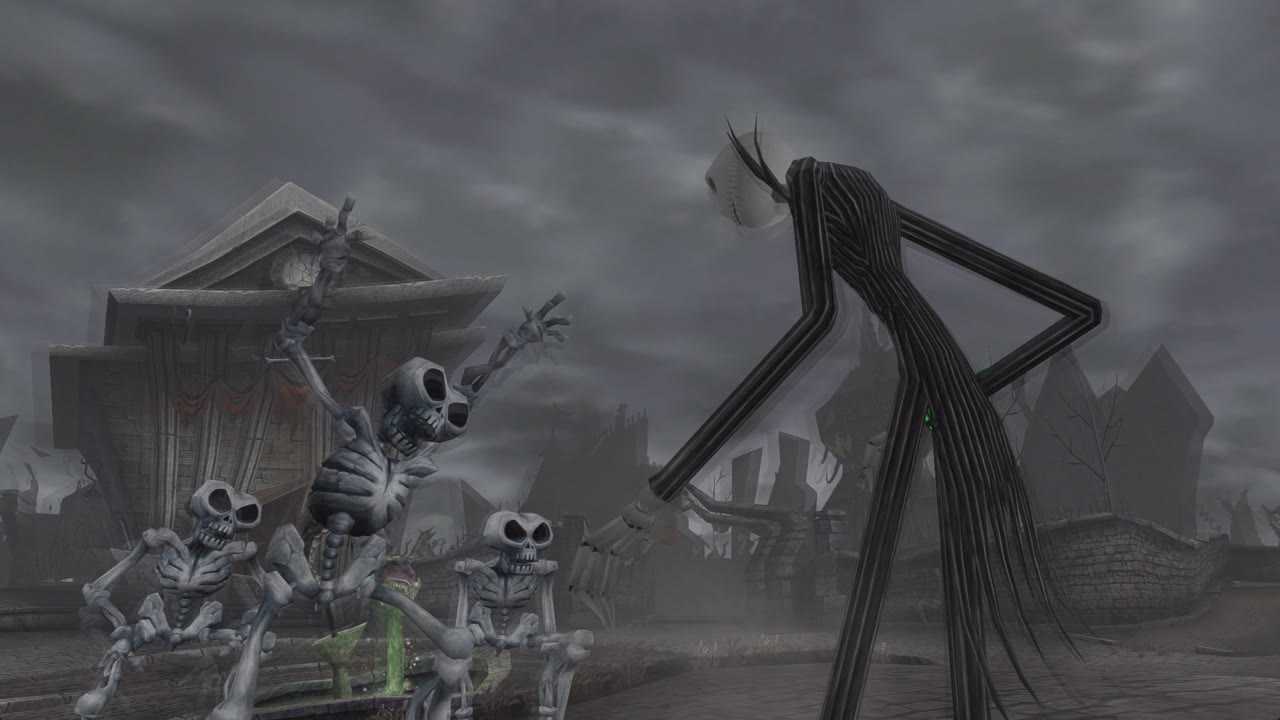
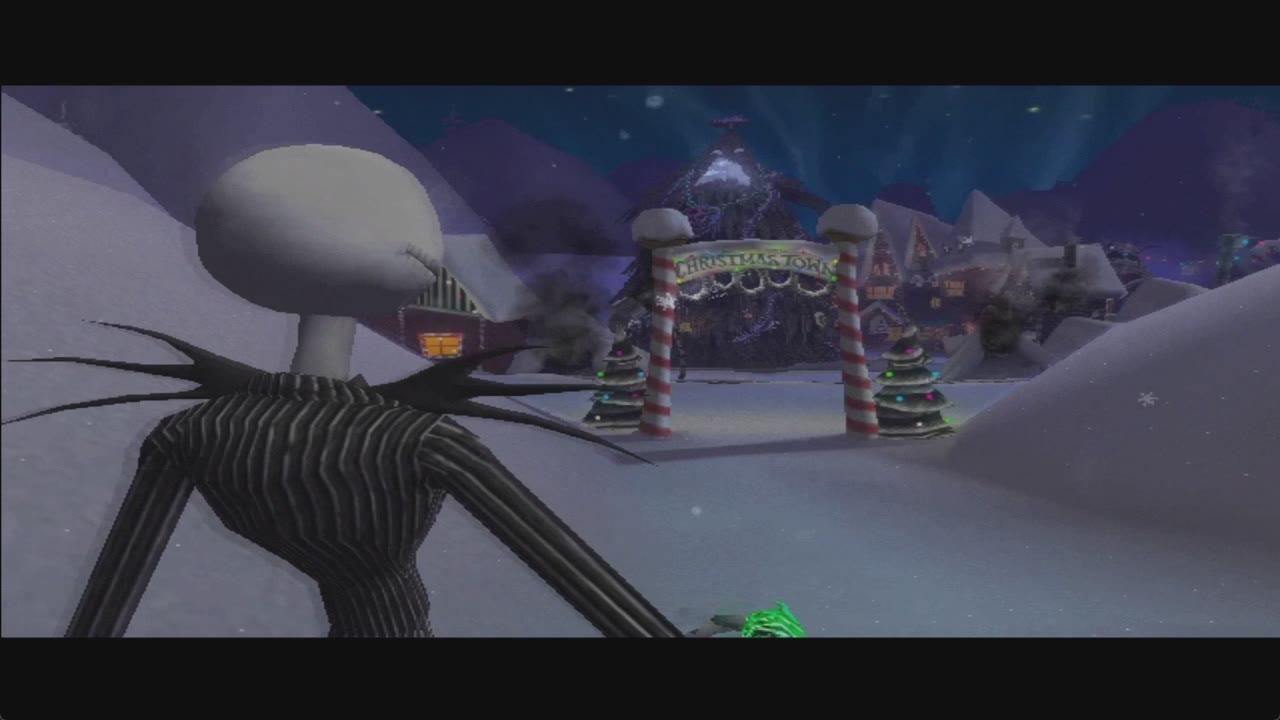
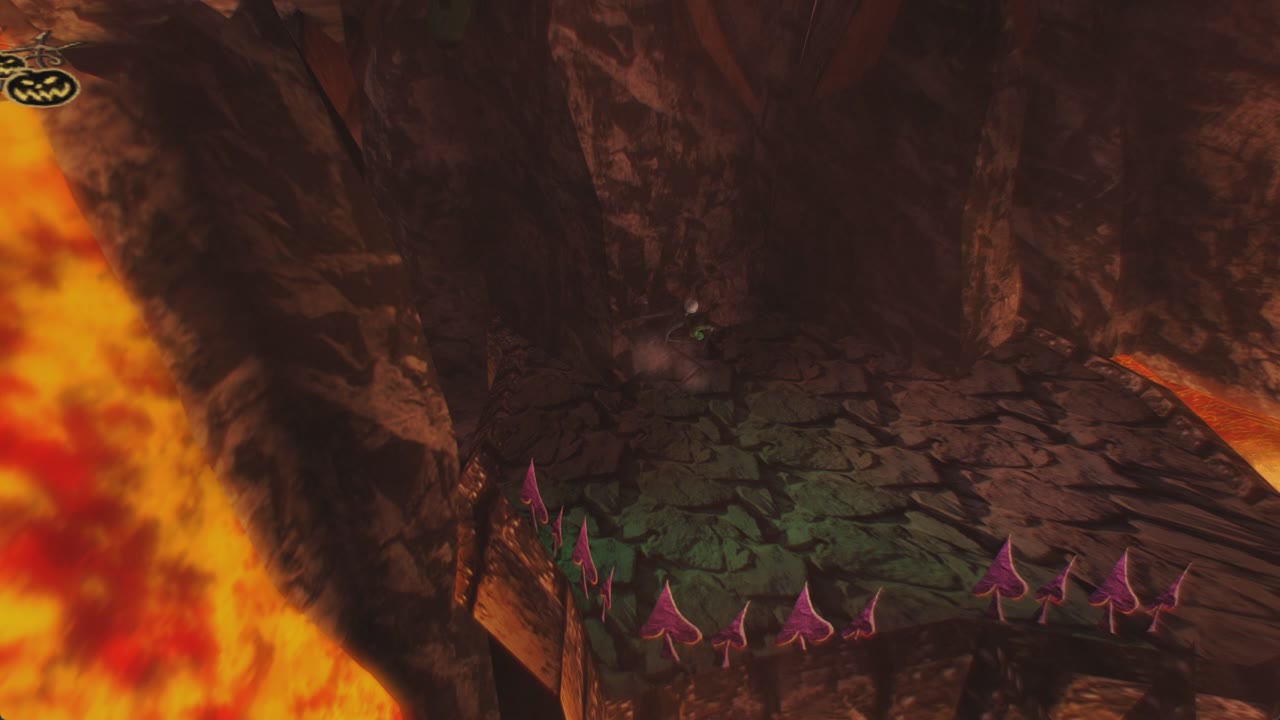
- The Nightmare Before Christmas: Oogie's Revenge is © 2005 Touchstone Pictures / Disney, developed by Capcom and TOSE. This is an unofficial fan project, not affiliated with or endorsed by them. The screenshots in this README are of the game running in this port.
- The program contains the game's code, translated to native code. The game's art, sound, films and levels are not included: they come from your own disc. Please own the game.
- The port's own code is MIT licensed (see LICENSE). Third-party parts and their licenses are in THIRD-PARTY-NOTICES.md: XboxRecomp (MIT), SDL2 (zlib), the Mountains of Christmas font (Apache 2.0).
- xemu and Cxbx-Reloaded served as references for how the Xbox behaves. None of their code is included.