Simpsons Wrestling Recompiled
Simpsons Wrestling Recompiled is a native PC port of The Simpsons Wrestling for Windows and Linux with widescreen, HD, and 60 FPS.
- Type: PC port
- Game: The Simpsons Wrestling
- Runs on Windows and Linux
- By TekRantGaming
- Latest release v1.0.0, 2026-10-07
- Source: https://github.com/TekRantGaming/simpsons-wrestling-recompiled
README
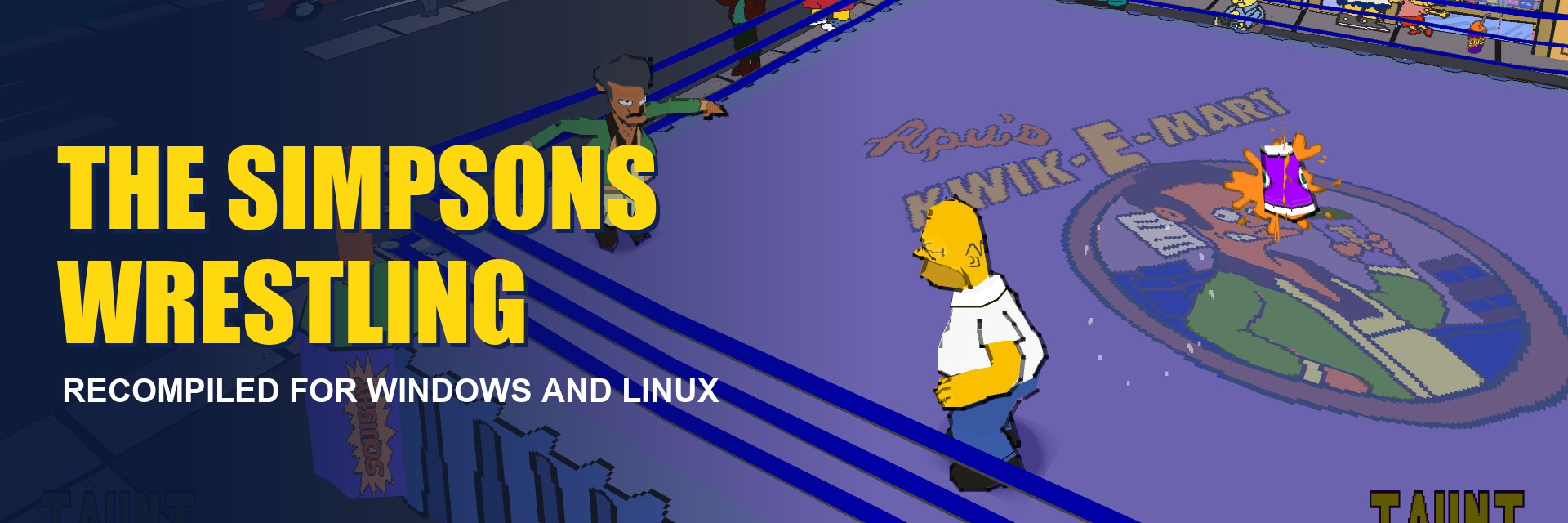



The Simpsons Wrestling on PC, running natively. Widescreen, HD, 60 FPS, everything unlocked.


The original PlayStation game code, translated to native PC code with psxrecomp. No game files included: bring your own disc image of The Simpsons Wrestling (PlayStation, North America, SLUS-01227). The launcher walks you through it.
Highlights
|
16:9 widescreen |
HD and smooth |
60 FPS at the real game speed |
|
Straight to the action |
Your controls |
Native, not emulated |
The launcher
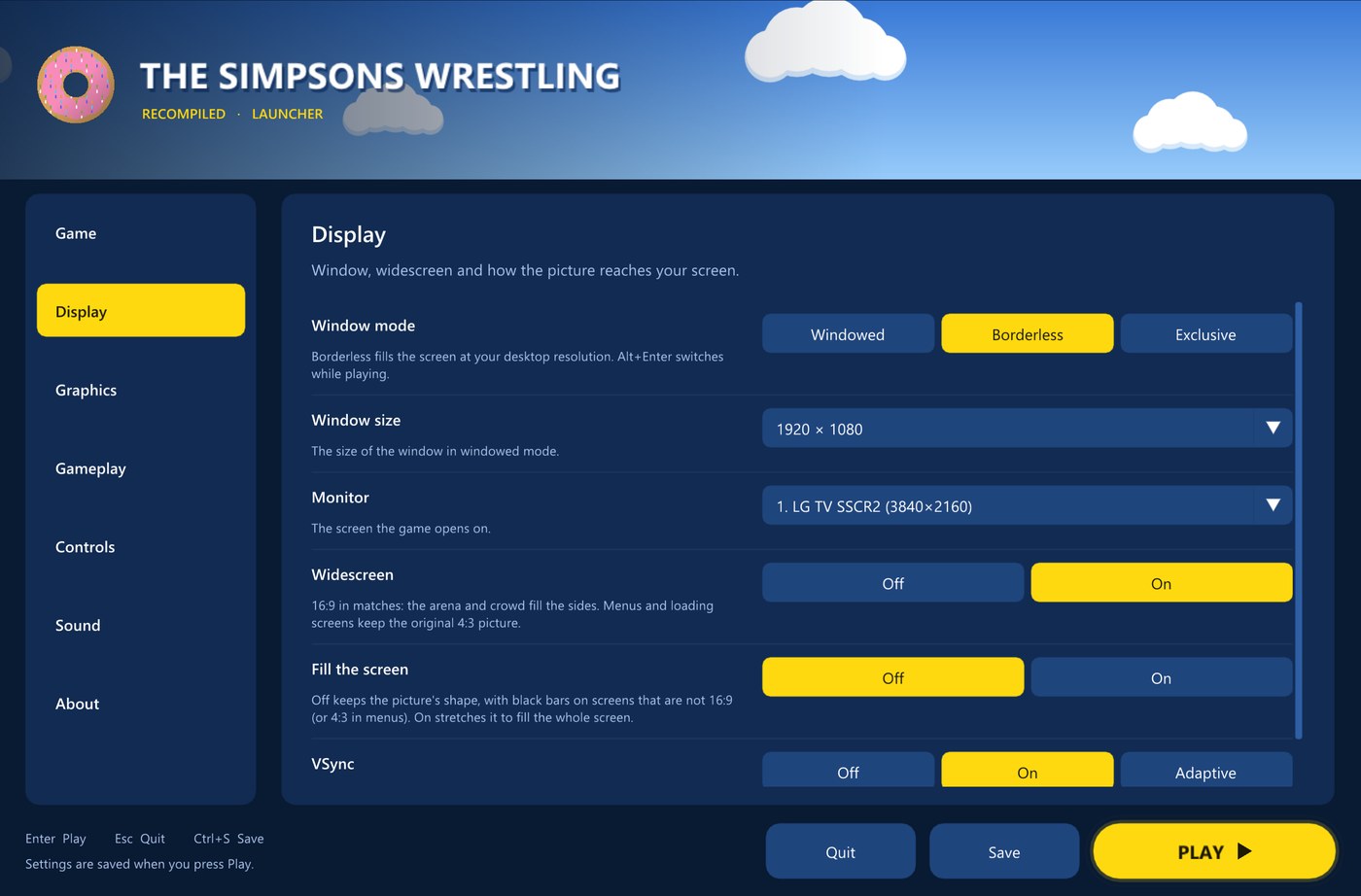
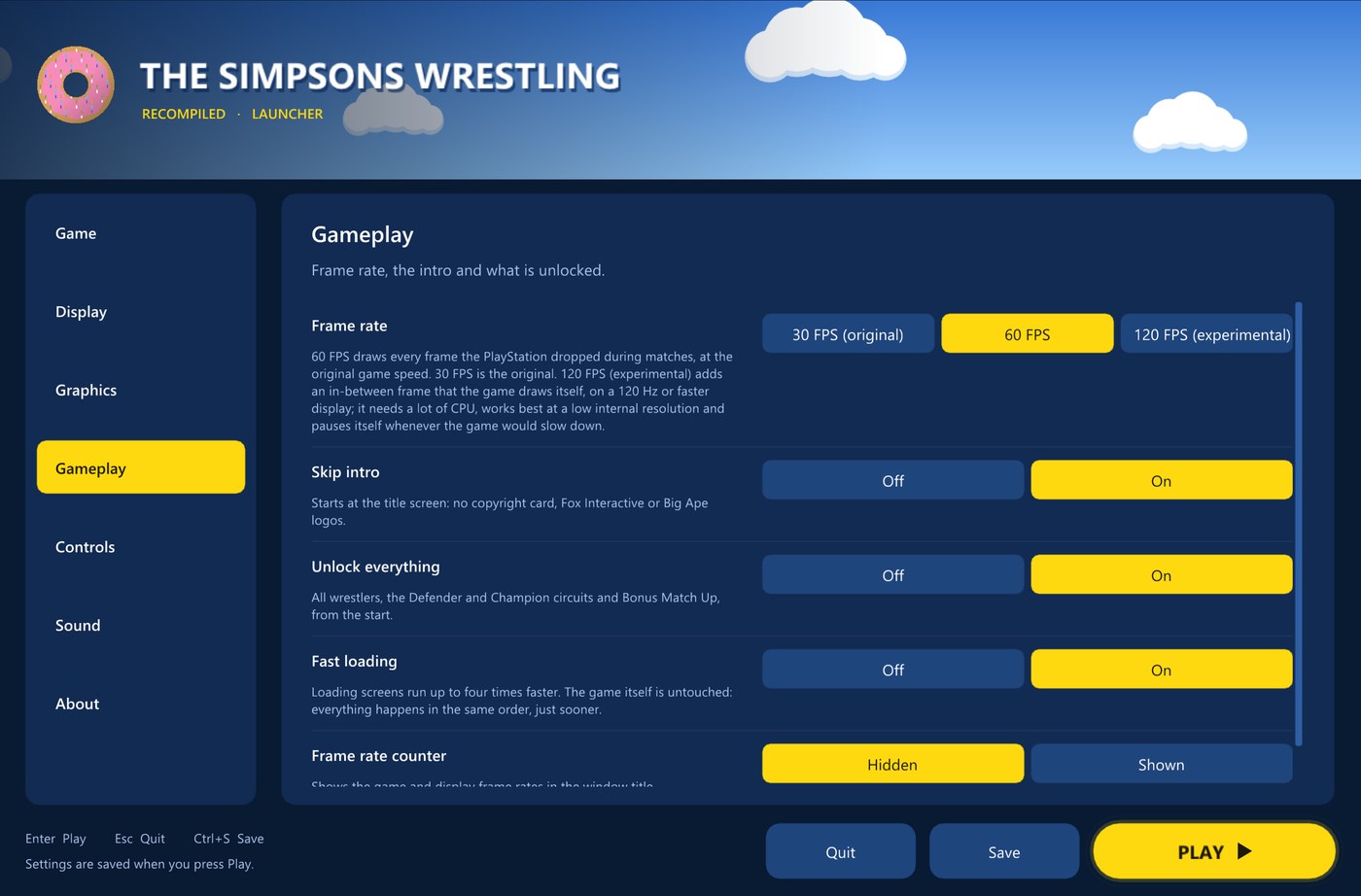
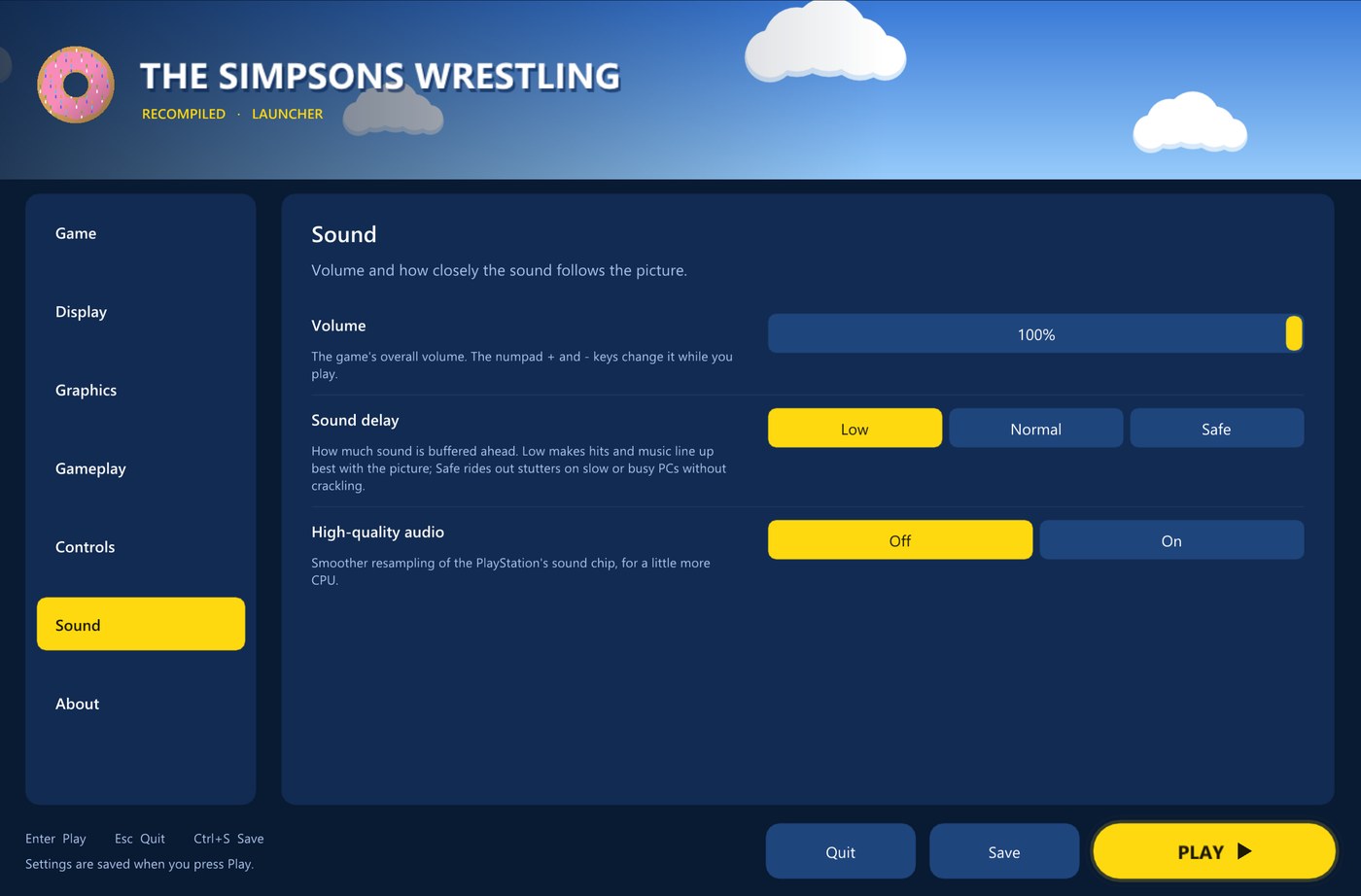
Everything is set up before the game starts. The first time you open it, the launcher asks for your disc image and checks that it is the right game; after that it opens on your settings. Settings are saved to plain text files next to the game.
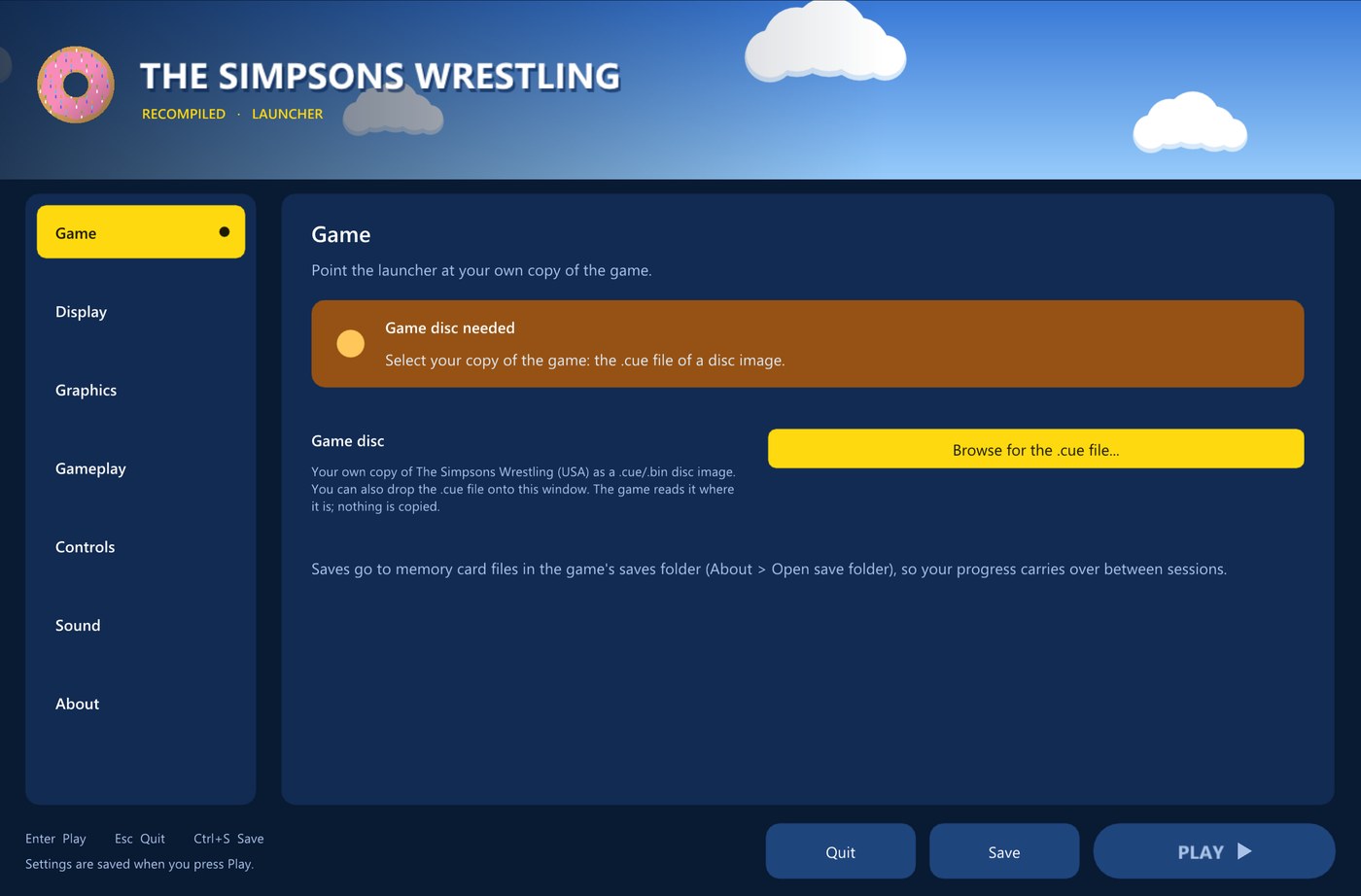 |
Game
|
Display
|  |
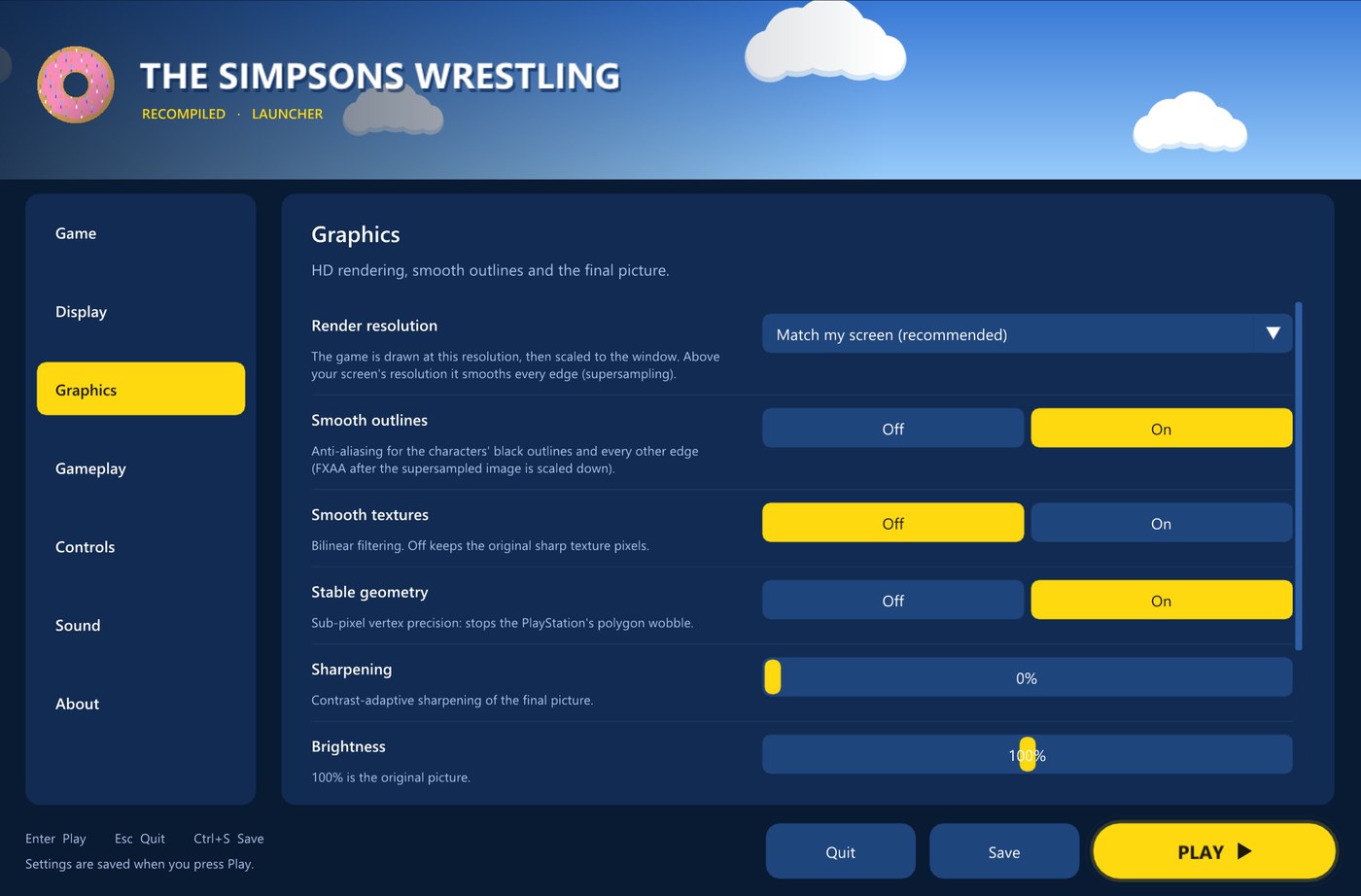 |
Graphics
|
Gameplay
|  |
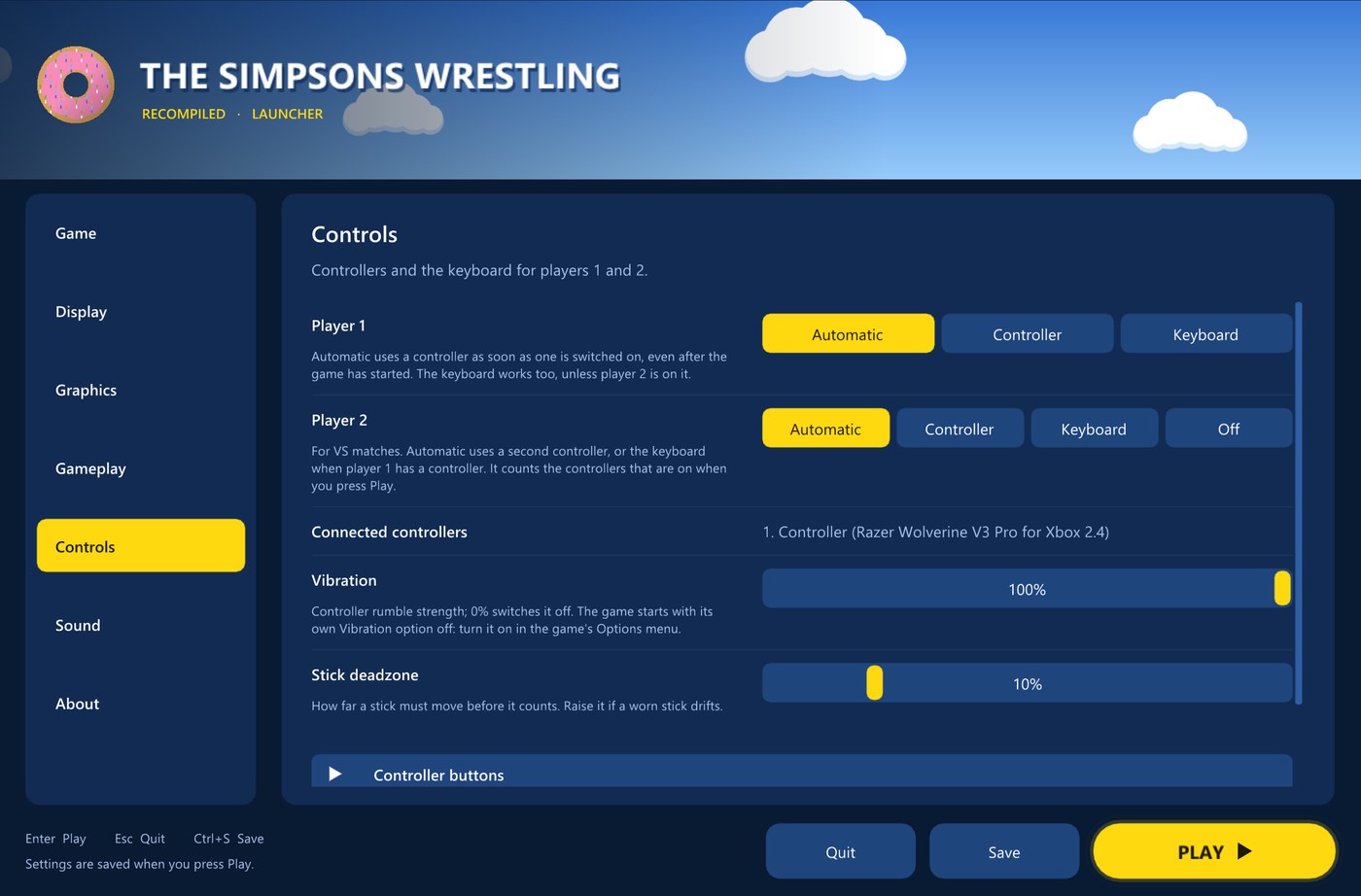 |
Controls
|
Sound
|  |
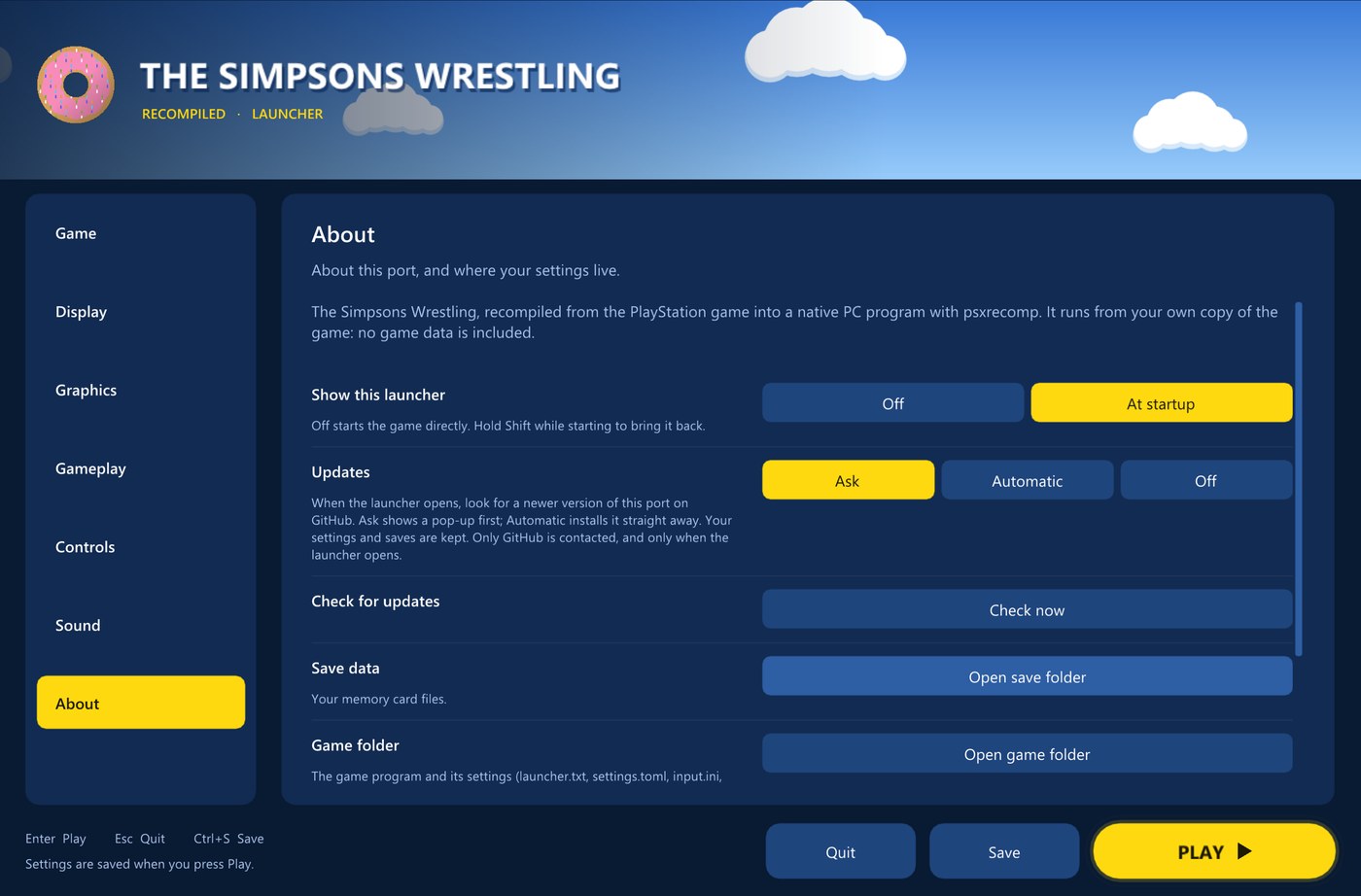 |
About
|
In game
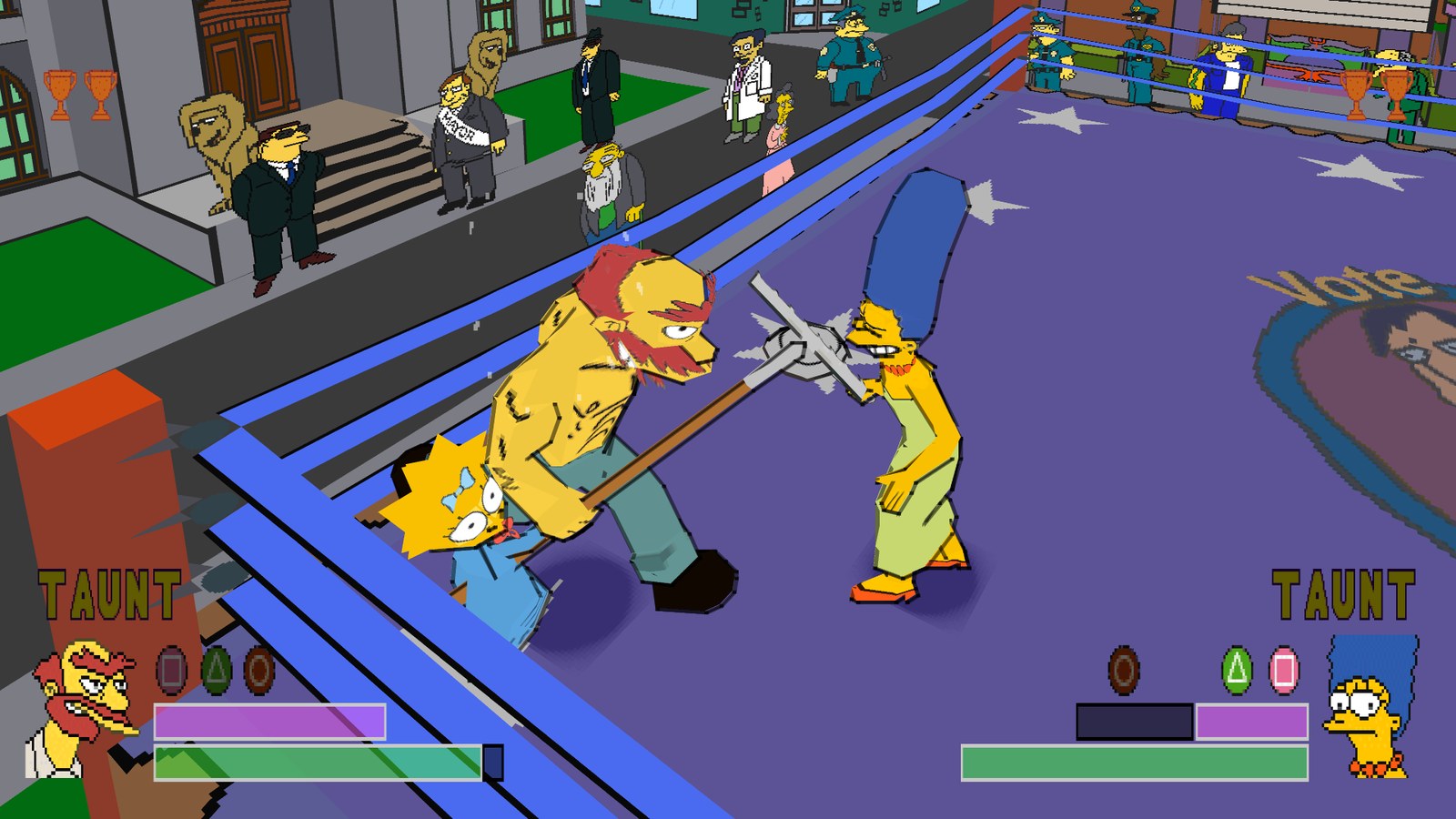 Groundskeeper Willie against Marge in the town square, in 16:9, rendered at 4K.
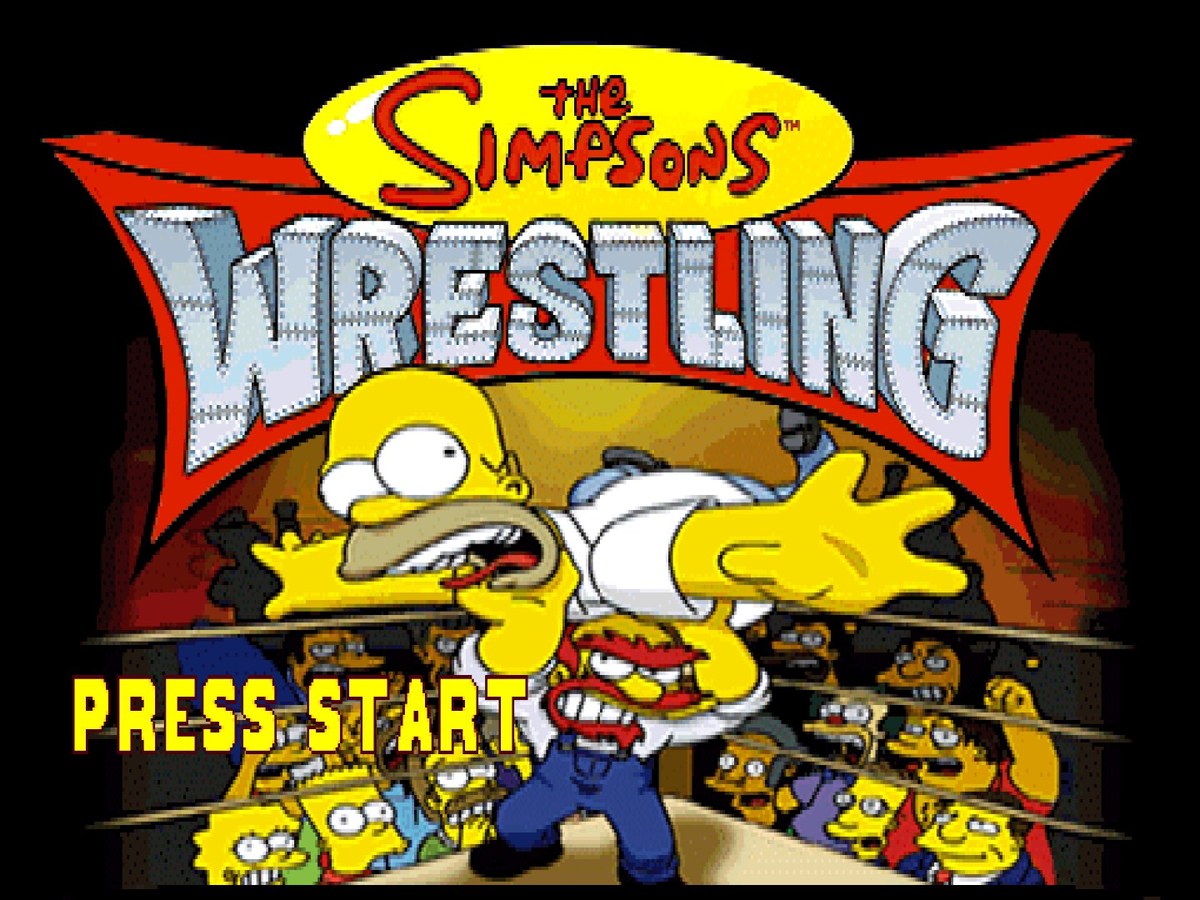 | 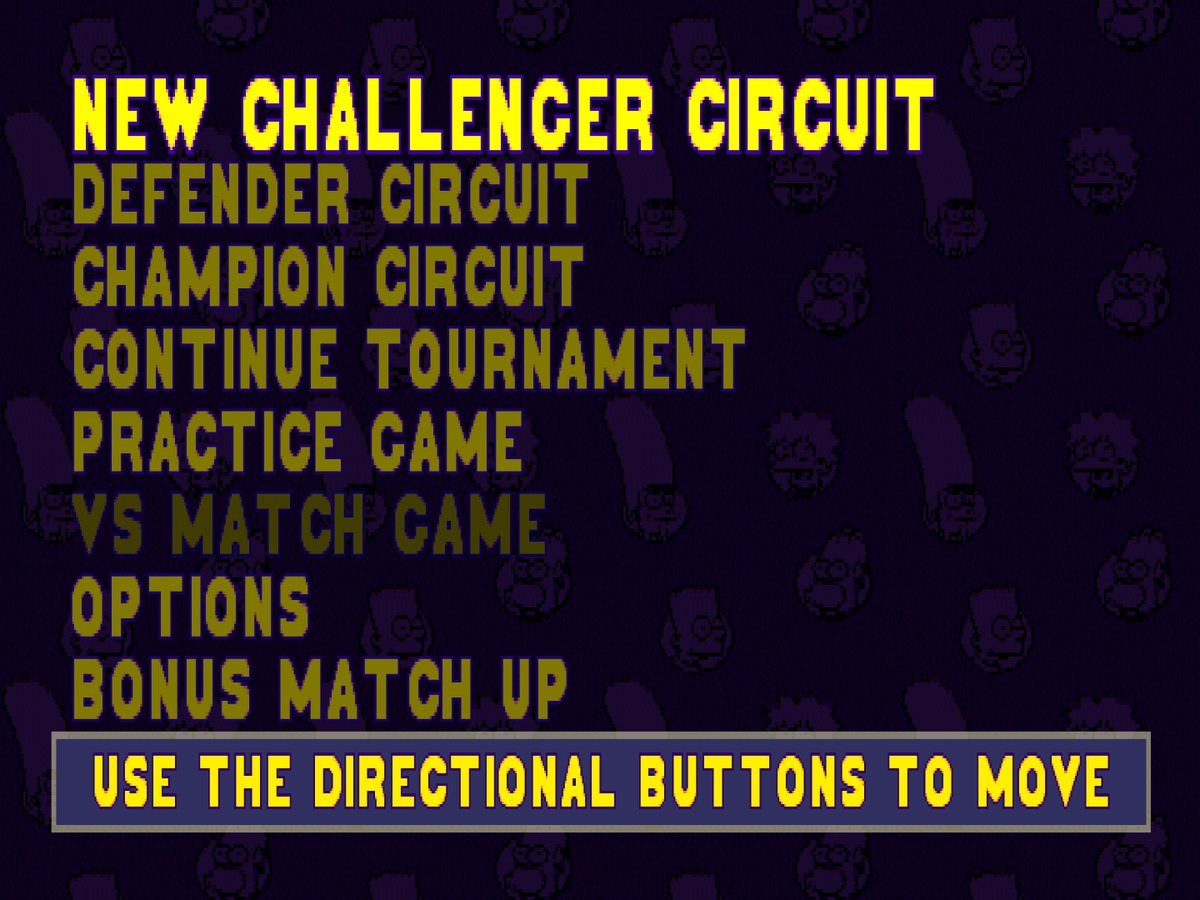 |
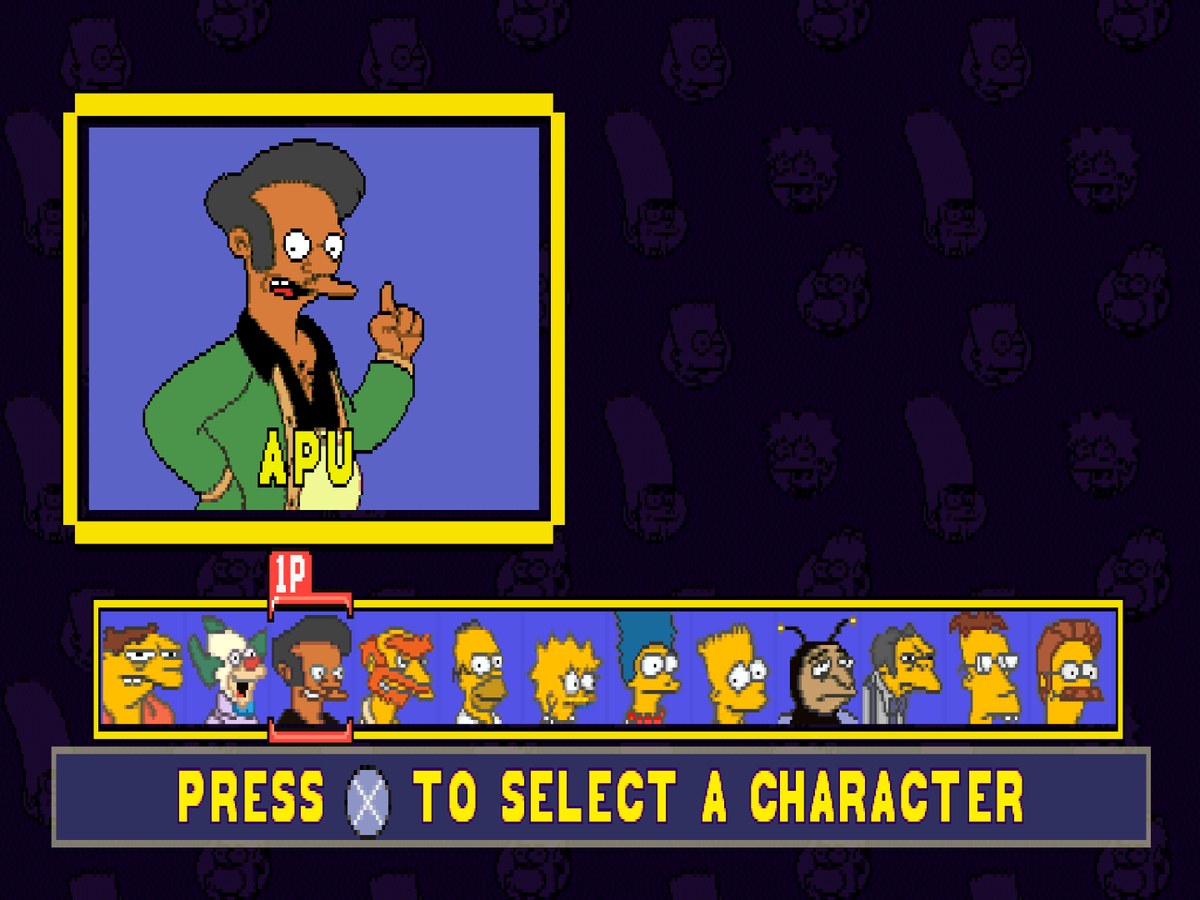 |  |
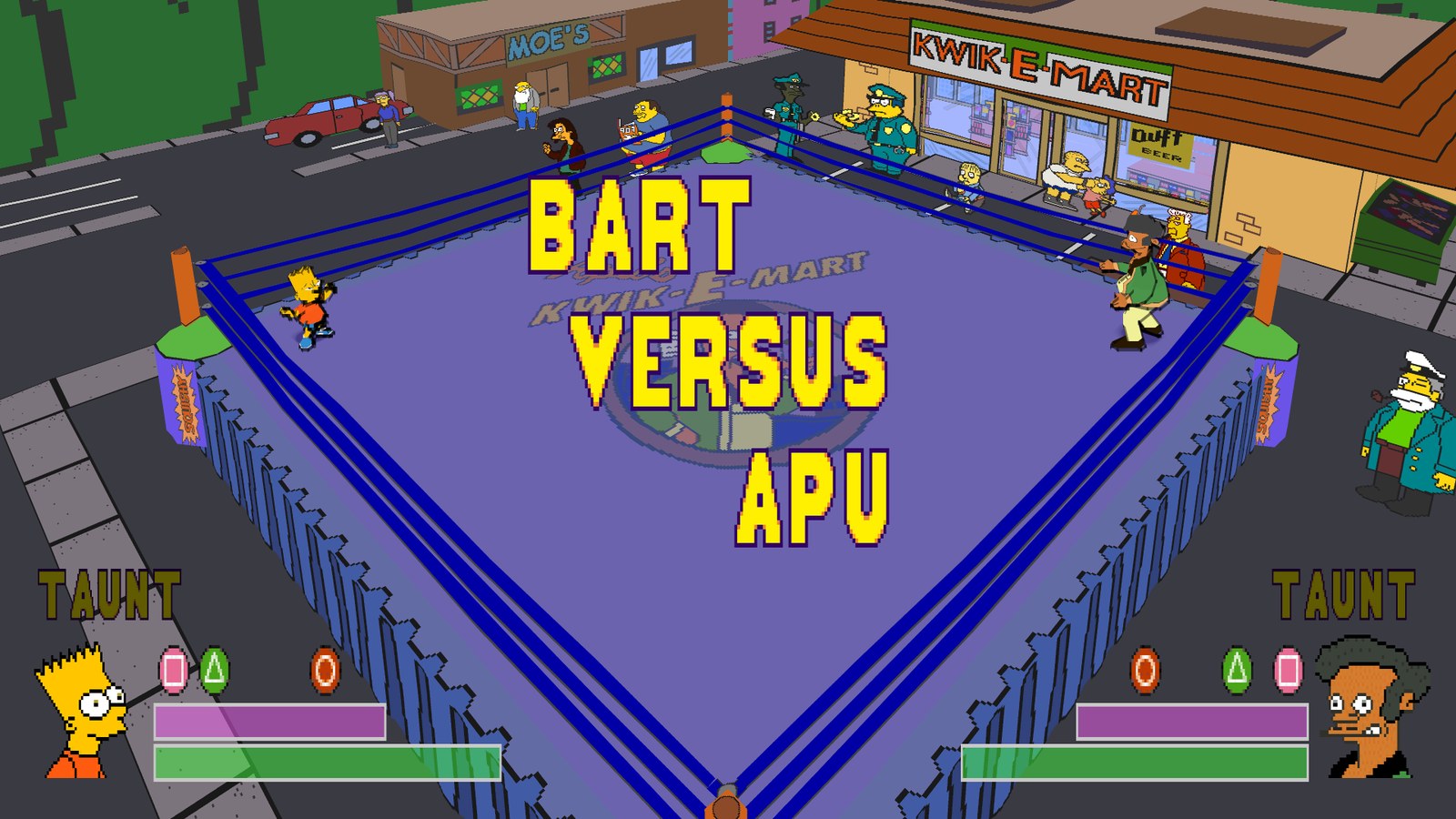 | 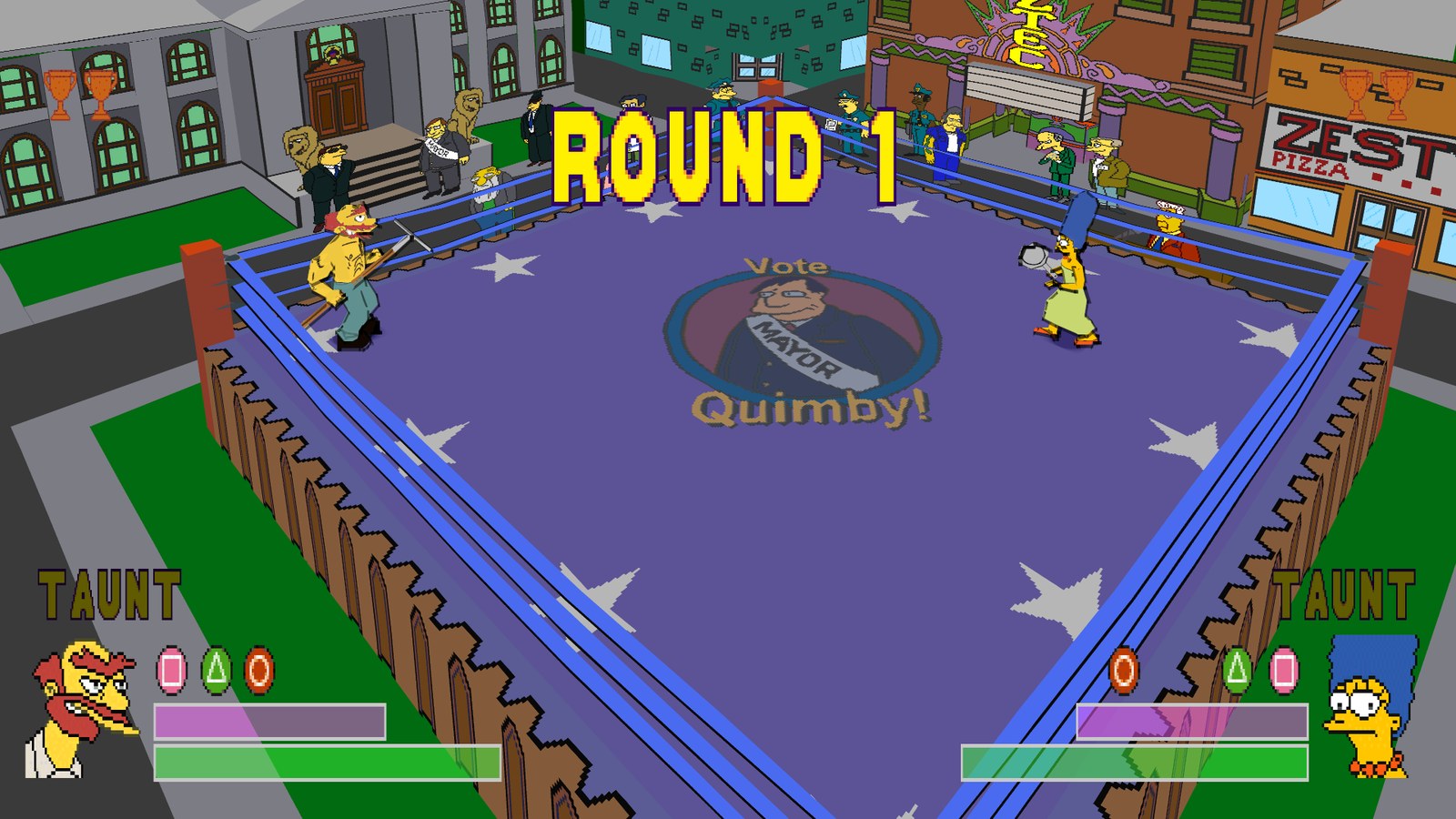 |
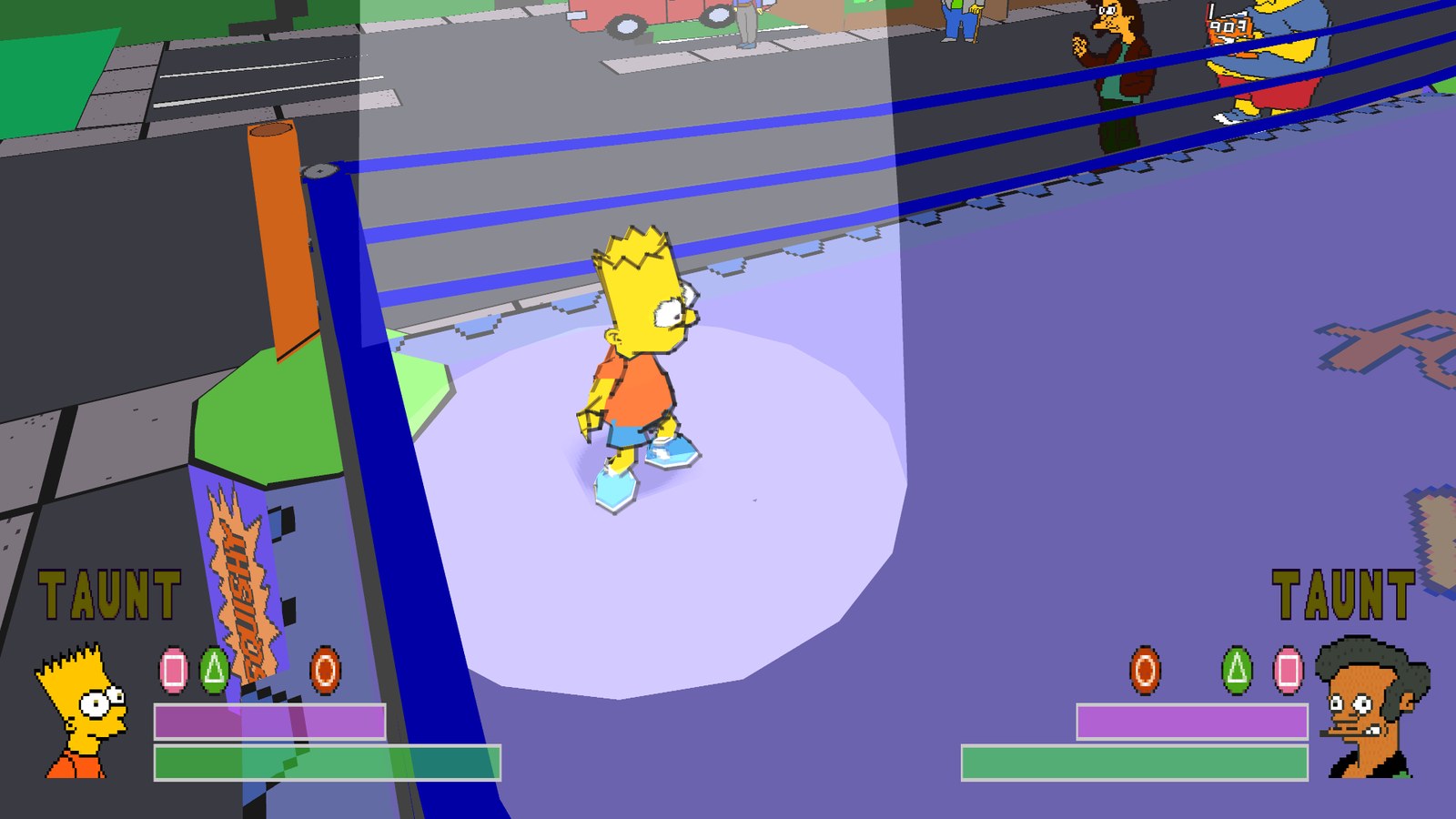 | 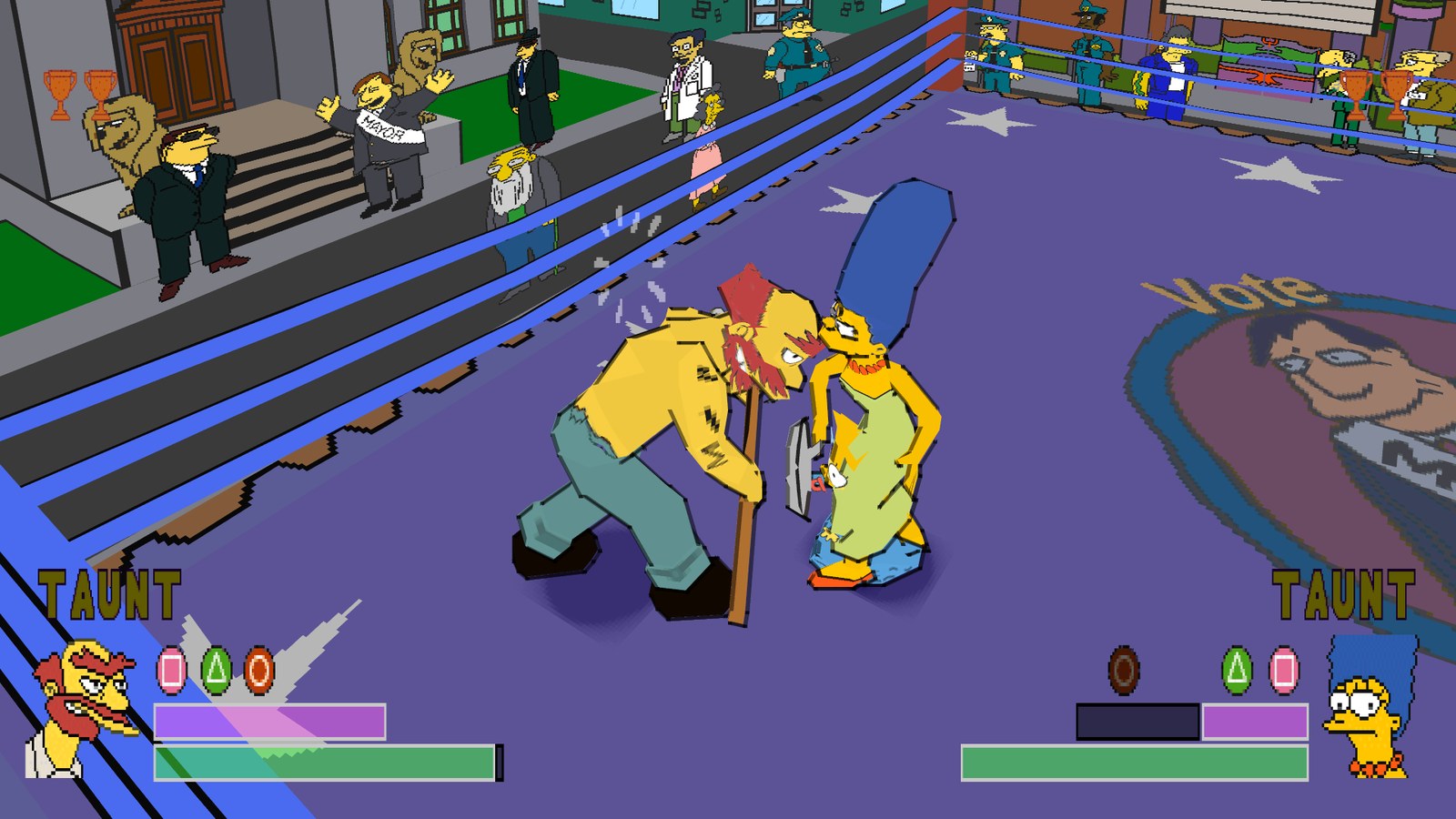 |
PlayStation vs PC port
| PlayStation | PC port | |
|---|---|---|
| Resolution | 240p | up to 7680 x 4320, or your screen's own |
| Aspect | 4:3 | 16:9 in matches |
| Frame rate | 20 to 30 fps in matches | 60 fps at the original game speed (120 experimental) |
| Geometry | wobbly polygons | stable |
| Anti-aliasing | none | supersampling and smooth outlines |
| Loading | CD speed | fast loading |
| Intro | logos and movie | skipped (optional) |
| Wrestlers and circuits | unlocked by winning | all unlocked (optional) |
| Controls | DualShock | any controller, remapping, keyboard, two players |
| Display | TV | windowed or fullscreen, any monitor, CRT filter and scanlines |
Hotkeys
| Key | Action |
|---|---|
| Alt+Enter | fullscreen on or off |
| Numpad + / - | volume |
| Shift while starting | open the launcher |
Controls
| PlayStation | Controller (Xbox layout) | Keyboard |
|---|---|---|
| D-pad / left stick | D-pad / left stick | Arrow keys |
| Cross | A | X |
| Circle | B | S |
| Square | X | Z |
| Triangle | Y | A |
| L1 / R1 | LB / RB | Q / W |
| L2 / R2 | LT / RT | E / R |
| Start | Menu | Enter |
| Select | View | Right Shift |
Change any of them on the launcher's Controls page. With Automatic (the default), player 1 uses a controller as soon as it is switched on, and the keyboard works as well. For a VS match, switch on the second controller before pressing PLAY, or play player 2 on the keyboard against a controller.
Getting started
You need: Windows 10 or 11 (64-bit), or 64-bit Linux from 2023 or later (glibc 2.38), a graphics card with OpenGL 3.3, and your own disc image of The Simpsons Wrestling for the PlayStation, North American release (SLUS-01227), as a .cue file with its .bin.
- Download SimpsonsWrestling-v...-windows-x64.zip from the latest release and unzip it anywhere.
- Run SimpsonsWrestling.exe, the only program in the folder. The launcher opens. (The game itself, your settings and your saves live in the
gamefolder next to it.) - On the Game page click Browse for the .cue file... and pick your disc image, or drop the
.cueonto the window. The launcher checks that it is the right disc. The.binmust sit next to the.cue. - Press PLAY.
Linux: download SimpsonsWrestling-v...-linux-x86_64.AppImage instead, make it executable (right-click > Properties > Permissions, or chmod +x) and run it. Pick your disc the same way. The program, your settings and your saves go into a SimpsonsWrestling-data folder next to the AppImage; a newer AppImage keeps your settings and saves.
Updates: when the launcher opens it checks this repository's releases and offers new versions (About page: Updates). Your settings and saves are kept. On Linux the update replaces the AppImage.
Windows may warn that the program is from an unknown publisher (it is not code-signed). Choose More info, then Run anyway.
No game files are included. The download is only the port: the game itself comes from your own disc image.
Good to know
- Saves are memory card files in the
game\savesfolder (About > Open save folder). Copy that folder to keep your progress. - Vibration: the game's own Options menu starts with Vibration off. Turn it on there; the launcher's Controls page sets the strength.
- Settings live in the
gamefolder:launcher.txt(the launcher),settings.toml(picture and sound),input.ini(controller) andkeybinds.ini(keyboard). - Performance: if a match runs below full speed, lower the render resolution on the Graphics page. The game keeps its normal speed either way; when the PC is busy the frame rate drops first.
- 120 FPS is experimental. It needs a 120 Hz screen and a fast CPU, works best at low render resolutions, and you may see some flicker. 60 FPS is recommended.
Known issues
- Pausing a match in widescreen puts the TAUNT labels back at their 4:3 positions and darkens only the middle 4:3 area until you unpause.
- 120 FPS (experimental): the ring spotlight can flicker, and on most PCs only some frames get an in-between image, so motion is not perfectly even.
- The Linux AppImage has been tested under WSL, not yet on a native Linux install or a Steam Deck.
Found something else? Please open an issue with what happened, where, and your launcher settings.
Building it yourself (for developers)
You need your own disc image: the build translates the game's code from it. The repository holds no game code; generated/ is created on your machine and ignored by git.
python psxrecomp\psxrecomp_cli.py generate --config game.toml --project-root . --disc "path\to\Simpsons Wrestling, The (USA).cue"
build.bat                 :: the game (clang-cl, ThinLTO, PGO)
build-launcher.bat        :: the launcher
powershell -File packaging\package_windows.ps1   :: optional: the release zip in dist\
For Linux, run ./build_linux.sh and then packaging/build_appimage.sh in Linux or WSL. How the port works, the measurements behind it and the full build notes are in docs/TECHNICAL.md.
Credits
- The Simpsons Wrestling by Big Ape Productions, published by Fox Interactive and Activision in 2001.
- psxrecomp and its contributors, which translate the PlayStation code and run it.
- The TRG Launcher.
- Cheat-code research for the NTSC-U unlock flags: the CodeBreaker code lists at almarsguides.com.
[!NOTE] AI disclosure: this port was made almost entirely with Claude Code (Anthropic). The repository owner directed and tested the work; the AI did the analysis, code, tools and documentation.
[!IMPORTANT] This project is not affiliated with or endorsed by Fox Interactive, Activision, Big Ape Productions, Gracie Films or 20th Television. The Simpsons is a trademark of its respective owners. It contains no game code or assets. Do not open issues asking for game files.