OpenTT
OpenTT is a reimplementation of the ThinkTanks engine for Windows, Linux, and macOS, featuring modern rendering and network play.
- Type: PC port
- Game: ThinkTanks
- Runs on Windows, Linux and macOS
- By okkindel
- Latest release v0.4.3, 2026-10-24
- Source: https://github.com/okkindel/OpenTT
README
OpenTT
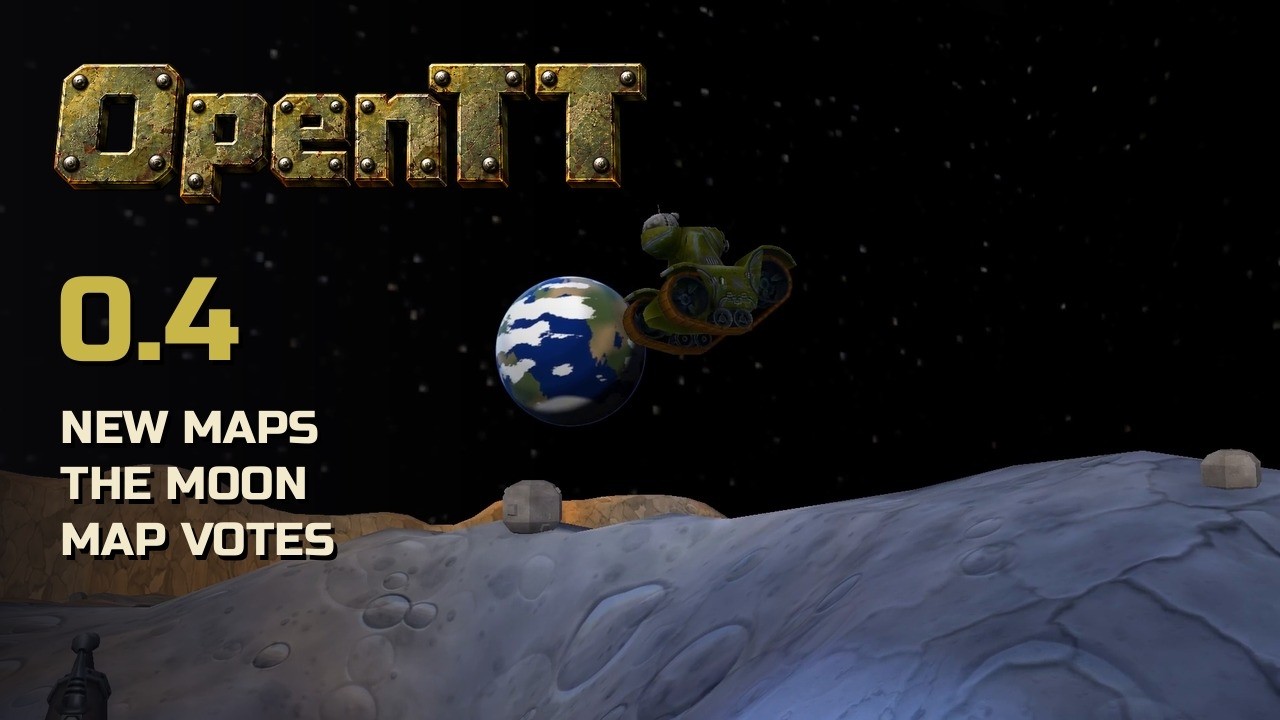
OpenTT 0.4: new maps, the Moon and map votes. Watch the trailer on YouTube (the first trailer).
OpenTT is an open-source reimplementation of the engine of ThinkTanks, the 2003 tank arena game, written in Rust (wgpu, winit, egui). It plays solo campaigns, bot matches and network games (LAN and internet, with an optional master server) with modern rendering and menus.
OpenTT does not include the game's content. Models, textures, sounds, music and missions are read from a copy of ThinkTanks that you own: on its first start OpenTT asks for your ThinkTanks folder and builds its asset directory from it. This repository only holds the code and a few assets made for OpenTT (five new maps, among them a new world on the Moon, a power-up test arena, the Mortar rocket model, the announcer lines of the new power-ups and the Readable Pads mod).
Talk about OpenTT, find games and report problems on the community Discord server (the Discord button in the main menu opens it).
Download and install
Packages for Linux, Windows and macOS are attached to each release on https://github.com/okkindel/OpenTT/releases. After installing, start OpenTT and point it at your ThinkTanks folder (see "Import the game data" below).
-
Linux
- Debian, Ubuntu and derivatives:
sudo apt install ./opentt-<version>-linux-x86_64.deb; OpenTT appears in the application menu,opentton the command line. - Any distribution: the
.AppImage:chmod +x opentt-<version>-linux-x86_64.AppImageand run it. - Portable: unpack
opentt-<version>-linux-x86_64.tar.gzand runopenttin it.
OpenTT needs a Vulkan driver (Mesa or the GPU vendor's; OpenGL/EGL works as a fallback), X11 or Wayland, and ALSA (or PipeWire/PulseAudio with their ALSA plugin) for sound.
- Debian, Ubuntu and derivatives:
-
Windows (10 or later, 64-bit): unpack
opentt-<version>-windows-x86_64.zipanywhere and runopenttin it. Windows SmartScreen may warn about an unknown publisher: "More info" → "Run anyway". -
macOS (11 or later, Apple silicon and Intel): open
opentt-<version>-macos-universal.dmgand drag OpenTT to Applications. The app is not signed with an Apple developer certificate, so macOS blocks the first start: open it from Finder with right-click → Open, or allow it in System Settings → Privacy & Security → "Open Anyway"; or runxattr -dr com.apple.quarantine /Applications/OpenTT.app.
Every package includes LICENSE, NOTICE and the font licences.
Build
You need a Rust toolchain (stable, https://rustup.rs) and the system libraries of winit/wgpu (on Linux: a Vulkan or OpenGL driver, X11 or Wayland, ALSA for sound).
cargo build --release
Packages
packaging/ has the scripts that build the release packages into
target/dist/ (the .tar.gz, .deb and AppImage on Linux, the .zip on
Windows or cross-built from Linux, the .dmg on macOS);
packaging/README.md lists what each one needs. A tag v<version> runs
them on GitHub Actions (.github/workflows/release.yml) and publishes a
release with the packages; ci.yml builds and tests every push and pull
request on Linux, Windows and macOS.
Import the game data
Which folder?
- You need ThinkTanks for Windows, installed.
- On Linux or macOS, install it with Wine (
wine Setup.exe, or whatever the installer is called). - Choose the folder that contains the
gamefolder (e.g. WindowsC:\Program Files (x86)\BraveTree\ThinkTanks; Wine~/.wine/drive_c/Program Files (x86)/BraveTree/ThinkTanks), not the installer.
Start the game: without the game data it shows "Locate your ThinkTanks
installation". Choose the folder ThinkTanks is installed in (the one
with the game's game/ folder) and press Import. OpenTT converts the
files into gamedata/ (next to the executable when that folder is
writable, else in your user data folder, ~/.local/share/opentt;
in a source checkout, the checkout's gamedata/, ignored by git) and
starts. Nothing is downloaded or uploaded and nothing of your install is
changed. Afterwards it shows what it imported; the full report is in
logs/import.log of the user data folder. Settings → Game data imports
again; after an update OpenTT does so by itself (Cancel keeps the old data).
Without a window:
cargo run --release -p tt-engine -- --import "/path/to/ThinkTanks"
cargo run --release -p tt-import -- --game "/path/to/ThinkTanks" --out gamedata   # the importer alone
Options and details: docs/import.md, docs/layout.md.
Run
cargo run --release -p tt-engine -- --windowed
The binary is opentt (target/release/opentt); opentt --help lists the
options (--assets DIR, --data DIR, --no-sound, --dedicated,
--connect HOST[:PORT], ...). A master server for internet play:
cargo run --release -p tt-master.
Dedicated server (no window)
opentt --dedicated runs a server without a window, graphics or sound:
opentt --dedicated --mission tt2_3 --port 28000
- It needs the game data like the game does: import it once on the server
machine from a copy of your ThinkTanks folder (no window needed):
tt-import --game "/path/to/ThinkTanks" --out gamedata. - Console on stdin:
status,say TEXT,kick PLAYER,ban PLAYER,map tt3_1(change the map),quit,set KEY VALUE/get KEYfor the settings (set server.max_players 8,get server.*),help. --data DIRkeeps the server's settings and bans in their own folder;--net-statsprints ping, loss and traffic per player every 5 s.- Internet: the server's UDP port (28000 by default) must be reachable:
forward it on the router, or
--port-mappingasks the router (UPnP / NAT-PMP).--master-server HOST[:PORT]lists it on a master server. - Players join a server whose version has the same first two numbers (0.4.0 and 0.4.1 play together; 0.5.x does not): patch releases never change the game itself, so a server needs updating only for a new minor version.
- All the options, settings and versions: docs/server.md.
Master server (server list for internet games)
A master server lists the internet games and helps players reach hosts behind NAT. Run one anywhere with a public IP (no window, UDP 28100 by default):
cargo run --release -p tt-master -- --port 28100 # or: opentt --master
Each release also has the master server alone (opentt-master-server-*
archives for Linux and Windows: one small binary, README.txt with its
options). It prints the time when a game server joins or leaves the list.
The game comes with a default master server, so the Internet list works
out of the box; more can be added (or the default removed) in Play →
On-line → Join → Internet → "Master servers". Hosts tick "List on the
master server" (or start a dedicated server with --master-server HOST).
Games on the LAN are found without it.
--stats-port N adds an HTTP endpoint, GET /stats, with the master's
counters and the listed games (players, bots, map); optionally behind
Basic auth. Details: docs/server.md.
Where your files live
Settings, saves, mods and the imported game data are kept per user:
| System | Mods | Imported game data |
|---|---|---|
| Linux | ~/.local/share/opentt/mods | ~/.local/share/opentt/gamedata (or next to the game, if that folder is writable) |
| Windows | %APPDATA%\opentt\mods | %APPDATA%\opentt\gamedata (Program Files is not writable) |
| macOS | ~/Library/Application Support/opentt/mods | ~/Library/Application Support/opentt/gamedata (an .app bundle is read-only) |
Settings and saves (settings.ron, players.ron, …) are in the same
opentt folder. For development, ./mods and ./gamedata next to the
executable or in the checkout are used too.
Two example mods ship with the game, listed in Options → Mods but not
enabled: Desert Camo (new tank textures) and Carpet Bombing (a data-only
Mortar change). Copy one to your mods folder as a starting point
(docs/modding.md § Example mods).
Troubleshooting
- Logs. Every run writes
logs/console.login theopenttfolder above (Windows:%APPDATA%\opentt\logs\console.log; paste%APPDATA%\opentt\logsinto the Explorer address bar). When OpenTT stops because of an error it says so in a message box and writes the details tologs/crash.lognext to it. Please attach both to a bug report. - Windows: see the output. OpenTT opens no console window. Run it
from a Command Prompt in its folder (
opentt, oropentt --help) and its messages appear there. The dedicated server opens a console of its own; from a Command Prompt start it withstart /wait opentt --dedicated ...to use that one. - Graphics. OpenTT picks a graphics backend itself (Windows: Direct3D 12,
Vulkan or OpenGL; Linux: Vulkan or OpenGL; macOS: Metal) and falls back to
any adapter that works, the software one last. If it fails to start or
draws wrongly, update the graphics driver or choose the backend with the
environment variable
WGPU_BACKEND(dx12,vulkanorgl):set WGPU_BACKEND=vulkanthenopenttin a Command Prompt (Linux and macOS:WGPU_BACKEND=gl opentt). - No sound is not an error: without an audio output device the game
runs silent;
--no-soundturns sound off.
Tests
cargo test --workspace
Tests that need the game data skip themselves (with a note) when
assets/ has not been imported. OPENTT_ASSETS=require makes a missing
import an error, OPENTT_ASSETS=skip skips those tests.
Layout
crates/: the Rust workspace (asset loaders, simulation, networking, renderer, audio, menus, the game executable, the master server).assets/: OpenTT's own files (maps, models, voice lines, credits).gamedata/: not in git; imported from your install plus OpenTT's own files (seedocs/layout.md).docs/: notes on the asset layout and the importer.
Credits
- OpenTT: okkindel and contributors.
- UI font: Chakra Petch by Cadson Demak (SIL Open Font License 1.1, see
crates/tt-gui/assets/fonts/chakra-petch/OFL.txt). - Announcer voice of the new power-ups: generated with Piper TTS, voice
en_US-norman-medium(seeNOTICE).
Licence
OpenTT's code is licensed under the GNU General Public License version 3
(LICENSE). Third-party components keep their own licences (NOTICE).
OpenTT is a fan project. It is not affiliated with, endorsed by or connected to the authors or publishers of ThinkTanks. ThinkTanks and all related names and trademarks belong to their respective owners. The game's content is not part of this repository and must not be added to it.
Plans: ROADMAP.md.