TMSRecomp
TMSRecomp is an unofficial native Windows port of Tokyo Mirage Sessions #FE Encore, made by static recompilation.
- Type: PC port
- Game: Tokyo Mirage Sessions #FE Encore
- Runs on Windows
- By godofknife
- Latest release v0.1.1-beta, 2026-11-23
- Source: https://github.com/godofknife/TMSRecomp
README
TMSRecomp
Tokyo Mirage Sessions #FE Encore, running natively on Windows.
Up to 4K and 240 fps · DLSS 4.5 / FSR 3 · VRR · one-click setup and updates · no emulator





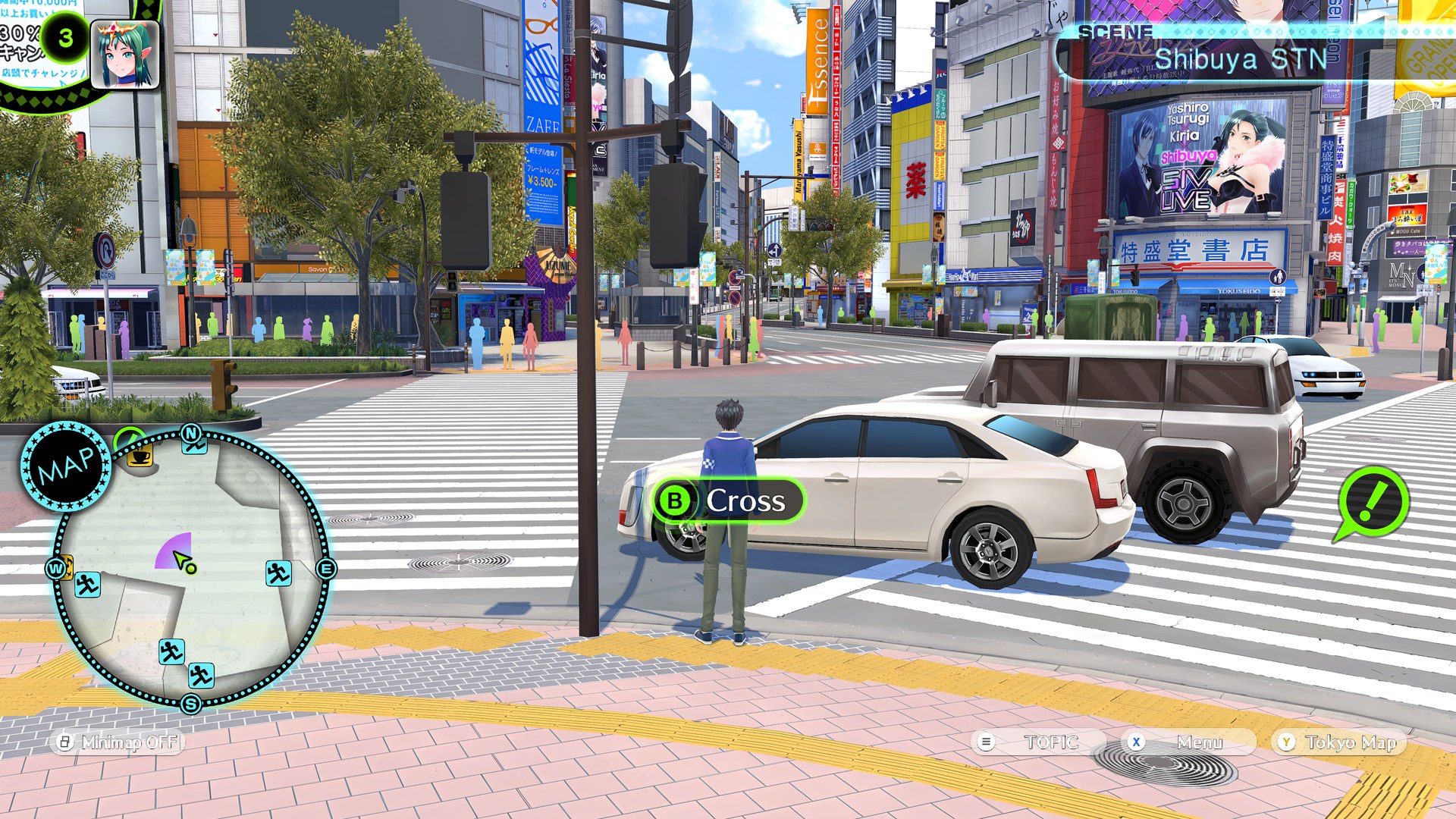
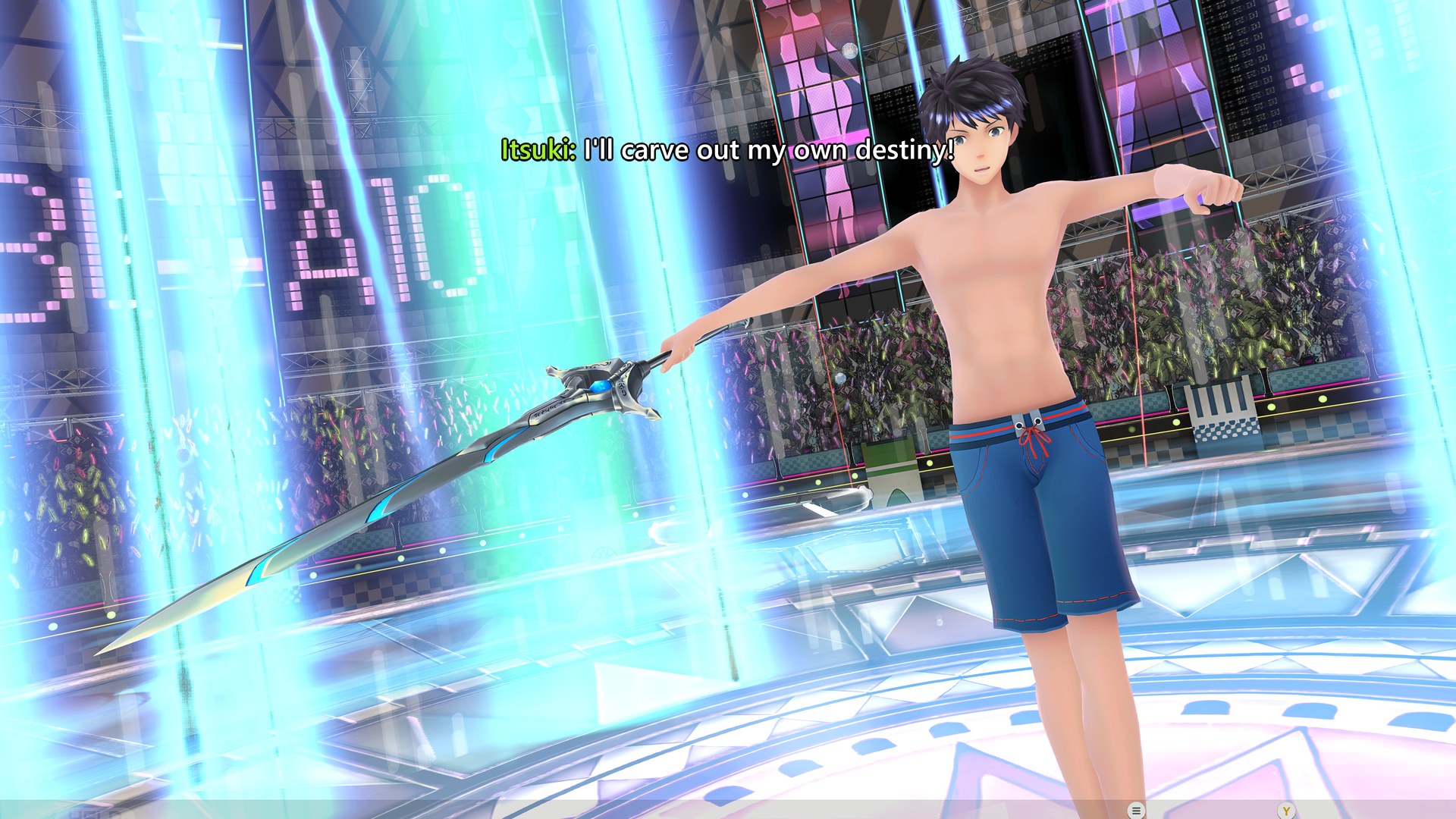
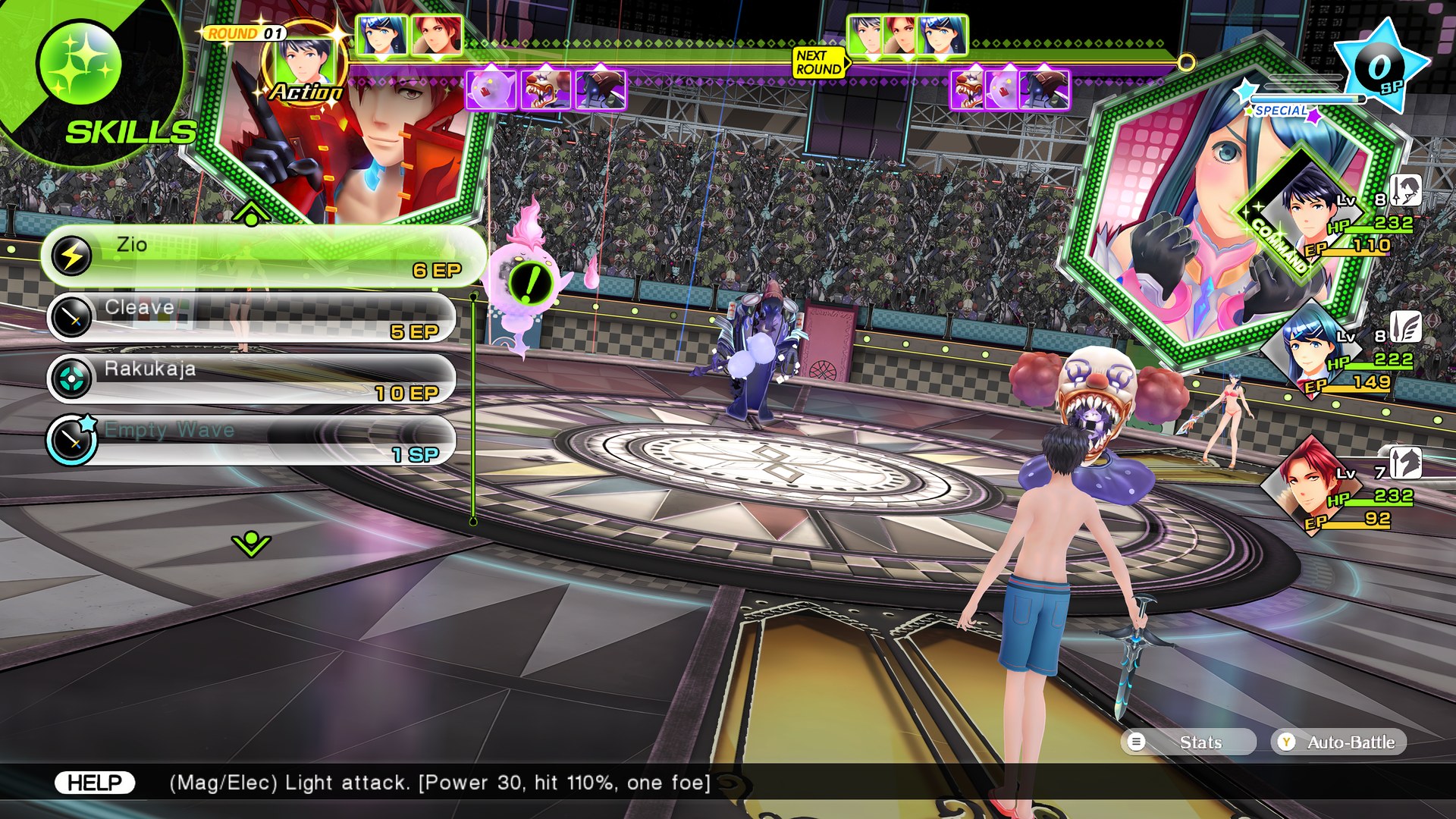
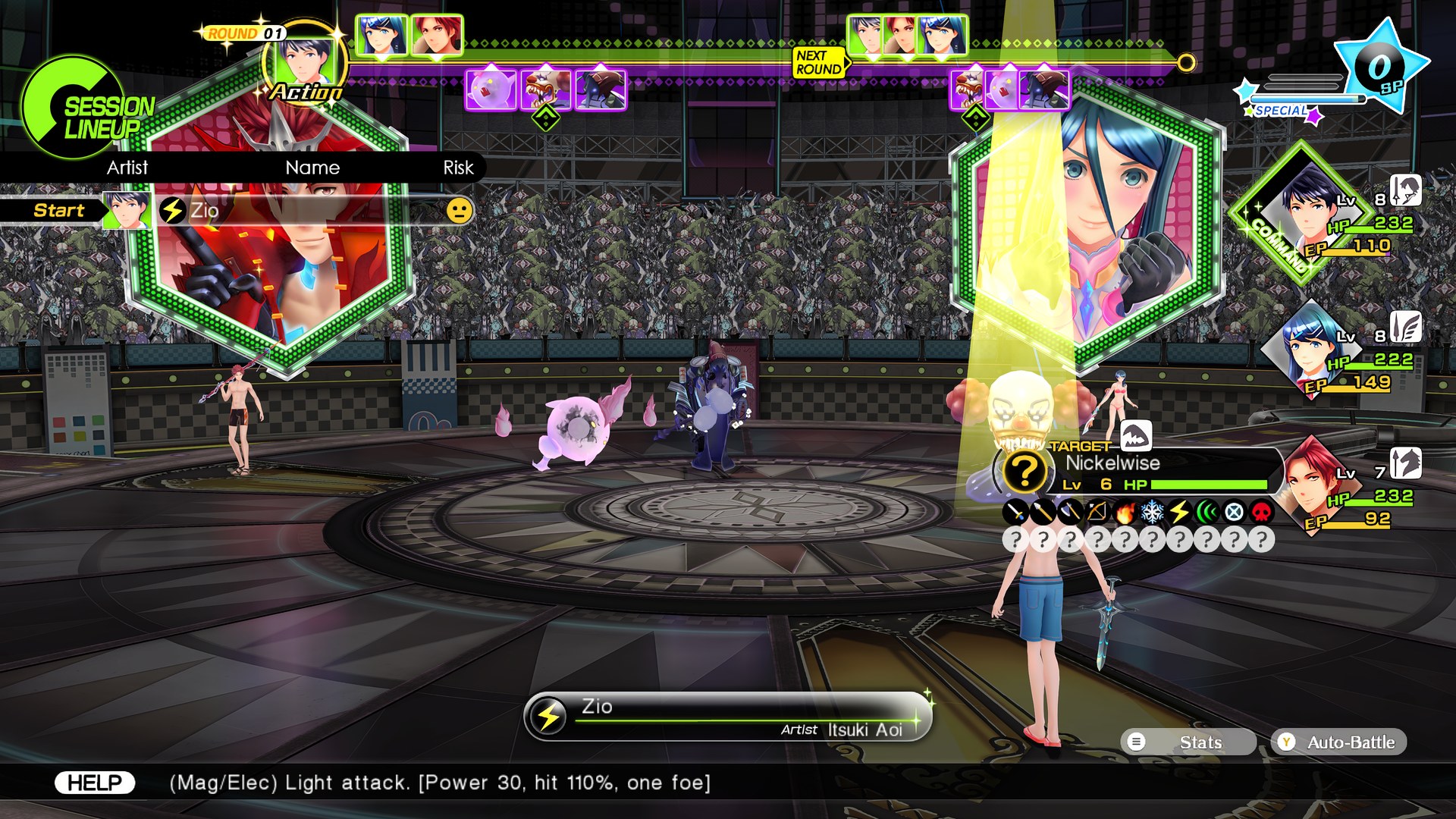
4K, DLSS, UHD textures, Xbox button prompts. Screenshots from the author's own copy.
TMSRecomp is an unofficial native Windows port of Tokyo Mirage Sessions #FE Encore (Nintendo Switch, ATLUS / Intelligent Systems, 2020), made by static recompilation: the game's 32-bit ARM code is translated to C and compiled into an ordinary Windows x64 program, and its graphics run on Vulkan. There is no emulator and no JIT (how it works).
Important
No game files are included. You need your own legally obtained copy of Tokyo Mirage Sessions #FE Encore, dumped
from your own console: the base game 1.0.0 without update (title ID 0100A9400C9C2000) and your prod.keys, or an
already extracted folder. How to dump them is not covered here, and requests for game files will be closed.
The game is built from your files on your PC, so the result contains the game. It is for your own use: do not share
game.dll or your game files folder.
Note
This project was built entirely with AI. All of the code, tooling, reverse engineering and documentation in this repository was written by an AI model (Anthropic's Claude, through Claude Code), directed, tested and reviewed by the project's owner. It is shared as is, as a fan project. As with any code from the internet, you build and run it at your own discretion.
Warning
v0.1.1 beta. It is tested until the chapter 2 Idolasphere with saving and loading, on NVIDIA RTX. Anything after that is unknown territory, as are AMD / Intel GPUs and weaker PCs: bug reports are very welcome.
TMSRecomp is not affiliated with, endorsed or sponsored by Nintendo, ATLUS, SEGA or Intelligent Systems. Tokyo Mirage Sessions #FE Encore and all related names, characters and assets are trademarks and copyrights of their owners.
At a glance
| Nintendo Switch | TMSRecomp on PC | |
|---|---|---|
| Resolution | 720p | 720p to 4K, 8K supersampling |
| Frame rate | 30 fps | 30, 60, 120, 144, 165, 240 or uncapped |
| Anti-aliasing | FXAA | FXAA, SMAA, MSAA up to 8x, AMD FSR 3, NVIDIA DLSS / DLAA (DLSS 4.5 models) |
| Upscaling | none | FSR 1, FSR 3 and DLSS Quality to Ultra Performance |
| Display | TV / handheld | borderless or window, Mailbox, VSync, VRR (G-SYNC / FreeSync) |
| Textures and movies | original | optional 4x UHD texture pack and 4K movies |
| Extras | none | battle retry, revealed maps, battle speed, multipliers, fast travel, autosave, mods and more |
| Controls | Joy-Con / Pro Controller | keyboard, Xbox, PlayStation and Switch pads with matching button prompts |
Contents
- Features
- What's new in v0.1.1
- Requirements
- Installing and playing
- Updating
- Extras: English patch, UHD textures, 4K movies, your own music
- Controls
- Settings
- Saves (and emulator saves)
- Mods
- Troubleshooting and FAQ
- Known issues
- Reporting a bug
- How it works
- Building from source
- License and credits
Features
Performance and display
- Native code, not emulation: the game's ARM code is translated to C and compiled for Windows x64, and its NVN graphics calls run on Vulkan. Built on your PC from your own dump in 5 to 15 minutes.
- Frame rate 30 (the game's own), 60, 120, 144, 165, 240 or uncapped. Game logic, animation and the camera run at the chosen rate; the game keeps its original speed.
- Internal resolution from 720p (the game's own) to 4K, and 8K supersampling; Auto picks one for your screen and GPU.
- Borderless fullscreen or window (F11 / Alt+Enter switches while playing).
- VSync modes: Mailbox (no tearing, low latency), classic VSync, VRR (G-SYNC / FreeSync: VSync plus a frame cap 3 fps under your refresh rate) and Off.
- Even frame pacing: a dedicated present thread, pipeline prewarm and a shader cache built during setup, so new areas do not stutter.
- Weak-PC defaults: integrated GPUs and cards under 4 GB of VRAM get a lighter default resolution and no UHD pack.
Image quality
- Anti-aliasing: the game's FXAA, SMAA, AMD FSR 3 (temporal, works on any GPU) or NVIDIA DLSS / DLAA (RTX GPUs, optional download from NVIDIA during setup), plus MSAA 2x / 4x / 8x.
- FSR 3 / DLSS upscaling modes: Native (DLAA), Quality, Balanced, Performance, Ultra Performance. Menus and text always stay at full resolution.
- DLSS model selection: Auto, K (transformer) or the DLSS 4.5 models M and L (DLSS 310.9).
- FSR 1 screen scaler and contrast-adaptive sharpening (Off / Low / Medium / High).
- Each post effect can be turned off: bloom, glow, depth of field, vignette, fog, outlines, character rim light.
- Optional UHD texture pack and 4K story movies / camp backgrounds (separate downloads, see Extras).
Quality of life (all optional, in the launcher and the in-game menu)
- In-game settings menu (F1 or L3 + R3) with live changes, and a Travel page: jump to shops you have visited, or open the Tokyo Map from anywhere.
- Reveal dungeon maps: each Idolasphere floor shows its whole layout on the minimap and map when you enter it.
- Retry lost battles with the battle's starting HP / EP / items.
- Overworld costume: the costume equipped for battle is also worn in town, dungeons and story scenes.
- All difficulties unlocked: Friendly and Lunatic from the start, and every difficulty (Friendly .. Lunatic) can be changed mid-game in System > Settings. See Difficulty levels for what each one changes.
- Battle speed, autosave after battles (to slot 20, your own slots are untouched), field walk speed.
- EXP, money and mastery multipliers; Sub Cast EXP; EXP level-gap penalty on/off; level-ups refill HP / EP; fallen members revive with 1 HP after a battle; carry 99 of each item; guarding recovers HP / EP.
- First strike on downed field enemies, hide field enemies, weakness / resistance icons in battle, detailed skill help.
- English subtitles for the Japanese battle voices.
- Random battle music: the game's own tracks, your own
.adxmusic folder, or both, with matching victory themes. - Button prompts for Switch, PlayStation or Xbox controllers (Auto detects your pad).
- Menus and dialogue stay at their original pace at any frame rate, with optional smoothing above 60 fps.
Launcher
- One window for setup, settings, mods, extras and updates. Quick settings on the Play page, every option on its pages.
- Setup page: pick your NSP +
prod.keys(or an extracted folder) and press SET UP. No emulator, no firmware, no internet needed. - Guide page: explains each extra and installs it from its ZIP with one click.
- Mods page: turn mods on and off without deleting them.
- One-click updates from this repository's releases (see Updating).
- Copy system info and open the last log for bug reports.
- The window icon and the Play page picture come from your own game (the NSP's icon and your title screen).
What's new in v0.1.1
- Overworld costume (new, off by default): party members wear their equipped costume outside battle too: town, dungeons and story scenes. Launcher Game page, in-game menu (F1 / L3 + R3) or System > Settings PC 4/4.
- Unlock all difficulties (new, on by default): Friendly and Lunatic can be chosen from the start, and the Settings difficulty row goes from Friendly to Lunatic at any time (the original allows Lunatic only on a new game).
- Setup: NSPs with a ticket now work. NSPs whose game data is locked with a title key (the ticket
.tikis inside the NSP) failed with a "title.keys" message; setup now uses the NSP's own ticket.title.keysis not needed. - Extras replace older versions: installing a newer uncensor patch removes the old patch mod; a new UHD / MovieHD ZIP removes the files the old pack had.
- After updating, the launcher rebuilds
game.dllonce (a few minutes): setup changed.
Requirements
- Windows 10 or 11, 64-bit.
- A GPU with Vulkan 1.3 and a current driver (NVIDIA GTX 900 series or newer, AMD RX 400 or newer, Intel Arc or recent integrated graphics). Only NVIDIA RTX has been tested so far.
- About 15 GB of free disk space (game files plus the built game). The UHD texture pack and 4K movies need more.
- Your own dump of the game: an NSP of the base game 1.0.0 and
prod.keysfrom your own Switch, or an already extracted folder withexefs\andromfs\(no keys needed then). - Nothing else: Python, the compiler and the shader translator ship inside the ZIP.
Installing and playing
- Download
TMSRecomp-<date>.zipfrom the Releases page and extract it anywhere you can write to (for exampleD:\Games\TMSRecomp, notC:\Program Files). - Run
launcher.exe. The Setup page opens. - Pick your game: NSP file… plus your
prod.keys, or Extracted folder…. Optionally tick Download NVIDIA DLSS (RTX GPUs). - Press SET UP. Setup copies the game files (about 13 GB), translates the game code, compiles it into
game.dlland translates all shaders. It takes about 5 to 15 minutes and shows its progress. - Press PLAY.
The exe is not signed, so Windows SmartScreen may warn on the first start ("More info" > "Run anyway"). Some antivirus tools look closely at a program that runs a compiler; everything stays inside the TMSRecomp folder.
Command line: tms.exe --data <folder> uses another game files folder; --set key=value overrides any setting for one
run (repeatable), for example tms.exe --set window=window --set res=1080p --set fps=60.
Updating
The launcher checks this repository for a new release each time it starts.
- When a new version is out, the launcher shows Version x.y.z is ready. What's new opens the release notes.
- Press Update, then Yes. The launcher downloads the release, replaces its program files and restarts.
- If the new version changes the game code, the Setup page rebuilds
game.dllfrom your existing game files by itself (a few minutes; your NSP is not needed again).
Your settings.ini, saves, mods, UHD textures, movies and music are never touched by an update. Check again below
the version box checks manually. You can also update by hand: extract the new ZIP over your folder and replace the files.
Extras
The launcher's Guide page explains each extra and installs it: press Install ZIP… (or Install patch…) and pick the file you downloaded.
| Extra | What it does | Where to get it |
|---|---|---|
| English patch & uncensor | English voices and uncensored outfits / art (community patches) | the patch's own page; the Guide links it |
| UHD textures | AI-upscaled textures, 4x (TMSRecomp-UHD ZIP) | link in the release notes |
| 4K movies | 4K story movies and camp menu backgrounds (TMSRecomp-MovieHD ZIP) | link in the release notes |
| Your own battle music | random battle tracks from your own .adx files (for example a Persona 5 Royal music mod) | your own files |
Installing a newer version of an extra replaces the older one: an updated patch removes the old patch mod (mods with other content stay), and a new UHD / MovieHD ZIP removes files the old pack had and the new one does not. Every extra is optional; the game works the same without them. The UHD textures can be turned off without uninstalling (launcher Graphics page or the in-game menu, after a restart).
Controls
| Action | Keyboard | Controller |
|---|---|---|
| Move | W A S D | left stick |
| Camera | arrow keys | right stick |
| A / B (confirm / back) | K or Enter / J or Backspace | A / B (Nintendo layout: right face button is A) |
| X / Y | I / U | X / Y |
| + / - | Space / Tab | + / - (Start / Select) |
| Settings menu | F1 | L3 + R3 |
| Screenshot | F12 (saved to <game files>\shots) | |
| Window / fullscreen | F11 or Alt+Enter |
In the Y menu, (-) offers Return to Title or Quit Game.
Settings
Change settings in the launcher (Save, then PLAY) or in the in-game menu (F1 / L3 + R3; most apply at once). They are
stored in settings.ini next to tms.exe as key = value; any key can also be set with the environment variable
NX_<KEY> or --set key=value.
| Key | Values | |
|---|---|---|
fps | 30, 60 (default), any number above 60, 0 = uncapped | frame rate |
res | auto (default), 720p, 1080p, 1440p, 4k, 8k | internal resolution |
window | borderless (default), window | |
present_mode | mailbox (default), fifo, vrr, immediate | VSync |
fx_fxaa | 0 off, 1 FXAA (default), 2 SMAA, 3 FSR 3, 4 DLSS | anti-aliasing |
fsr3_quality | 0 native (default), 1 Quality, 2 Balanced, 3 Performance, 4 Ultra Performance | FSR 3 / DLSS upscaling |
dlss_preset | 0 auto (default), 11 K, 13 M, 12 L | DLSS model |
msaa | 0 (default), 2, 4, 8 | not used with FSR 3 / DLSS |
upscaler | fsr1 (default), bilinear | screen scaler below your screen size |
sharpen | 0 (default) .. 100 | |
post_native | 1 (default), 0 | depth of field / bloom at the game's size (no halos) |
fx_bloom, fx_glow, fx_dof, fx_vignette, fx_fog, fx_outline, fx_char_rim | 0 turns the effect off | |
tex_pack | auto (default), 1, 0 | UHD texture pack |
pad_icons | auto (default), switch, playstation, xbox | button prompts |
walk_speed | 1.0 (default) .. 3.0 | field walk speed |
map_reveal | 0 (default), 1 | reveal dungeon maps |
field_costume | 0 (default), 1 | overworld costume |
all_difficulties | 1 (default), 0 | Friendly / Lunatic unlocked, full difficulty range in Settings |
battle_retry | 1 (default), 0 | retry lost battles |
autosave | 1 (default), 0 | save to slot 20 after battles |
exp_rate, money_rate, mastery_rate | 1 (default) and up | multipliers |
sub_exp, exp_gap, levelup_refill, ko_revive, item_max99, guard_regen, first_strike | 1 / 0 | gameplay extras |
random_battle_bgm | 0 off, 1 game tracks, 2 custom, 3 mixed | with custom_bgm_dir, custom_bgm_volume (0 .. 10) |
voice_subs | 1 (default), 0 | English battle voice subtitles |
ui_speed, ui_smooth | 60 / 1 (defaults) | menu pace and smoothing above 60 fps |
mute | 1 | sound off |
mods_disabled | folder names, comma separated | mods to leave off |
data | a folder | the game files folder |
The full list with explanations is at the top of settings.ini and in the ZIP's README.txt.
Saves
The game's own save files live unchanged in save\ inside your game files folder (system.bin, save_*.bin). Back
that folder up now and then. Autosave (on by default) writes slot 20 after battles and never touches your own slots.
Emulator saves (Ryujinx or a Yuzu-based emulator) use the same files and should load (not tested yet, please report how it goes):
- Back up the
save\folder in your game files folder. - In the emulator, right-click the game > Open User Save Directory (Ryujinx) or Open Save Data Location.
- Copy
system.binand everysave_*.binfrom there intosave\. - PLAY and pick LOAD.
A save written by an updated game (not 1.0.0) is untested.
Mods
A mod is a folder <game files>\mods\<ModName>\ (LayeredFS style); the launcher's Mods page turns each one on or off.
- Game files: put them in
mods\<ModName>\romfs\at the same path as in<game files>\romfs\(setup extracts the game there, so you can copy a file out, change it and put it in your mod). Files you do not ship come from the game. Mods shipped as xdelta patches against the game's.cpkfiles:python tools/vcdiff.py <original.cpk> <patch.xdelta> <out.cpk>. - Textures: set
tex_dump = 1and play: every texture shown is saved once to<game files>\textures\dump\<w>x<h>_<format>_<hash>.dds. Edit one, keep the_<hash>at the end of the name, and put it inmods\<ModName>\textures\(subfolders are fine). Any size works; DDS in BC1-BC7 or RGBA8 with mipmaps (texconv -m 0). Mod textures win over the UHD pack. - Several mods: for the same file or texture, the mod whose folder name sorts first wins.
nx.loglists each mod at start (fs: mod <name> on,textures: mod <name>: N). Restart the game after a change.
Difficulty levels
What each difficulty changes, read from the game's code (battle setup and damage formula):
| Difficulty | Damage you deal | Damage you take | Money | Escape base chance |
|---|---|---|---|---|
| Friendly | ×1.5 | ×0.5 | ×1.25 | 50% |
| Easy | ×1.25 | ×0.8 | ×1.25 | 50% |
| Normal | ×1.0 | ×1.0 | ×1.0 | 30% |
| Hard | ×0.8 | ×1.25 | ×1.0 | 1% |
| Lunatic | ×0.5 | ×1.5 | ×1.0 | 1% |
Hard and Lunatic also change ailment hit rates; on Friendly and Easy, members below the enemy's level get +20% EXP per level instead of +10%. Enemy HP and stats are the same on every difficulty.
Troubleshooting and FAQ
- Setup fails or stops. The Setup page shows the step and the error; Open last log shows the details. Check
that the NSP is the base game 1.0.0 (not an update or DLC) and that
prod.keyscomes from your own console. A message abouttitle.keysalone is only a warning; since v0.1.1 an NSP's own ticket is used. If setup still says the NSP needs a title key, puttitle.keys(with this game's key) next toprod.keys. With an extracted folder, it must containexefs\mainandromfs\. - "The game is not set up yet, or needs a rebuild after an update." Open the Setup page; it rebuilds
game.dllfrom your existing files. - DLSS is not offered or falls back to FSR 3. DLSS needs an RTX GPU, a current NVIDIA driver and
nvngx_dlss.dllnext totms.exe(Setup page > Download NVIDIA DLSS). - Stutter the first time something appears. Pipelines are compiled once and cached in
<game files>\cache; the second time is smooth. Do not delete that folder. - Low fps. Lower the resolution, use FSR 3 / DLSS upscaling (Quality or Balanced), turn MSAA off. 60 fps is the most tested frame rate.
- Screen tearing with VRR. Turn on G-SYNC / FreeSync in your GPU driver and use VSync = VRR in the launcher.
- The game does not start / closes at once. Update your GPU driver, then send the bug report described below.
- Can I use an updated game (1.0.1+) or DLC? Not yet: the hooks use fixed addresses of the 1.0.0 build.
- Linux / Steam Deck? Not supported yet; Proton is untested.
- Where are my files? Everything (game files, saves, cache, logs, screenshots, mods) is in the game files folder chosen during setup; settings are in `settings.i