Top Spin 4 Recomp
Top Spin 4 Recomp is an unofficial Windows PC port of Top Spin 4 that recompiles the game's code to native x86-64 and uses a Vulkan renderer.
- Type: PC port
- Game: Top Spin 4
- Runs on Windows
- By shaneomac1337
- Latest release v1.0.0, 2026-11-01
- Source: https://github.com/shaneomac1337/Top-Spin-4-Recomp
README
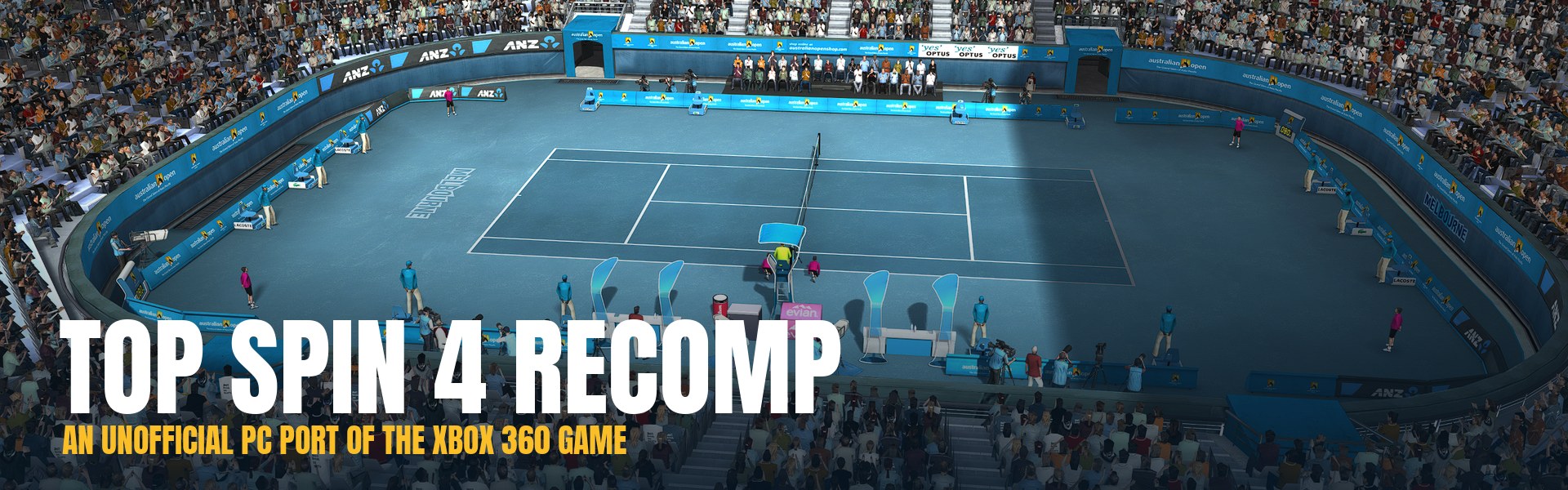
An unofficial Windows version of Top Spin 4 (Xbox 360, 2011). The game's PowerPC code is translated ahead of time to native x86-64 with ReXGlue, and a Vulkan renderer draws the game's own Direct3D 9 calls. It's not an emulator you load a disc into. The game runs as a normal Windows program, and the Launcher copies the game files from your disc image once.
This repository and its releases contain no game files. You need your own Top Spin 4 disc image and Title Update 1, both dumped from your own Xbox 360. The Launcher checks both and refuses anything else.
Download the latest release · What works · Play it · Help · FAQ · Build from source
What works
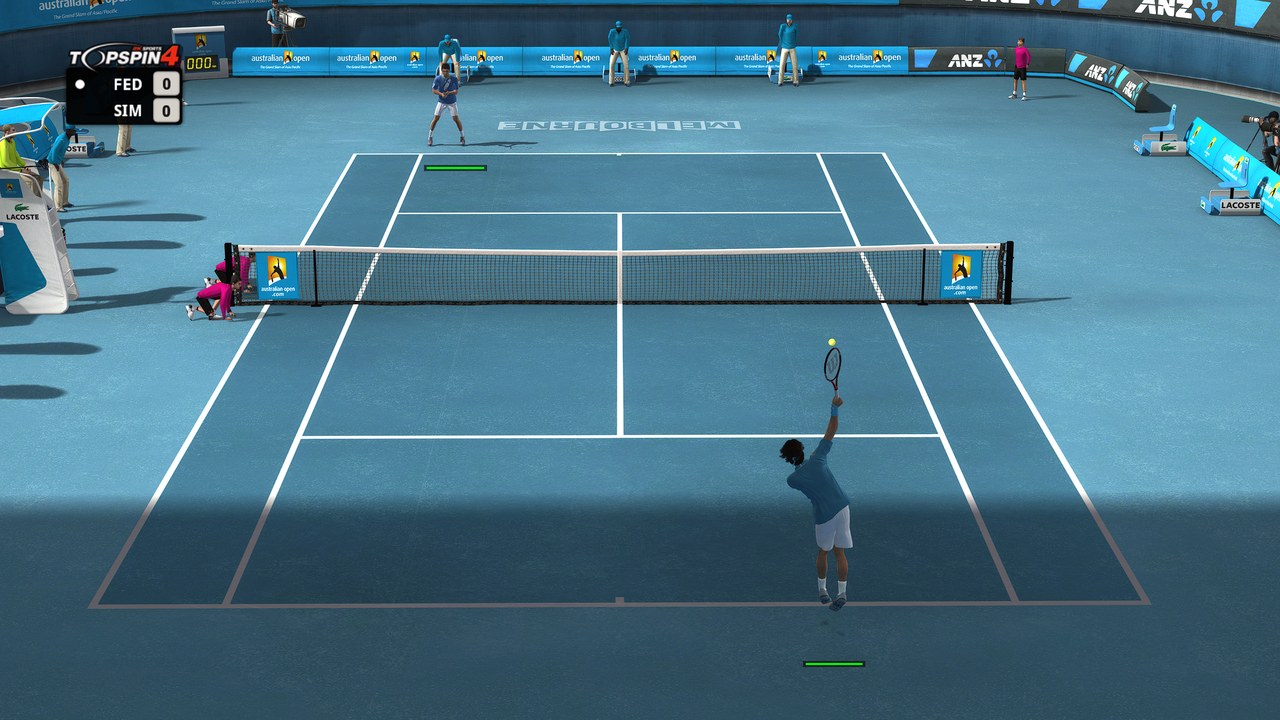
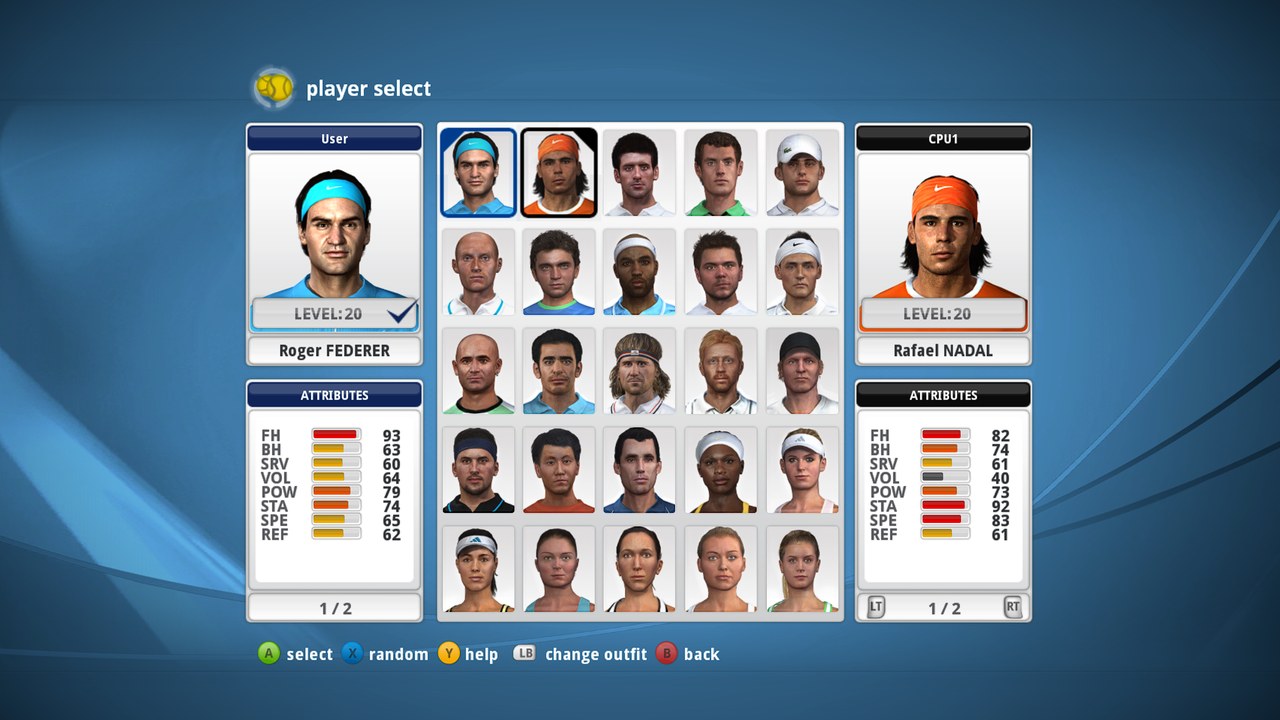
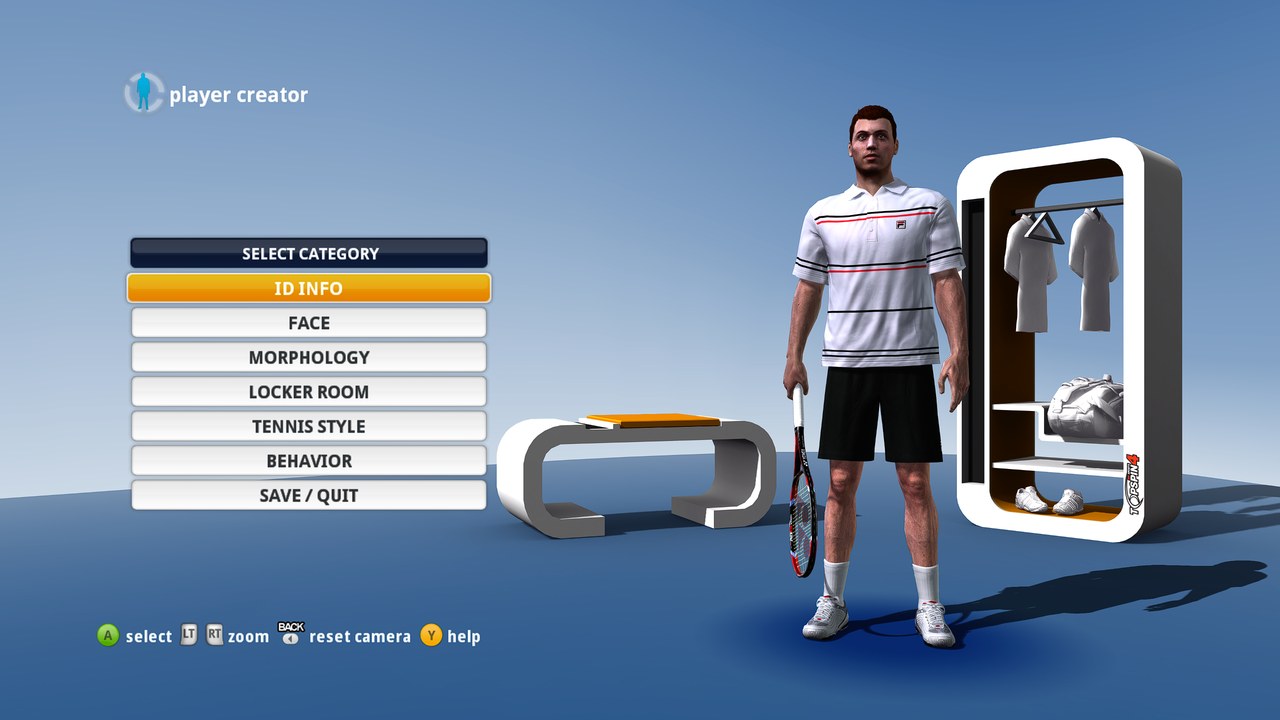
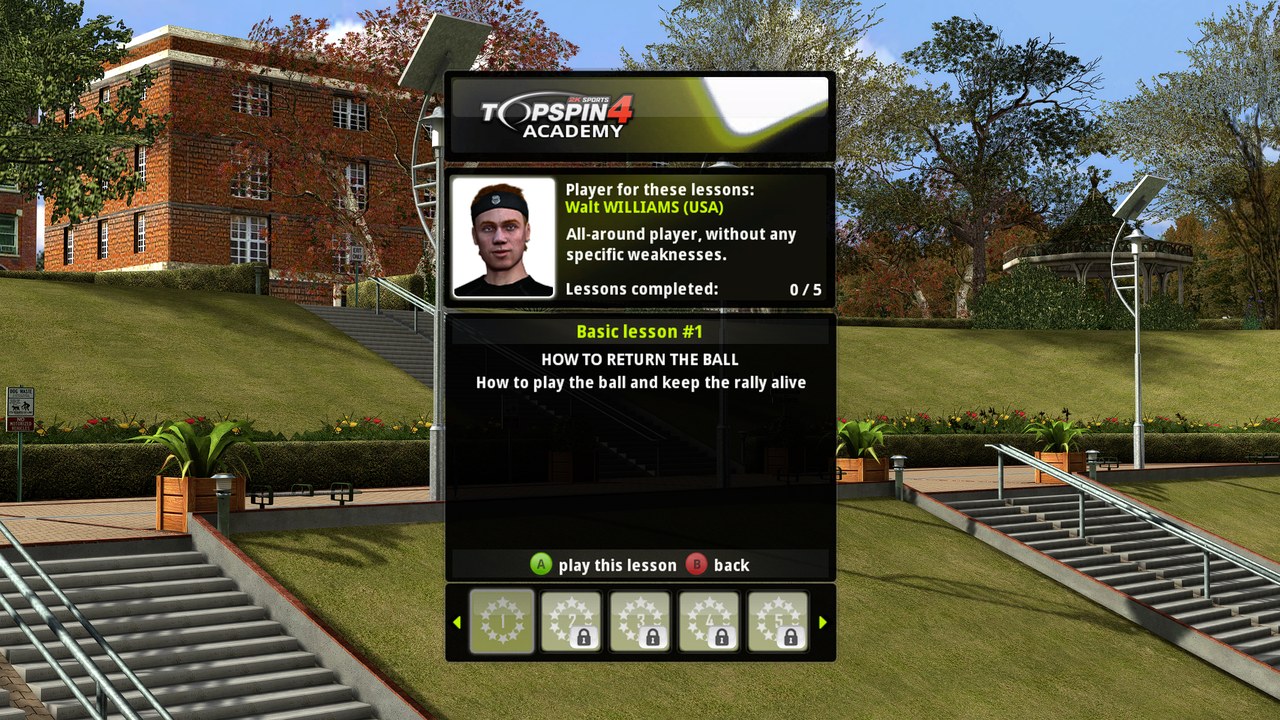
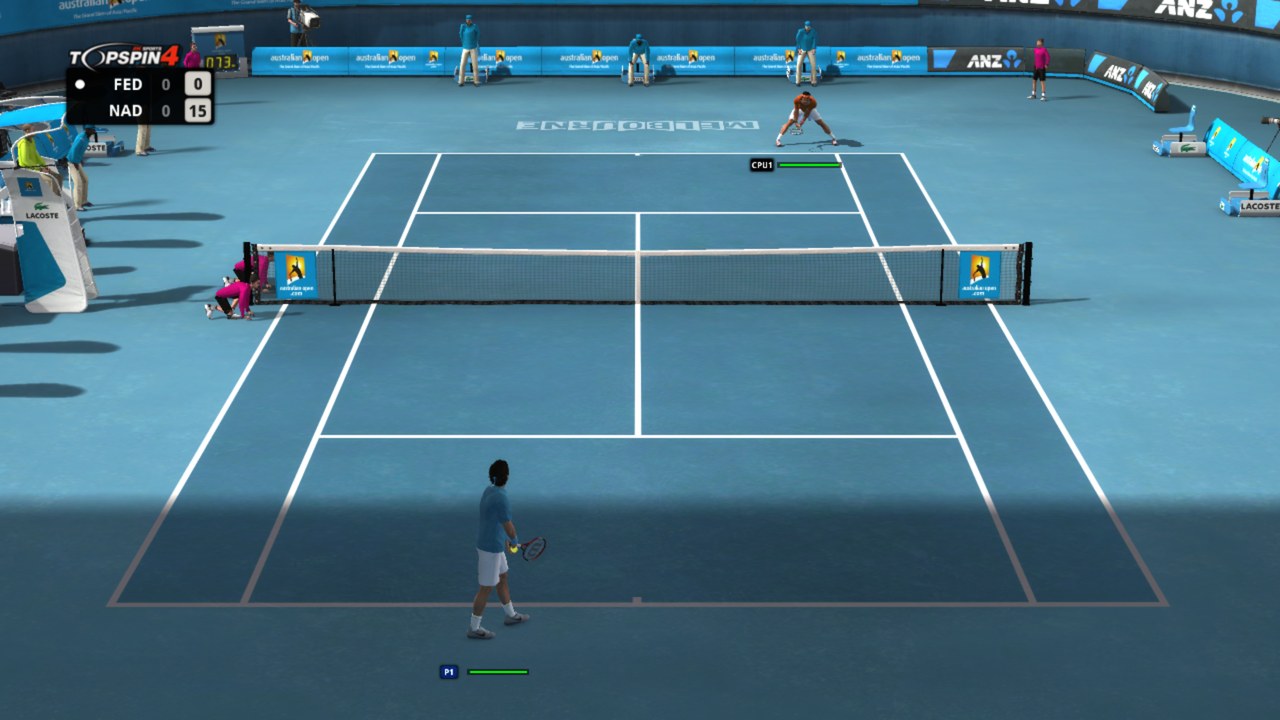
| Played and working | Exhibition singles and doubles, Career from the Player Creator on, Top Spin Academy, King of the Court, local multiplayer, saves |
| My hardware | Windows 11 with an AMD Radeon RX 7900 XT |
| Not tested yet | NVIDIA and Intel GPUs, Windows 10, Steam Deck |
| Not supported | Online multiplayer. Player Match and World Tour say they're unavailable |
It runs at the game's original 60 fps. Anything not in the table can still crash. If it does, open an issue and attach the crash report or the log.
 |  |
 |  |
Known issues
- Now and then a few shadows on a player flicker for a moment. It's mostly hard to notice, and I'll fix it in a later version.
What the PC version adds
Two renderers
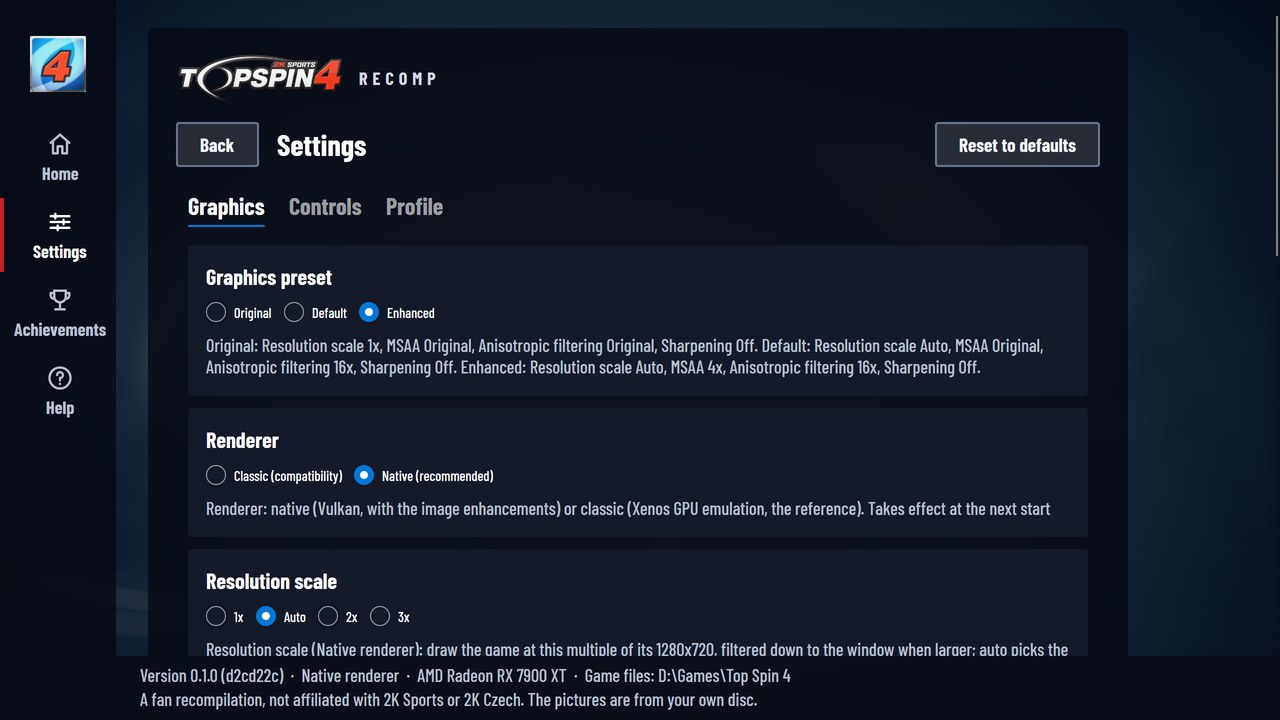
Native is the default. It draws the game's Direct3D 9 calls with Vulkan instead of emulating the Xbox 360 GPU, and it's the one the image settings need. Classic emulates the console's GPU the way Xenia does. I keep it as a fallback, and as the reference I check Native against.
Graphics presets
| Preset | What it sets |
|---|---|
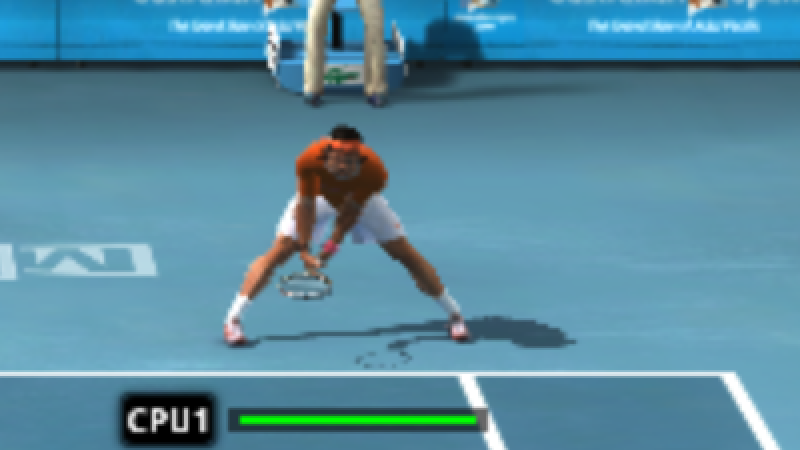
| Original | The Xbox 360 look: Classic, the console's 1280x720, its own texture filtering |
| Default | What a new install starts on: Native, Resolution scale Auto, 16x anisotropic filtering, the white flash after loading screens fixed |
| Enhanced | Default plus 4x MSAA |
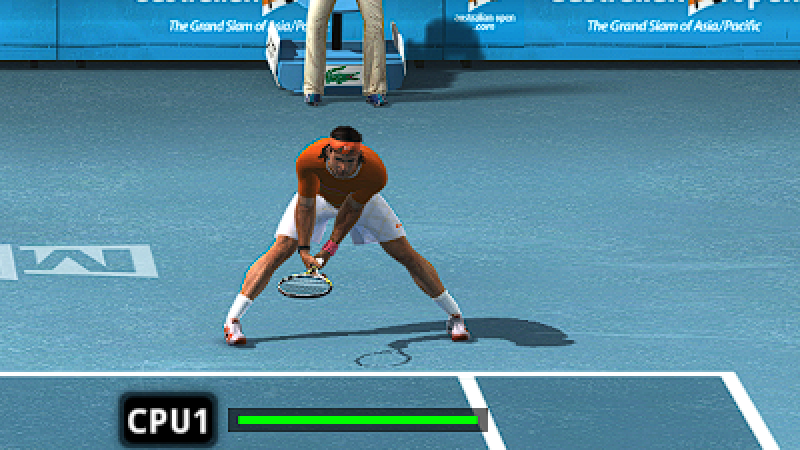
Resolution scale Auto draws the game at the smallest multiple of 1280x720 that covers your window, then filters it down to the window. You can also set each one yourself: Resolution scale 1x to 3x, MSAA up to 8x, anisotropic filtering up to 16x, and CAS sharpening.
Next to the Xbox 360
| Original (the Xbox 360's 720p) | PC, highest settings |
|---|---|
 |  |
 |  |
 |  |
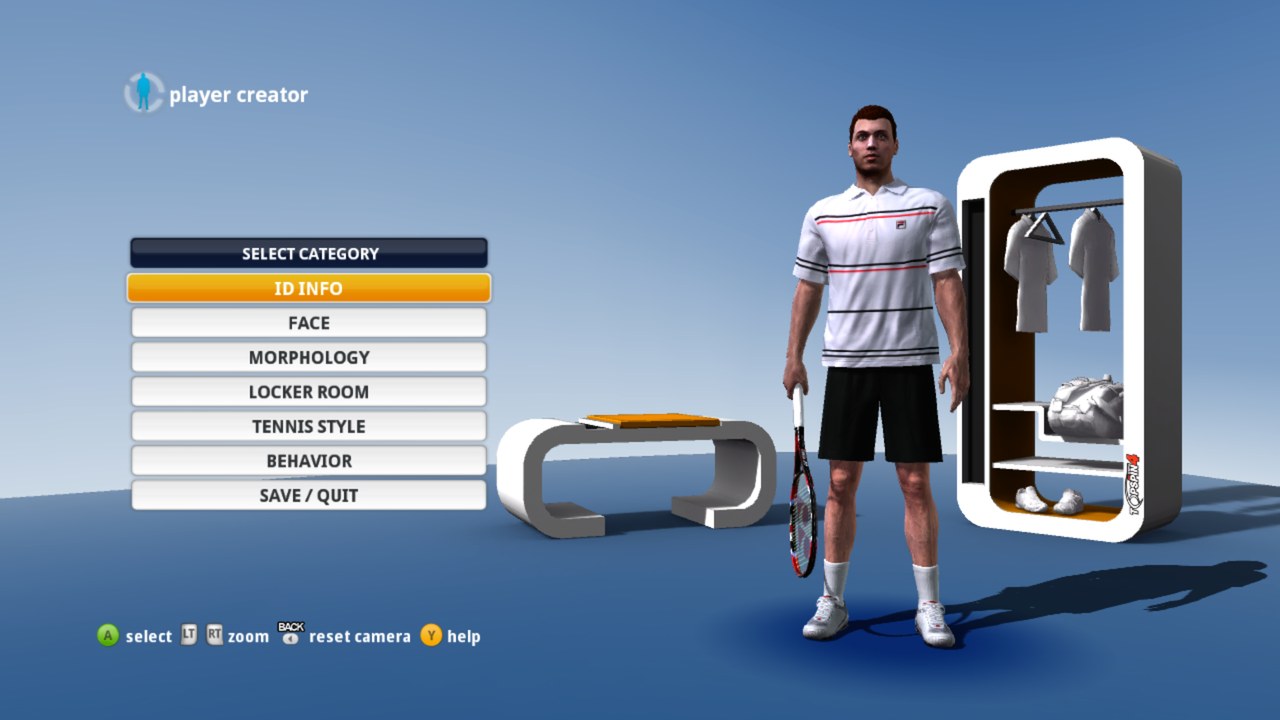 | 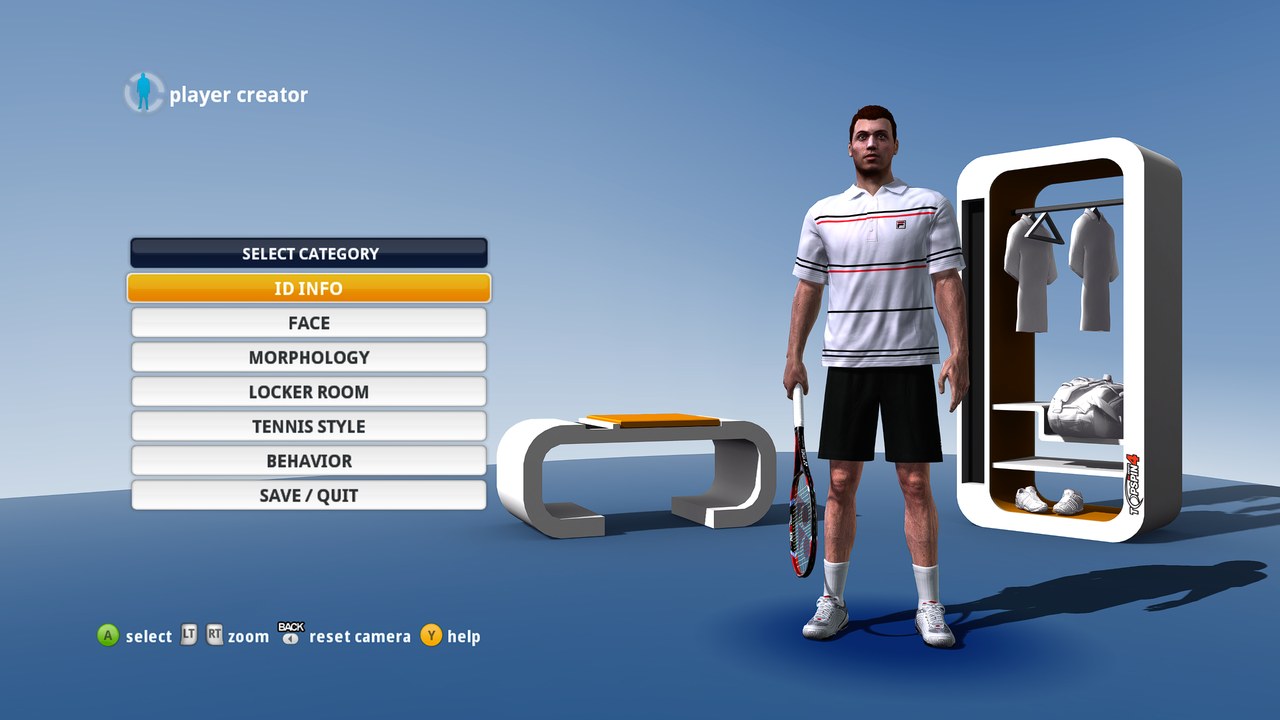 |
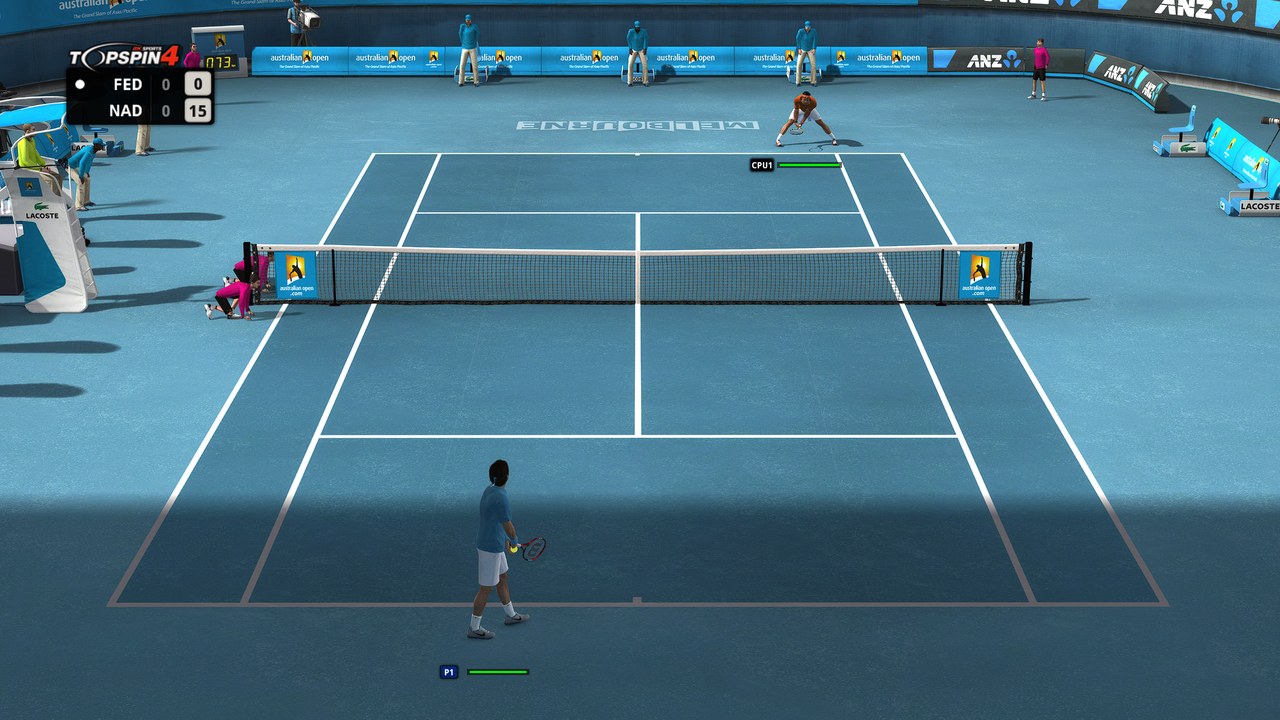
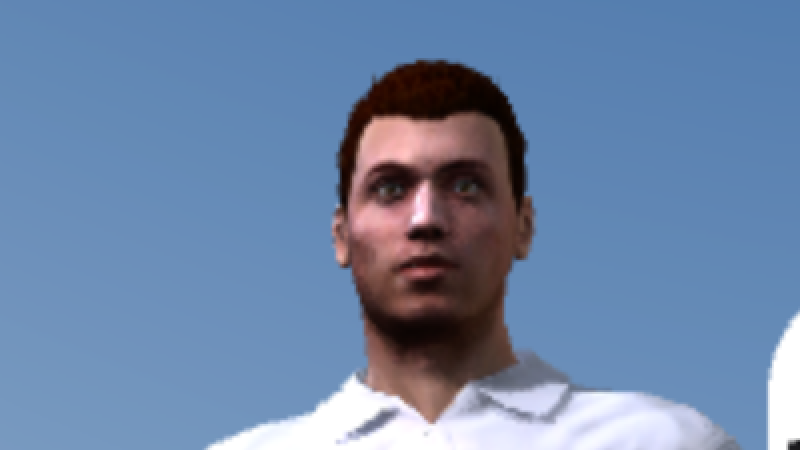
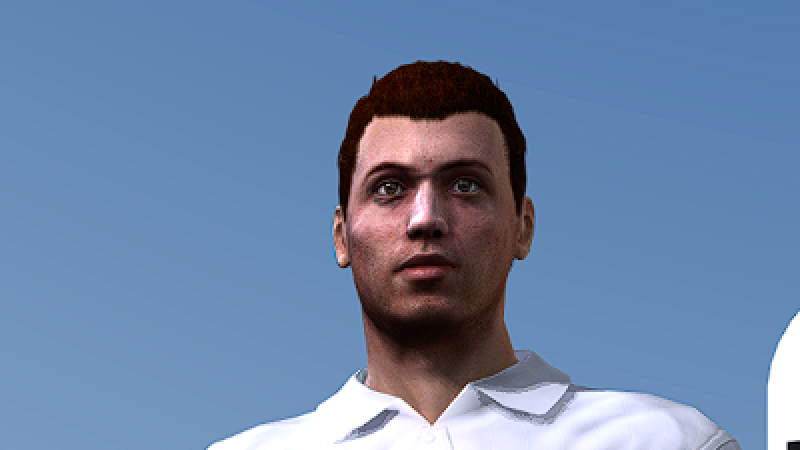
A scripted Exhibition match and the start of a Career, each played twice in a 2560x1440 window, nobody touching a controller. Original is the console's 1280x720 picture from the Classic renderer, scaled up the way a 1440p screen shows it. PC is every image setting at its highest: Resolution scale 3x filtered down to the window, 8x MSAA, 16x anisotropic filtering and CAS sharpening High. In each pair the top image is a 200 % detail of the one below, every pixel drawn as a 2x2 block.
60 fps cutscenes
On the Xbox 360 the match intro, the close-ups between points, replays and changeovers run at 30 fps. Turn on 60 fps cutscenes and they run at 60, still at their original speed. It's off by default.
Achievements
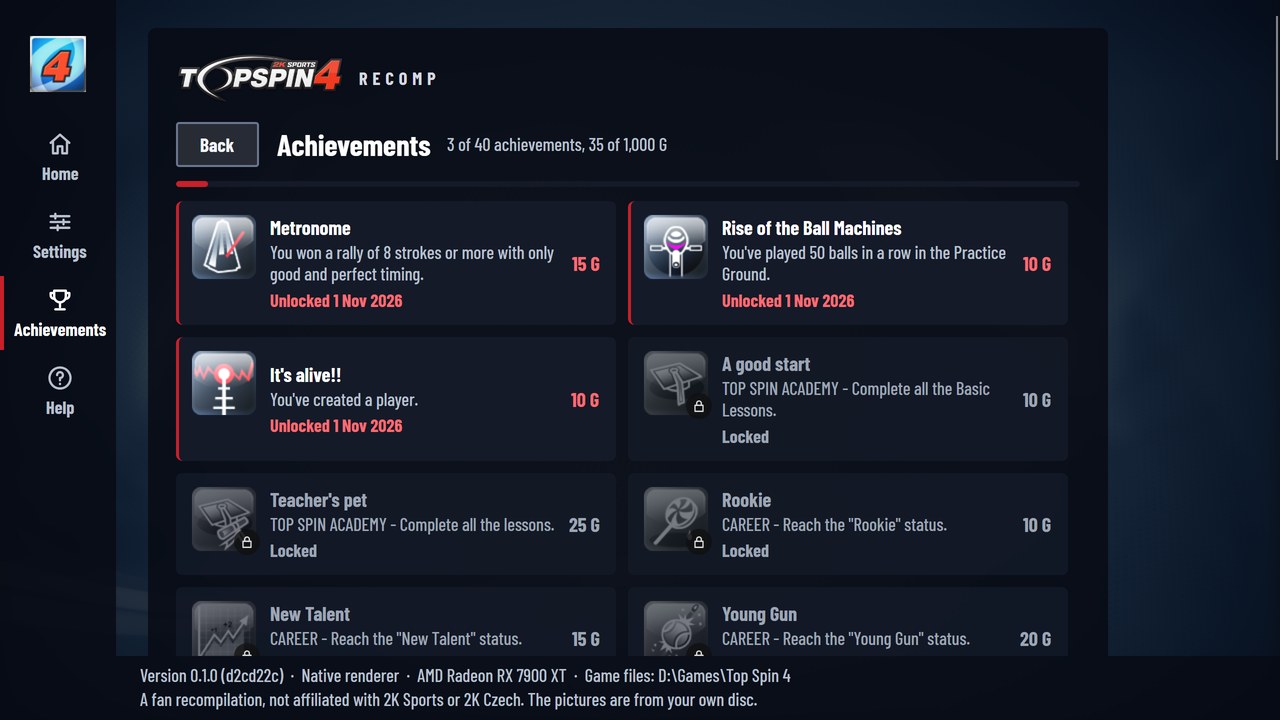
Achievements unlock like on the console. You get an "Achievement unlocked" notice at the bottom of the screen, and the Launcher's Achievements page shows what you've earned and when.
Settings inside the game
Choose PC SETTINGS in the main menu, press F4, or hold Back and Start, and the Settings page opens over the game. You can remap every controller button and keyboard key there, and play with keyboard and mouse as their own controller. The Launcher and the game share one Settings file.
The Launcher
 |  |
 |  |
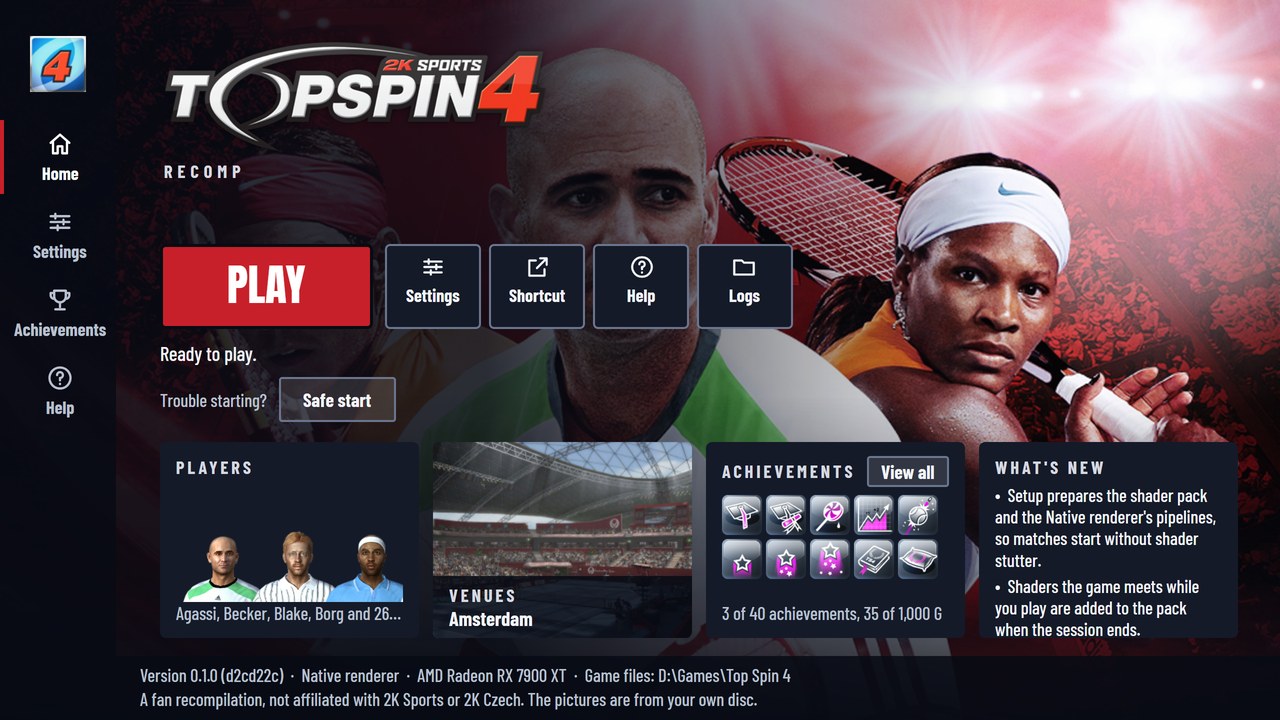
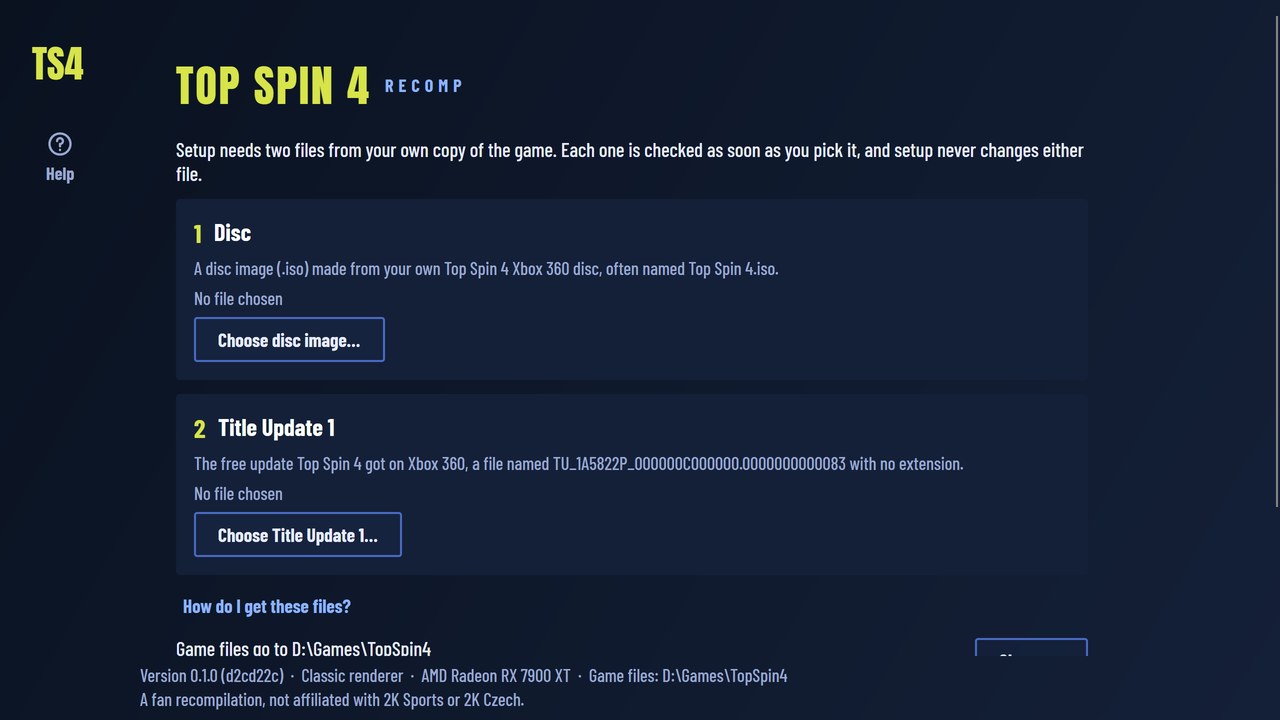
First time, the Launcher checks your disc image and Title Update 1, copies the game files and builds the shaders. After that it's just Play. It's also where you set your gamertag (the game says "User" otherwise), make a Desktop shortcut, and find Safe start, which runs one session on the original settings when the game won't start. A controller works everywhere in it.
Play it
You need:
- Windows 10 or 11, 64-bit, and a GPU with Vulkan
- About 6 GB of free space
- Your own Top Spin 4 disc image (
.iso). Only the disc with media ID60819732works. - Title Update 1 from your own console
Then:
- Download the zip from the latest release.
- Extract it somewhere you can write to, like Documents or a games drive. Not Program Files.
- Start
topspin4-launcher.exe. If SmartScreen warns you, choose More info, then Run anyway. - Pick your disc image and Title Update 1, and wait for setup to finish.
- Press Play.
Your saves and settings stay in that folder too. How to dump the disc and where to find Title Update 1 on your console is in HELP.md.
If something is off
| The game won't start | Use Safe start in the Launcher, under "Trouble starting?" |
| It crashed | The Launcher comes back with Open crash report. Attach it to an issue |
| The graphics look wrong | Switch the renderer to Classic in Settings |
| Anything else | Open logs in the Launcher and attach the newest log to an issue |
There's more in HELP.md. It's the same file the Launcher's Help button opens.
FAQ
Is this an emulator? No. The game's code is translated to native code once, ahead of time, and runs as a Windows program. The Classic renderer emulates the console's GPU, but the game itself isn't emulated.
Is this piracy? No game code or data is in this repository or its releases. The port only runs with a disc image and update you dumped from your own Xbox 360, and the Launcher checks them. I won't link to any download, so please don't ask for ISOs in the issues.
How is it different from Xenia? Xenia emulates the whole console and translates the game's code while it runs. Here the code is translated once, ahead of time, and the Native renderer draws the game's Direct3D 9 calls with Vulkan directly. Xenia's code still matters a lot: ReXGlue's runtime and the Classic renderer come from it, and I compare the port against Xenia Edge.
Why do I need Title Update 1? The port is built on the game's final version: the disc's code with Title Update 1's patches applied. Without the update it doesn't run.
Does it run on Steam Deck or Linux? Not tested yet. The Steam Deck through Proton is planned for 1.0.
Was AI used?
Yes, a lot. I'm a software engineer, and most of the code and the docs were written with
Claude Code, an AI coding agent. I steered the work, played and tested every change, and
decided what ships. The measurements, investigations and decisions are written down in
docs/, so anyone can check them.
Build from source
This part is for developers. To play, you only need the release zip.
You need Visual Studio 2026 Build Tools (Desktop development with C++, which brings CMake, Ninja and the Windows SDK), PowerShell 7, Python 3 and Git. Then, in PowerShell 7:
# Pinned toolchains, ReXGlue and XenosRecomp, with this project's patches
pwsh ./scripts/bootstrap.ps1

# The setup tool, then your disc image and Title Update 1 into gamedata/ and updatedata/
pwsh ./scripts/build.ps1 -Action Launcher
out/launcher/publish/topspin4-setup.exe --disc "Top Spin 4.iso" --tu TU_1A5822P_000000C000000.0000000000083 --cache .

# Translate the three Modules to C++, then build the game and the Launcher
pwsh ./scripts/build.ps1 -Action Codegen
pwsh ./scripts/build.ps1 -Action Build

# The player zip
pwsh ./scripts/build-xenosrecomp.ps1
pwsh ./scripts/package.ps1
Codegen only takes the known Modules and their Title Update 1 patches, checked by SHA-256
(scripts/build.ps1). package.ps1 refuses to pack anything that looks like game data.
Checks and scene runs
# Every test that needs no game data: pytest, the host unit tests, the Launcher's tests
pwsh ./scripts/build.ps1 -Action Check

# A short headless start of the game, with a report of crashes and stalls
pwsh ./scripts/smoke.ps1

# A scripted scene from tests/scenes, played on Classic and then Native, frame for frame
python scripts/scene_runner.py tests/scenes/exhibition-match.toml --native 1
These runs are headless and hidden, so no game window pops up.
How it works
- The Launcher reads the disc image and Title Update 1 and copies out the game files.
- ReXGlue translates the PowerPC code of the game's three Modules (
default.xex,Loader_DLL.xex,Swing_DLL.xex), with Title Update 1's patches applied, to C++.topspin4_manifest.tomllists what its automatic pass misses. - The generated code links against the ReXGlue runtime: the Xbox 360 kernel, audio, input and a Vulkan GPU backend derived from Xenia.
- The Native renderer in
src/nativehooks the game's Direct3D 9 and draws with Vulkan, with shaders converted by a patched XenosRecomp. patches/holds my changes to the runtime and the shader converter. Bootstrap applies them.
The design decisions are in docs/adr and the investigations in
docs/research.
Credits
- ReXGlue, the recompiler and runtime this port is built on
- Xenia, where ReXGlue's runtime and GPU backend come from, and Xenia Edge, the reference I check the port against
- XenosRecomp by hedge-dev, the shader converter
- WWE All Stars Recomp, my earlier port, where the Launcher, the settings and the scripts started
- AMD FidelityFX CAS, for sharpening
- Anton and Barlow Condensed (SIL Open Font License), the Launcher's fonts
Legal
This repository contains no game code or data. The build generates the code from a disc image
you own. Don't share the gamedata or updatedata folders, a disc image or the update.
The screenshots in docs/images are of the port running
(ADR-0012).