Knife
knife is a Rust reimplementation of the engine for Tsukihime and Witch on the Holy Night on PC, playing games from Switch release data.
- Type: PC port
- Game: WITCH ON THE HOLY NIGHT, Tsukihime -A piece of blue glass moon-
- Runs on Windows, Linux and macOS
- By Aurora Wright
- Latest release 0.9.10, 2026-10-31
- Source: https://github.com/AuroraWright/knife
README
knife
A Rust reimplementation of the engine of Tsukihime -A piece of blue glass moon- and Witch on the Holy Night for Nintendo Switch. It plays the games from their Switch releases' data and aims to behave exactly like the originals: it is heavily based on a decompilation of the original Switch executables, and its behaviour is checked against the Switch games running in an emulator.
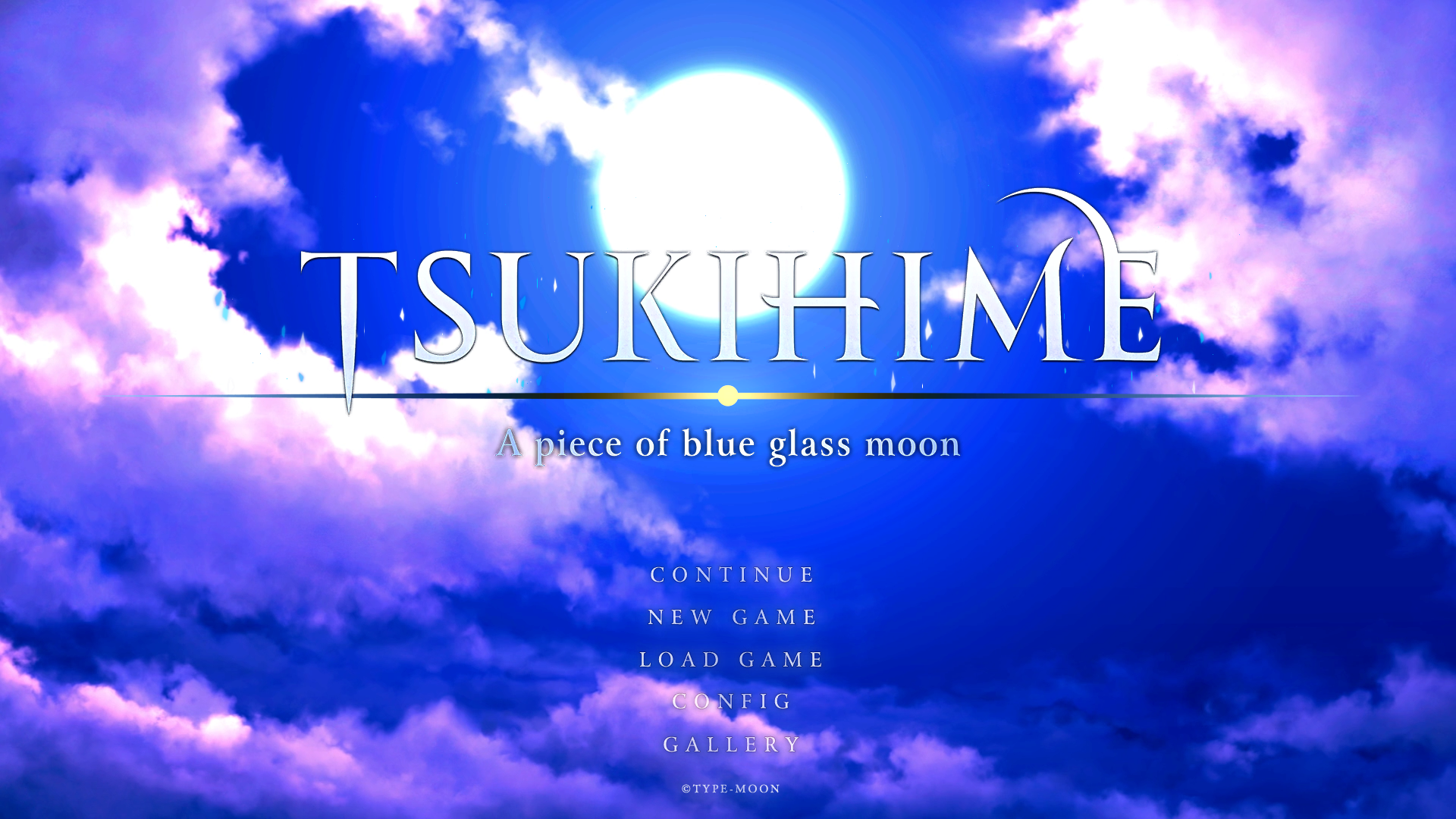
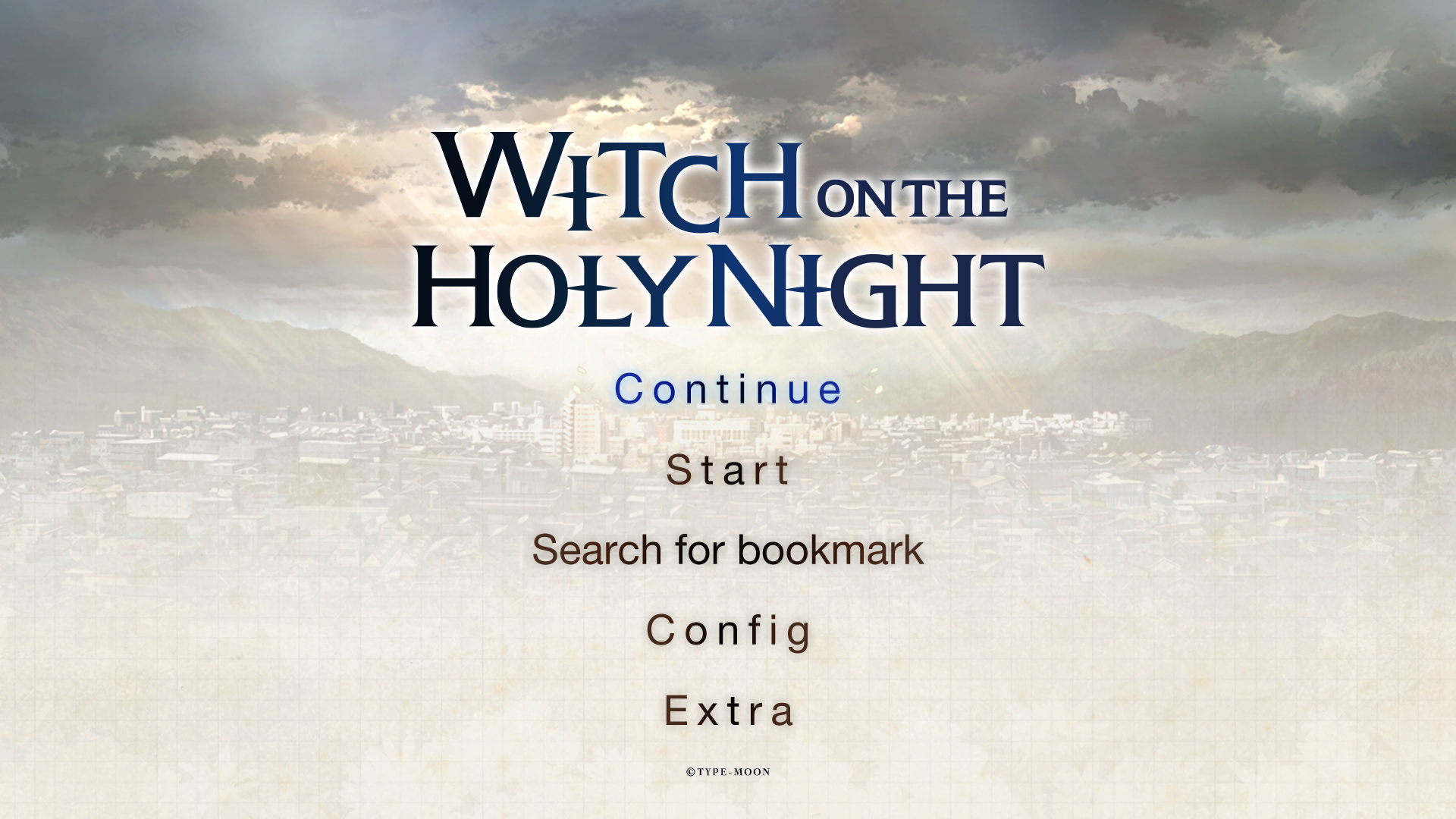
Both releases of Tsukihime are supported: the Japanese one and the overseas one (English, Simplified and Traditional Chinese besides Japanese). So is the Switch release of Witch on the Holy Night (Japanese, English, Simplified and Traditional Chinese). knife tells the games apart by their data.
knife is inspired by shin, DCNick3's reimplementation of the engine of the Switch visual novels by Entergram, and shares some of its code.
engine-writeup.md describes how the original engine works: the game data, the script machine and its frame loop, text, the stage, sound, saves and the full instruction set, and what Witch on the Holy Night does differently.
Game data
knife needs the game data from your own copy of the game:
-
Extract the romfs of the game's Switch release, with its latest update applied (knife follows the Japanese Tsukihime's update 1.0.3; data from its earlier versions still plays).
-
Add the Switch's shared system font, which the menus and help lines use. Dump
nintendo_udsg-r_std_003.bfttffrom the firmware's FontStandard archive (system title 0100000000000811) and copy it into the extracted romfs folder, for example:hactoolnet -k prod.keys --romfsdir fontstandard <FontStandard>.nca cp fontstandard/nintendo_udsg-r_std_003.bfttf <romfs folder>/The Chinese languages of Tsukihime's overseas release and of Witch on the Holy Night also use the Chinese system fonts: copy the
.bfttffiles of FontChineseSimplified (0100000000000814:nintendo_udsg-r_org_zh-cn_003.bfttf,nintendo_udsg-r_ext_zh-cn_003.bfttf) and FontChineseTraditional (0100000000000813:nintendo_udjxh-db_zh-tw_003.bfttf) into the same folder.
By default knife looks for this folder as assets next to the executable (inside a macOS app bundle, also
Contents/Resources/assets).
Mod/translation support
Files in a mod_assets folder (found the same way as assets, or set with -m) are used in place of the game
data's files at the same path: an archive's .hed, .nam or .mrg, a movie, a stream, a font and so on. A font
folder (ja, en2, ...) with files of its own replaces the game data's. Everything else still comes from
assets.
Building and running
cargo build --release -p knife
./target/release/knife -a <romfs folder>
Movies are decoded by the platform: VideoToolbox on macOS, Media Foundation on Windows (N editions need the
Media Feature Pack) and GStreamer elsewhere (with an H.264 plugin such as gst-libav, plus the GStreamer
development packages to build). An ffmpeg executable on the PATH is used as a fallback.
Options
| Option | |
|---|---|
-a, --assets-dir DIR | the game data folder |
-m, --mod-assets-dir DIR | the mod folder, whose files replace the game data's (see above; used only if it exists) |
-l, --language ja|en|zc|zt | the language, as the console language and the config's language buttons pick it (Tsukihime's overseas release and Witch on the Holy Night; by default the config's setting) |
-s, --save-file PATH | the save file (see below for the default) |
-t, --text-websocket HOST:PORT | serve the displayed text over WebSocket for text hookers (e.g. 127.0.0.1:6677) |
-f, --fullscreen | start in fullscreen |
--skip-intro | leave out the TYPE-MOON logo movie and the notice before the title |
--skip-movies | let every story movie be skipped, even the ones the Switch plays through the first time |
--tsukihimates | apply the Tsukihimates English patch's code changes (Japanese release; their romfs as the mod assets folder) |
With --text-websocket, every client receives each message as plain text and each choice's options one per
line; a client that connects late first gets the most recent text.
The default save file is in:
- macOS:
~/Library/Application Support/knife/savedata000 - Windows:
%APPDATA%\knife\savedata000 - Linux:
~/.local/share/knife/savedata000(or$XDG_DATA_HOME/knife/savedata000)
Tsukihime's overseas release uses knife/overseas/savedata000 in the same folder, Witch on the Holy Night
knife/witch/savedata000. Settings, unlocks, read text and save slots are all stored in this one file, in the
Switch game's own format, so a save copied from a Switch loads as is, and the reverse also works.
knife.ini
A knife.ini file next to the executable (or in Contents/Resources inside a macOS app bundle) can set any of
the options above, one per line, using the long option name without --:
assets-dir = assets
language = en
text-websocket = 127.0.0.1:6677
skip-intro = true
Lines starting with ; or # are comments, an empty value leaves an option unset, on / off options take
true or false, and relative paths are resolved from the folder containing knife.ini. Options given on the
command line take precedence. See knife.ini.example.
Controls
The keyboard stands in for the Switch controller, and each button does what it does in the Switch game on that screen (the game's own map is in Config → 操作説明 / controls). The left mouse button is the touch screen; the mouse wheel or trackpad tilts the left stick.
Game controllers work too: every controller acts as the Switch controller, button for button (A / B / X / Y as the controller labels them, Plus / Minus as Start / Back).
| Key | Switch |
|---|---|
| Arrow keys | D-pad |
| W / A / S / D | left stick |
| Enter | A (confirm, advance text) |
| Escape, right click | B (cancel, back) |
| B | X |
| M | Y |
| H / J | L / R |
| T / Y | ZL / ZR |
| K / L | right stick up / down |
| O | R3 |
| P | L3 |
| U / I | Minus / Plus |
| F | toggle fullscreen |
| Left Ctrl (hold) | skip text while held |
In the story
| Switch | Action |
|---|---|
| A | advance text; shows a hidden message window |
| B | stop skipping, else hide / show the message window |
| X | backlog |
| Y | system menu |
| L | auto mode on / off |
| R | skip mode on / off |
| ZL (hold) | rewind |
| ZR (hold) | fast forward |
| Plus or L3 | quick save (Witch on the Holy Night) |
| Minus | quick load (Witch on the Holy Night) |
| D-pad / right stick up | open the mode panel |
| D-pad / right stick down | advance text, close the mode panel |
| D-pad up / down | move between choices |
| Touch (mouse) | Action |
|---|---|
| tap | advance text |
| drag left / right from the middle | rewind / fast forward, faster the further it is dragged |
| flick down from the top edge, or pointer at the top edge | open the mode panel |
| flick up, or tap below the panel | close the mode panel |
| flick right from the left edge | system menu (Witch on the Holy Night: backlog) |
| flick left from the right edge | backlog (Witch on the Holy Night: system menu) |
| pointer at the bottom edge | hide the message window |
The mode panel holds previous scene, rewind, auto, skip, next scene, quick save, quick load and voice replay.
Menus and gallery
| Switch | Action |
|---|---|
| D-pad / right stick | move the cursor |
| A | confirm (hold A + left / right to drag a config slider) |
| B | back |
| L / R | config tabs; previous / next picture in the CG viewer |
| left stick | scroll lists, the flowchart and the config; move the picture in the CG viewer |
| right stick up / down | zoom in the CG viewer |
A mouse drag scrolls the flowchart, CG list, music list and config, like a touch drag on the Switch.
License
knife is licensed under the Mozilla Public License 2.0.