WWE All Stars Recomp
WWE All Stars Recomp is a Windows port of WWE All Stars that runs the game as a native program with a Vulkan renderer and 60 fps entrances.
- Type: PC port
- Game: WWE All Stars
- Runs on Windows
- By shaneomac1337
- Latest release v1.1.0, 2026-10-11
- Source: https://github.com/shaneomac1337/WWE-AllStars-Recomp
README
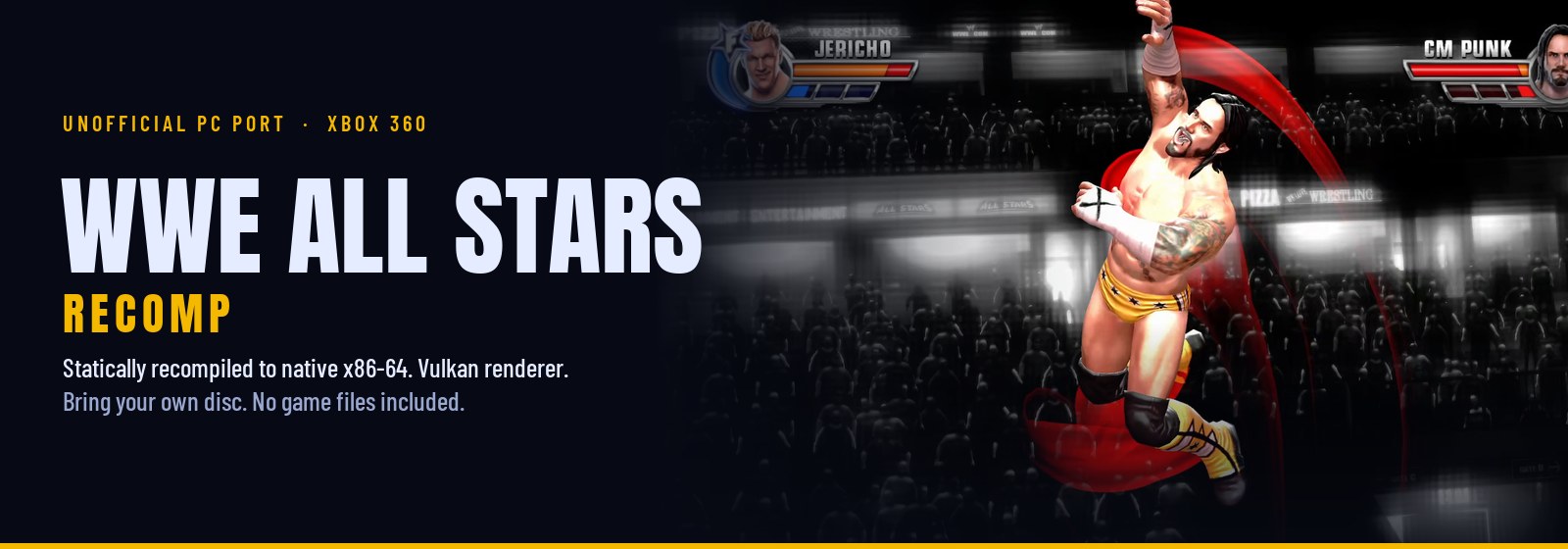
An unofficial Windows version of WWE All Stars (Xbox 360, 2011). The game's PowerPC code is translated ahead of time to native x86-64 with ReXGlue, and a native Vulkan renderer draws the game's own Direct3D 9 calls. It is not an emulator you load a disc into: the game runs as a normal Windows program, and the launcher copies the game files from your disc image once.
This repository and its releases contain no game files. You need your own Xbox 360 disc image of WWE All Stars (USA/Europe) and its Title Update 2, both dumped from your own console. DLC is optional and comes from your console too. The launcher checks every file and refuses anything else.
Download the latest release · What works · Install · FAQ · Build from source
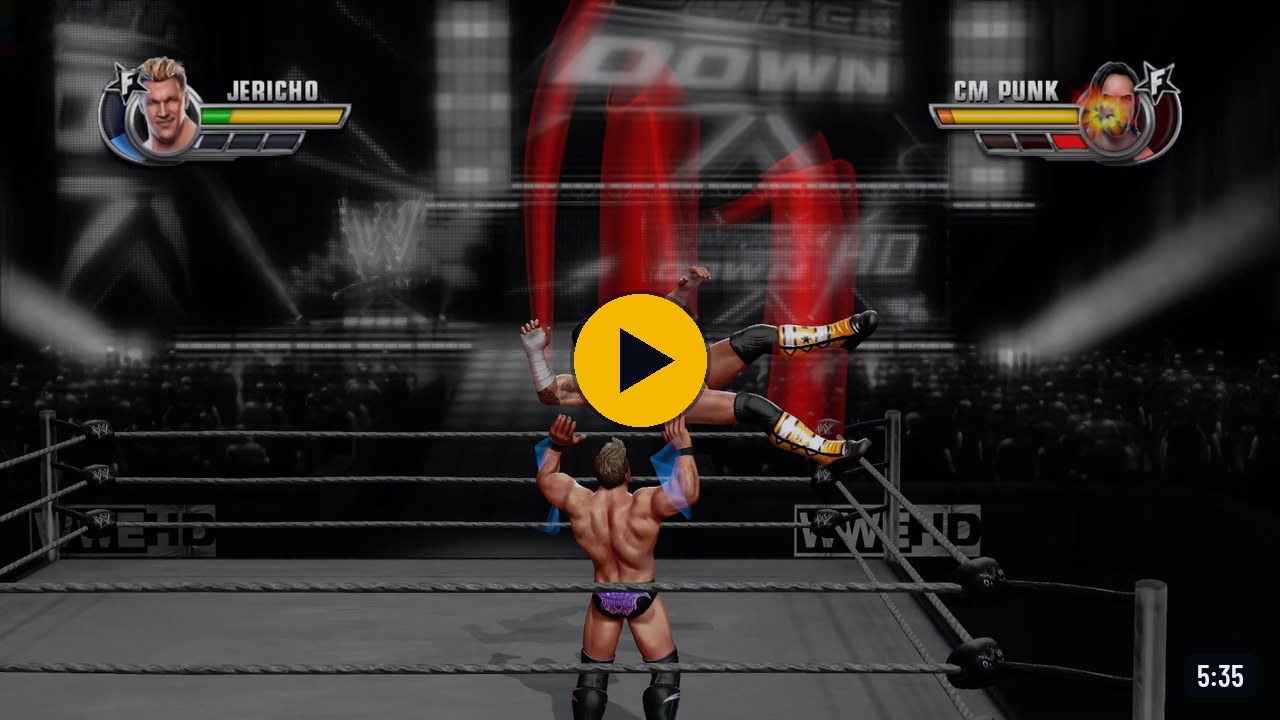
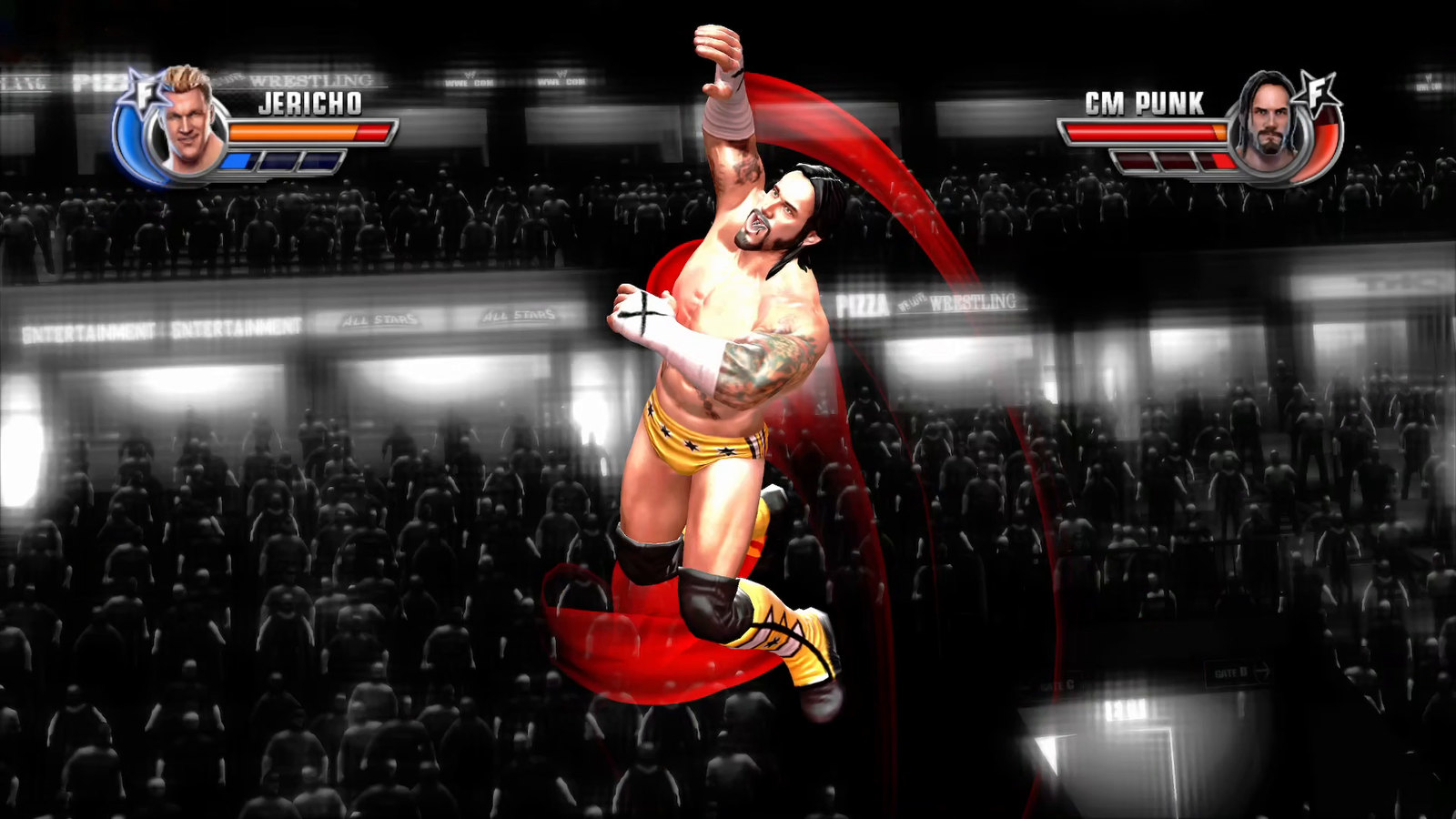
The full match on YouTube, Chris Jericho vs CM Punk, recorded on Windows 11 with an RX 7900 XT
What works
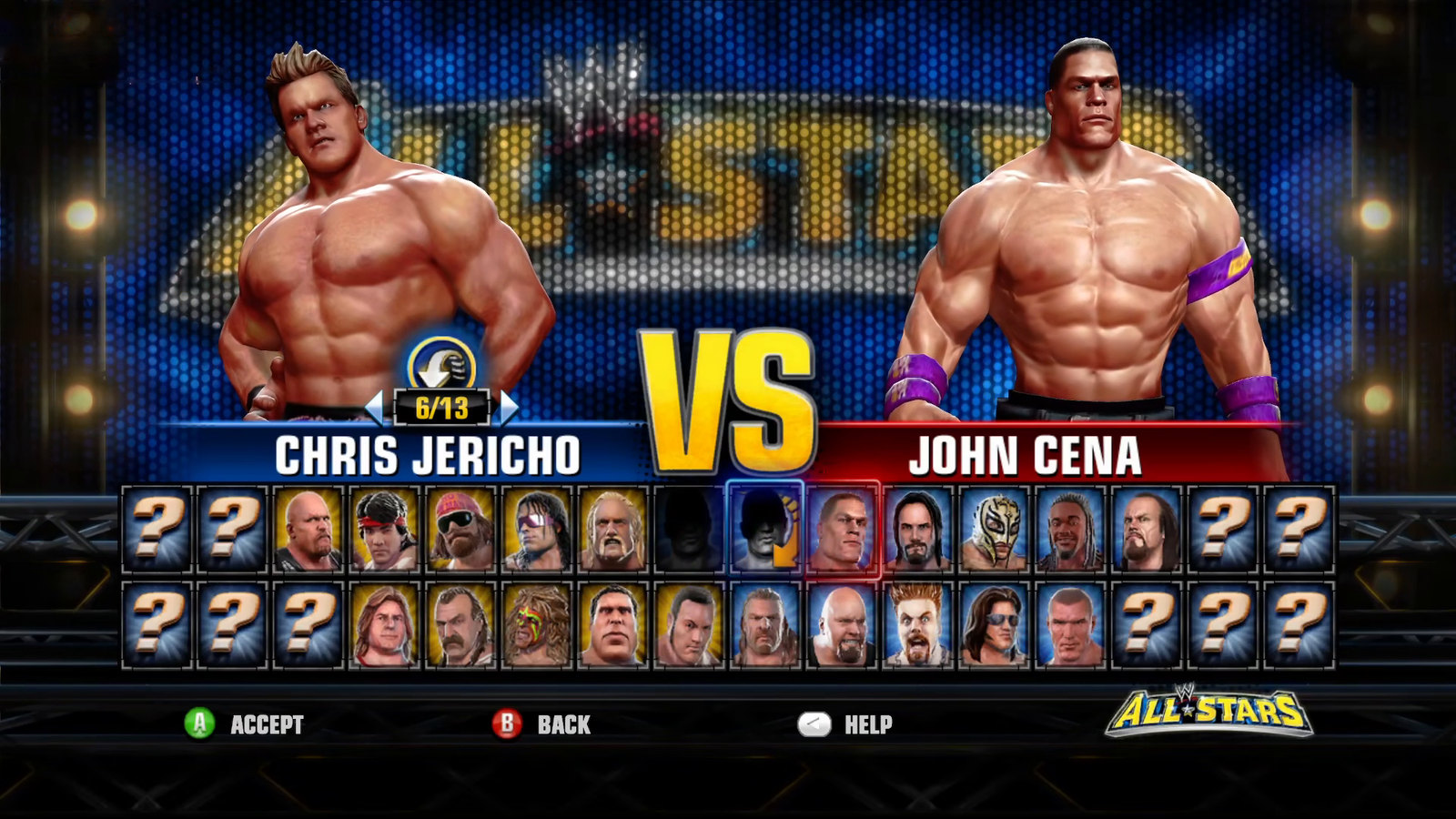
| Tested and playable | Exhibition 1v1 with entrances, finishers and the result screen; Path of Champions; Fantasy Warfare; Create a Superstar; 4 local players; DLC wrestlers (Million Dollar Pack); online Player Match |
| Tested hardware | Windows 11 with an AMD Radeon RX 7900 XT; Steam Deck on SteamOS through Proton, at 60 fps on the Low preset |
| Not tested yet | NVIDIA and Intel GPUs, Windows 10, desktop Linux |
| Not supported | Ranked Match and leaderboards; the in-game store (add DLC from the launcher) |
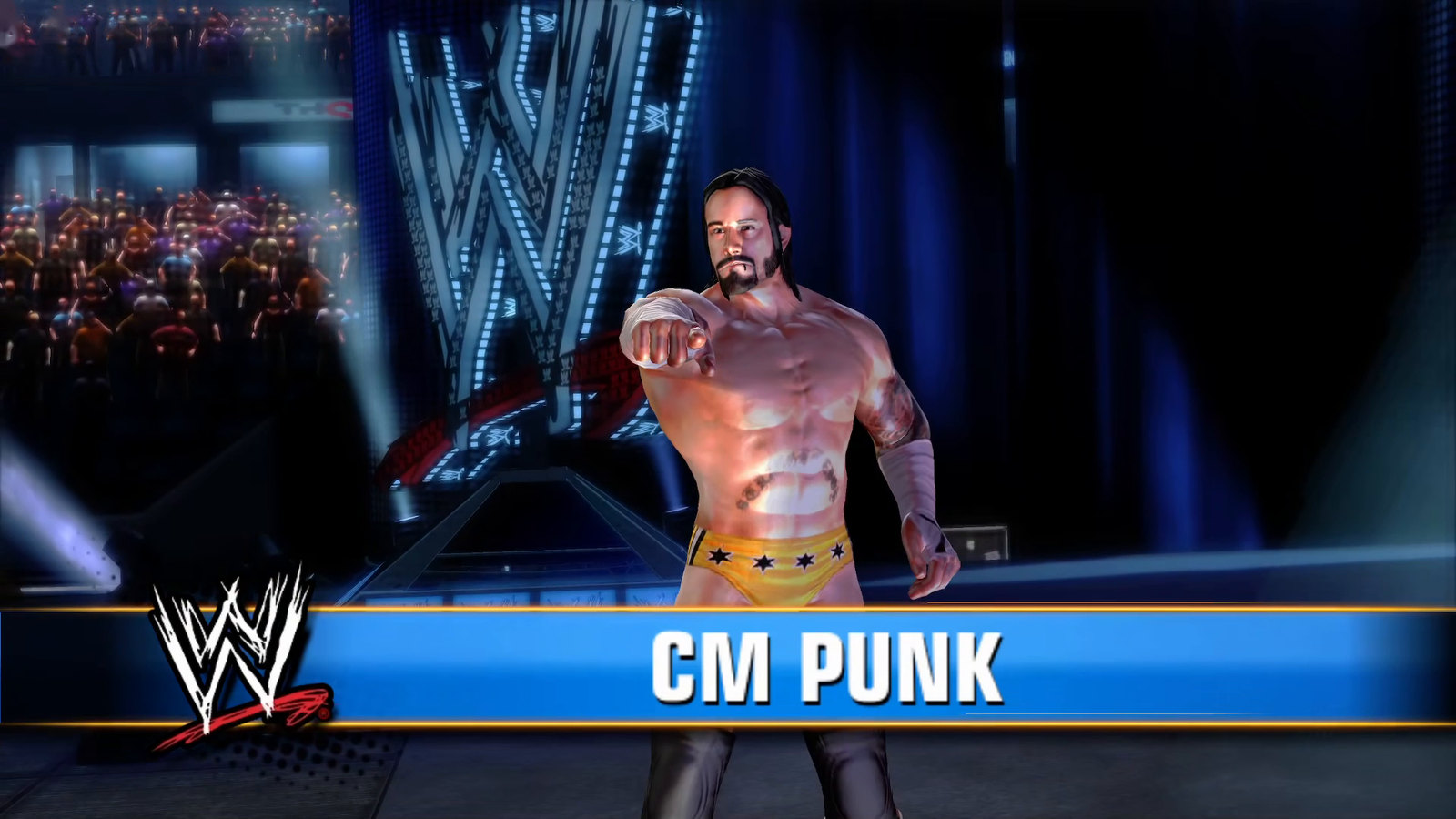
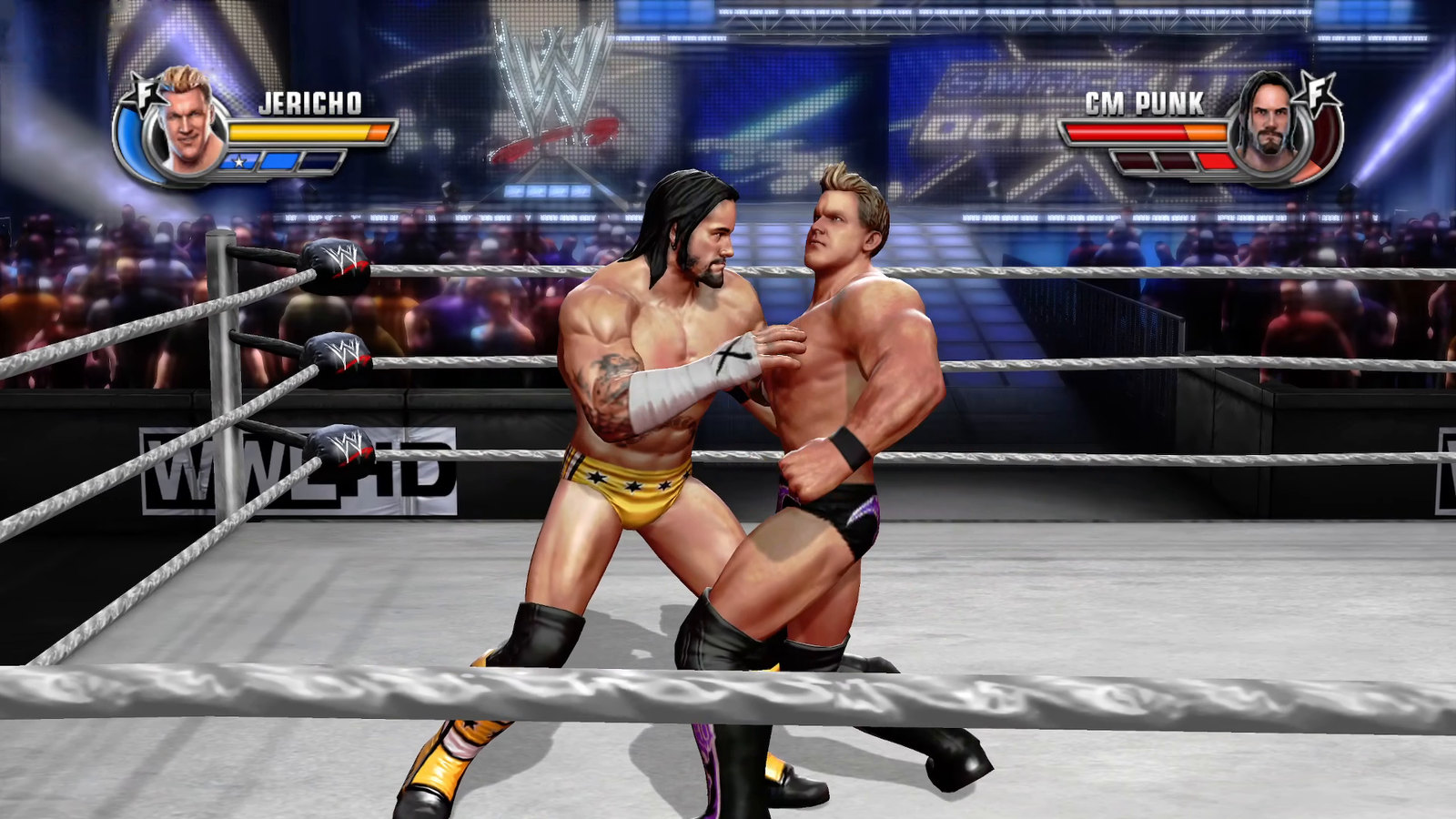
The game runs at its original 60 frames per second, on the Steam Deck too. Anything not listed above may still crash; an issue with the session log attached helps fix it.
 |  |
 |  |
What the PC version adds
A native renderer
The Native renderer intercepts the game's Direct3D 9 calls and draws them with Vulkan, instead of emulating the Xbox 360 GPU. It is the default. The emulated renderer from ReXGlue stays available as Emulated, as a fallback and as a reference.
Native adds image options the console never had:
| Setting | Choices |
|---|---|
| Supersampling | Renders 2x2 and filters down; this is the anti-aliasing. On by default |
| Render resolution | 720p, 1440p or 2160p |
| Sharpening (AMD FidelityFX CAS) | Off, Low, Medium or High |
| Texture filtering | Anisotropic, up to 16x |
| Colour | Original, the Xbox 360's gamma curve as in Xenia, or Natural (sRGB), with more detail in dark areas |
| Graphics preset | Low, Medium or High. On first start the game suggests one for your GPU: Low for a Steam Deck or an integrated GPU, Medium for a small discrete GPU, High otherwise |
Shaders built before you play
Setup converts the game's shaders once, then builds every pipeline the game is known to use before the first match, on all CPU cores. On GPUs with graphics pipeline libraries, a pipeline that wasn't built ahead is linked from prebuilt parts instead of compiled on the spot. The game paces itself at an even 60 Hz, and with Lock to display on it times its frames to your display when the refresh rate is a multiple of 60.
Settings inside the game
Press F4, or click both sticks, to open the PC SETTINGS page over the game. It is also a row in the game's own OPTIONS menu. Display mode, VSync, sharpening, texture filtering, sound and vibration change at once; the rest apply at the next start. The launcher and the game share one settings file.
Enhanced vibration
The Xbox 360 game rumbles only for aerial hits. Enhanced vibration, the default, gives every hit a pulse sized by the kind of move, plus finishers landing on you, slams to the mat, your own hits connecting, reversals and critical health. Original keeps the console's behaviour, and a strength setting scales both.
60 fps entrances
On the console, wrestler entrances and the arena intro run at 30 fps. The PC version plays them at 60, crowd included. On by default; the GRAPHICS tab turns it off.
Unlock everything
An option on the GAMEPLAY tab opens every wrestler, arena, attire, Create a Superstar move, entrance and Fantasy Warfare match at once. Your save is never changed by it: what you really earn while it is on is still saved, and turning it off (then restarting) brings back your own progress.
Online Player Match (experimental)
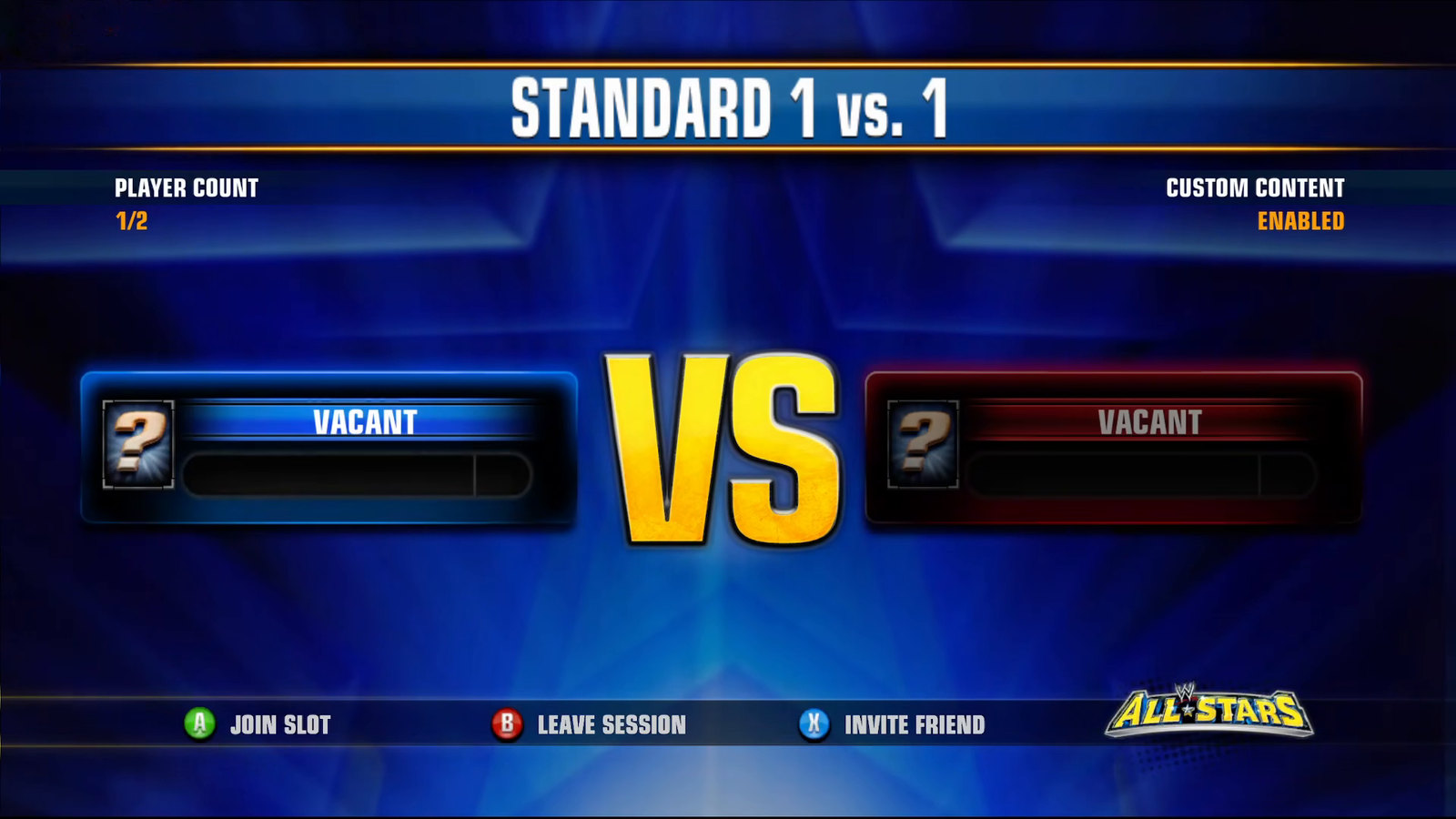
The game's own Xbox LIVE menus work again against a game server that stands in for Xbox
Live and THQ's servers. Player Match is the mode that works today. Turn it on in the
launcher, pick a player name, and choose Xbox LIVE > Player Match in the game. Matches
connect directly when they can and go through the server's relay when they can't, so
nobody has to open ports. You see the matches of players on the same release. The server
keeps your player name, an ID made for your install and your addresses, in memory only.
It is in server/, and anyone can run one and point the launcher at it.
DLC and Title Update 2
The port is built on Title Update 2, the game's last update, because the DLC wrestlers need it. Add the DLC packs you bought on the launcher's DLC page; each pack is checked block by block before it is installed.
A launcher that sets everything up
 |  |
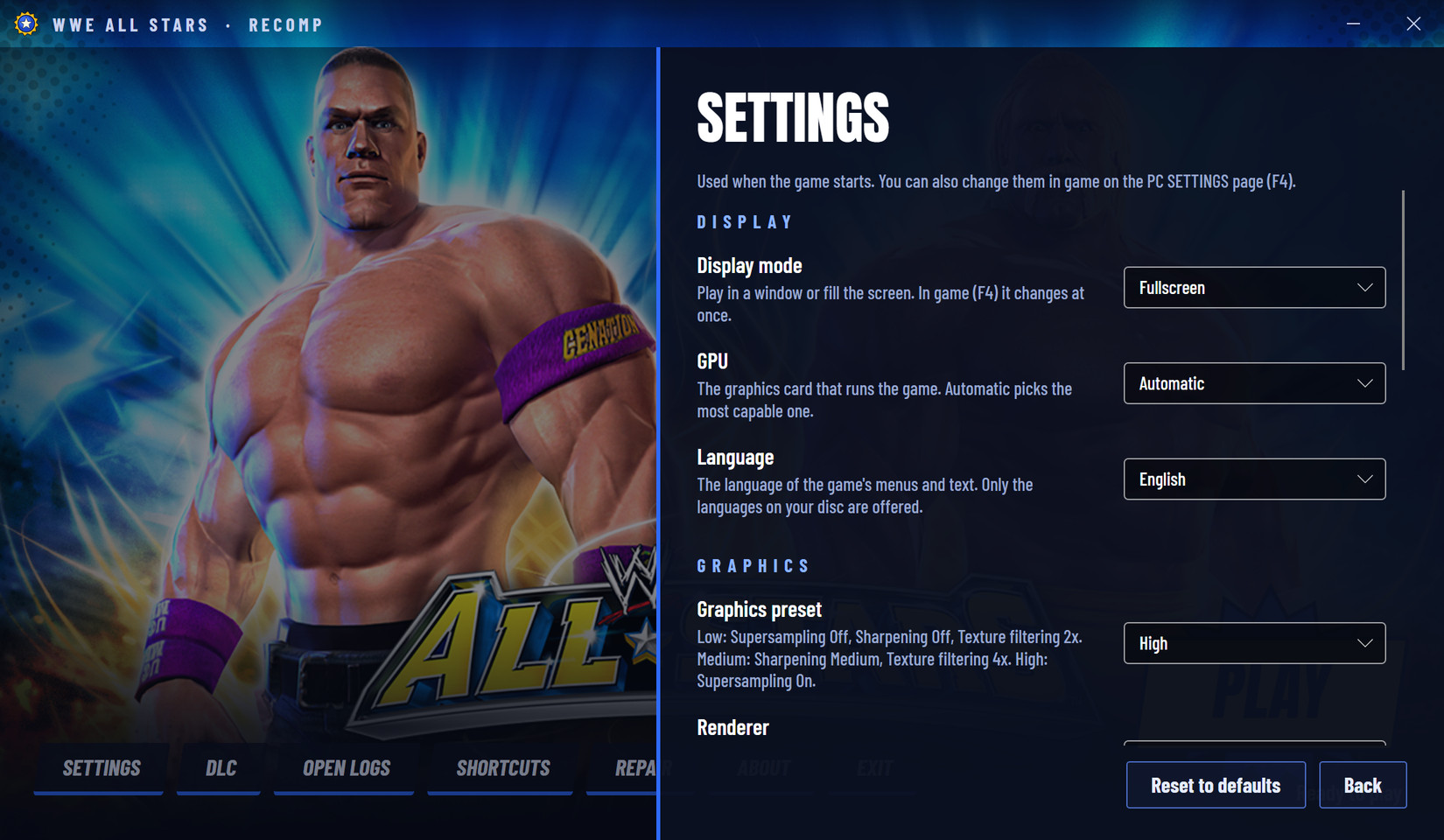 | 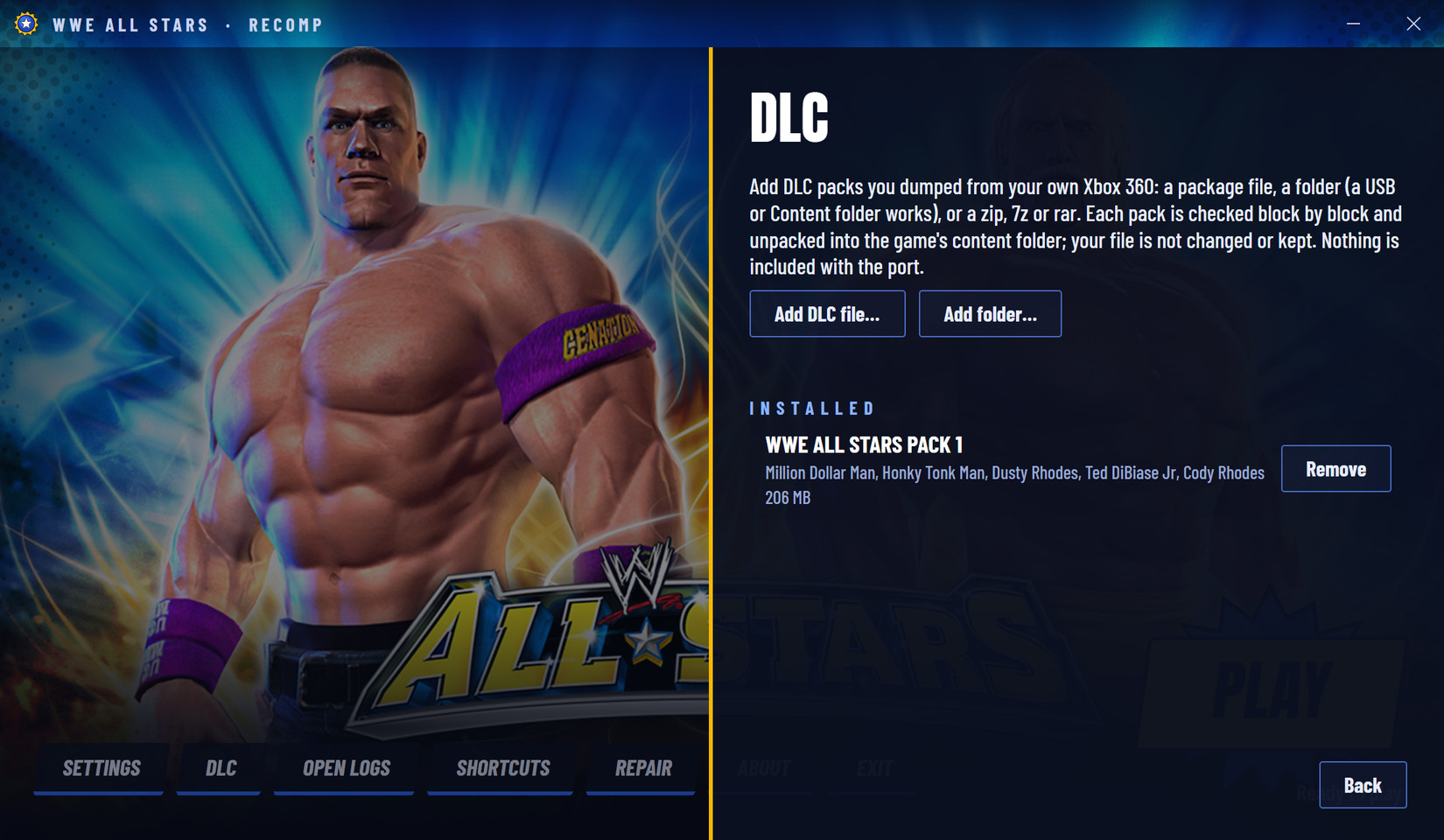 |
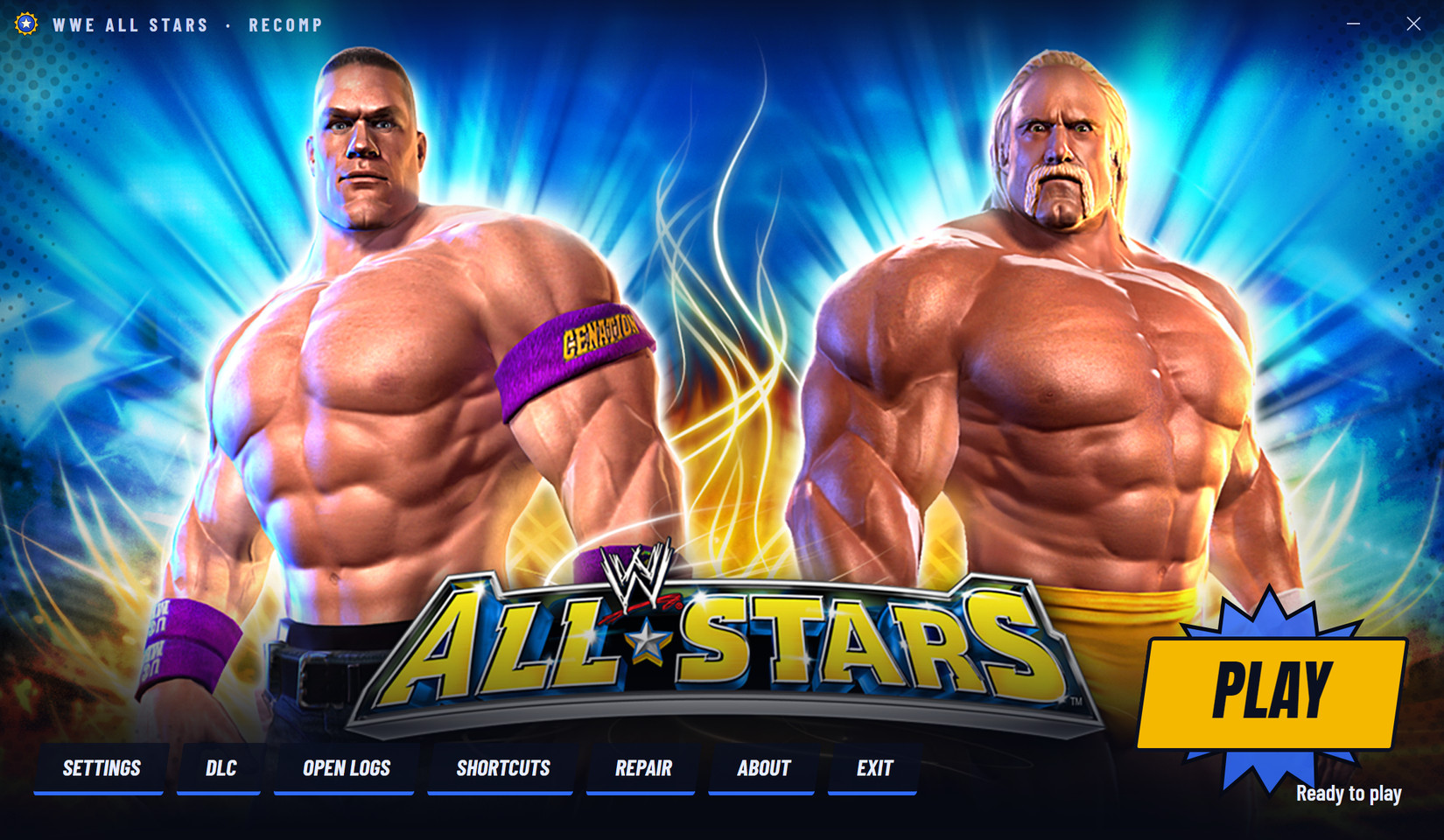
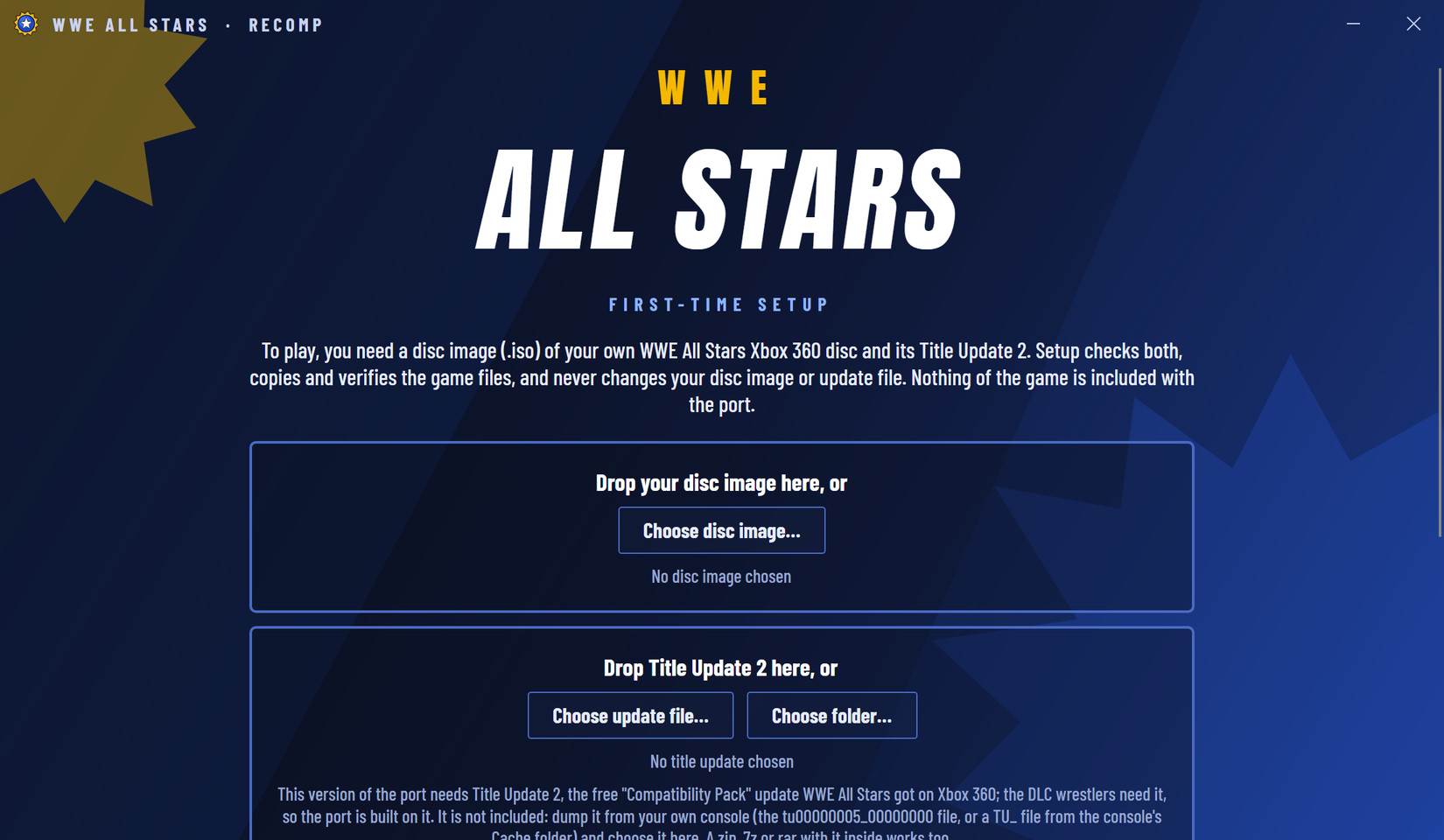
The launcher verifies your disc image and update, copies the game files, prepares shaders and pipelines. It also repairs a damaged install, opens the newest log for a bug report, makes desktop and Start menu shortcuts, picks the GPU, and tells you when a new release is out (it only checks, it never downloads).
Also: Alt+Enter switches between window and fullscreen, and F12 saves a screenshot next to the session log.
Play it
You need:
- Windows 10 or 11, 64-bit (tested on Windows 11)
- A graphics card with Vulkan support and an up-to-date driver
- About 8 GB of free disk space
- Your own WWE All Stars disc image (
.iso), the USA/Europe Xbox 360 release - Title Update 2 for it, dumped from your own console
- Optional: DLC packs you bought, dumped from your own console
- A controller is recommended
Steps:
- Download the latest
WWEAllStarsRecomp-<version>-<commit>-win-x64.zipfrom Releases. - Extract the whole zip to a normal folder, for example
C:\Games\WWEAllStars. Don't run it from inside the zip, and avoidProgram Files. - Open
WWEAllStarsLauncher.exe. If Windows SmartScreen says "Windows protected your PC", choose More info, then Run anyway. The launcher isn't code-signed, so this happens once. - Choose your
.iso(or drop it on the window), then Title Update 2, and optionally DLC. Setup copies and verifies everything and prepares the shaders. It takes a few minutes and happens once. Your files are only read, never changed. - Choose Play.
Where Title Update 2 is: on your console's drive or USB stick, the file
tu00000005_00000000 in Content\0000000000000000\54510866\000B0000, or a file whose name
starts with TU_ in the console's Cache folder. The launcher also takes a folder with it
inside (a whole USB Content folder works) or a zip, 7z or rar.
Updating: your saves are in userdata. Copy that folder into the new version's folder.
If something is off
| What you see | What to do |
|---|---|
| Motion isn't quite even | Turn on variable refresh (FreeSync or G-Sync) if your display has it, or use a refresh rate that is a multiple of 60 (60, 120, 240 Hz). On a 144 or 165 Hz display without variable refresh, frames alternate between 2 and 3 refreshes |
| Slow on a weak GPU | Pick the Low preset under GRAPHICS. Supersampling is the costly setting |
| The game started on Emulated | The launcher says why; Prepare shaders fixes the usual cause |
| Setup starts again after moving the folder | Releases up to 1.0.0 remember the game files by their full path. Delete userdata\launcher-state.json and the launcher finds the gamedata folder beside it again. Later releases handle a moved folder on their own |
| A crash or wrong graphics | Choose Open logs in the launcher, zip the session folder it opens and attach it to a bug report. A log can contain folder paths that show your Windows user name; check it before posting |
FAQ
Is this an emulator? No. The game's code was translated to x86-64 ahead of time and runs as a Windows program. ReXGlue provides what the Xbox 360 would (the kernel, audio, input), and the Native renderer replaces the GPU emulation. The Emulated renderer is still there as a fallback.
Is this piracy? Where do I get the game? No game code or data is in this repository or its releases; the port only runs with a disc image, update and DLC you dumped from your own Xbox 360, and the launcher checks them. This project won't link to any download, so please don't ask for ISOs in the issues.
How is it different from Xenia? Xenia emulates the whole console and translates the game's code while it runs. Here the code is translated once, ahead of time, and the Native renderer draws the game's Direct3D 9 calls with Vulkan directly. Xenia's code still matters: ReXGlue's runtime and the Emulated renderer come from it.
Why do I need Title Update 2? On the disc version the game switches DLC loading off. Building on the update makes DLC work, and it's the game's final version.
Does it run on Steam Deck or Linux? Yes on the Steam Deck: add the launcher to Steam as a non-Steam game and run it through Proton on SteamOS. It plays at 60 fps on the Low preset, which the game picks on a Deck by itself. Desktop Linux hasn't been tested yet.
Was AI used?
Yes, a lot. I'm a software engineer, and most of the code and the docs were written with
Claude Code, an AI coding agent. I steered the work, played and tested every change, and
decided what ships. The measurements, investigations
and decisions are written down in docs/, so anyone can check them.
Build from source
This is for developers. Players only need the release zip.
You need Visual Studio 2026 Build Tools (Desktop development with C++, which includes
CMake, Ninja and the Windows SDK), PowerShell 7,
Python 3 and Git. Copy your disc image into the repository folder and Title Update 2's
default.xexp into assets/ next to default.xex, then run these in PowerShell 7:
# Pinned LLVM and ReXGlue, SHA-256 checked
pwsh ./scripts/bootstrap.ps1
# ReXGlue sources at the pinned revision, with this project's patches
pwsh ./scripts/prepare-vulkan.ps1

# Verify the disc and extract its files into assets/
python scripts/inspect_disc.py "WWE All Stars (USA, Europe).iso" --extract-all assets

# Translate the game's PowerPC code (base executable + Title Update 2) to C++
pwsh ./scripts/build.ps1 -Action Codegen
pwsh ./scripts/build.ps1 -Action Configure
pwsh ./scripts/build.ps1 -Action Build -Jobs 16

# The launcher, and the player zip in out/release/
pwsh ./scripts/build.ps1 -Action Launcher
pwsh ./scripts/package.ps1 -Jobs 8
The build accepts only the known executable (SHA-256 521c2325…6892) and Title Update 2
(a6a45704…ed6a). package.ps1 fails if any game-derived file ends up in the zip.
Build variants and PGO
Flag variants build into their own folder (out/build/<preset>-<name>-vulkan) and change
only the recompiled code and the game; the defaults are what ships.
pwsh ./scripts/build.ps1 -Action Configure -Variant v3o2 -CMakeArgs '-DWWE_GAME_ARCH=x86-64-v3'
pwsh ./scripts/build.ps1 -Action Configure -Variant thin -CMakeArgs '-DWWE_GAME_LTO=thin'
pwsh ./scripts/build.ps1 -Action Build -Variant thin -Jobs 10
pwsh ./scripts/capture.ps1 -Variant thin
PGO, trained on a route you play:
pwsh ./scripts/build.ps1 -Action Configure -Variant pgogen -CMakeArgs '-DWWE_GAME_PGO_GENERATE=ON', then-Action Build -Variant pgogen.- Play the route on
out/build/win-amd64-relwithdebinfo-pgogen-vulkan/wweallstars.exe(orcapture.ps1 -Variant pgogen) and close it with the window's X. Each run adds its counters topgo-raw/in that build folder; a killed game adds nothing. python scripts/pgo_profile.py merge out/build/win-amd64-relwithdebinfo-pgogen-vulkan/pgo-raw -o out/pgo/route.profdata- Configure a variant with
-CMakeArgs '-DWWE_GAME_PGO_USE=<absolute path>/out/pgo/route.profdata'(optionally with-DWWE_GAME_LTO=thin) and build it. A profile goes stale as the code changes, so retrain after codegen changes.
How it works
inspect_disc.pyreads the disc image and extractsdefault.xexand the game data. Codegen applies Title Update 2's patch to the executable.- ReXGlue translates the PowerPC code to C++.
wweallstars_manifest.tomllists the functions its automatic pass misses, each with the evidence for it. - The generated code links against the ReXGlue runtime: the Xbox 360 kernel, audio, input and a Vulkan GPU backend derived from Xenia.
- The Native renderer in
src/nativehooks the game's statically linked Direct3D 9 and draws with Vulkan, using shaders converted by a patched XenosRecomp. patches/holds this project's changes to the runtime and the shader converter: frame pacing, live settings, the online client, DLC content, Title Update loading and audio fixes among them. The build applies them.
The design decisions are in docs/adr and the investigations in
docs/research.
Credits
- ReXGlue, the recompiler and runtime this port is built on
- Xenia, which ReXGlue's runtime and GPU backend come from
- XenosRecomp by hedge-dev, the shader converter
- wwe-svr2011-pc by KaikoClanworth1, where the scripted input, the session script and parts of the shader converter and in-game settings patches started; used with the author's permission
- nex-go by Pretendo Network, which the game server uses for the game's online protocol
- AMD FidelityFX CAS, for sharpening
- Anton and Barlow Condensed (SIL Open Font License), the launcher's type
- SVR2011-Recomp, this project's sibling
Legal
This project is not affiliated with or endorsed by WWE, THQ, Yuke's or Microsoft. This
repository contains no game code or data; the build generates the code from a disc image
you own. Do not share the gamedata or updatedata folders, a disc image, the update or
DLC packs.
The game and the launcher are under the BSD 3-Clause license in LICENSE. The
game server in server/ is under the AGPL-3.0 (server/LICENSE),
because of nex-go. ReXGlue's license is in third_party/, and the release
zip carries the licences of every component in its licenses folder.