WWE SmackDown vs. Raw 2009 Recomp
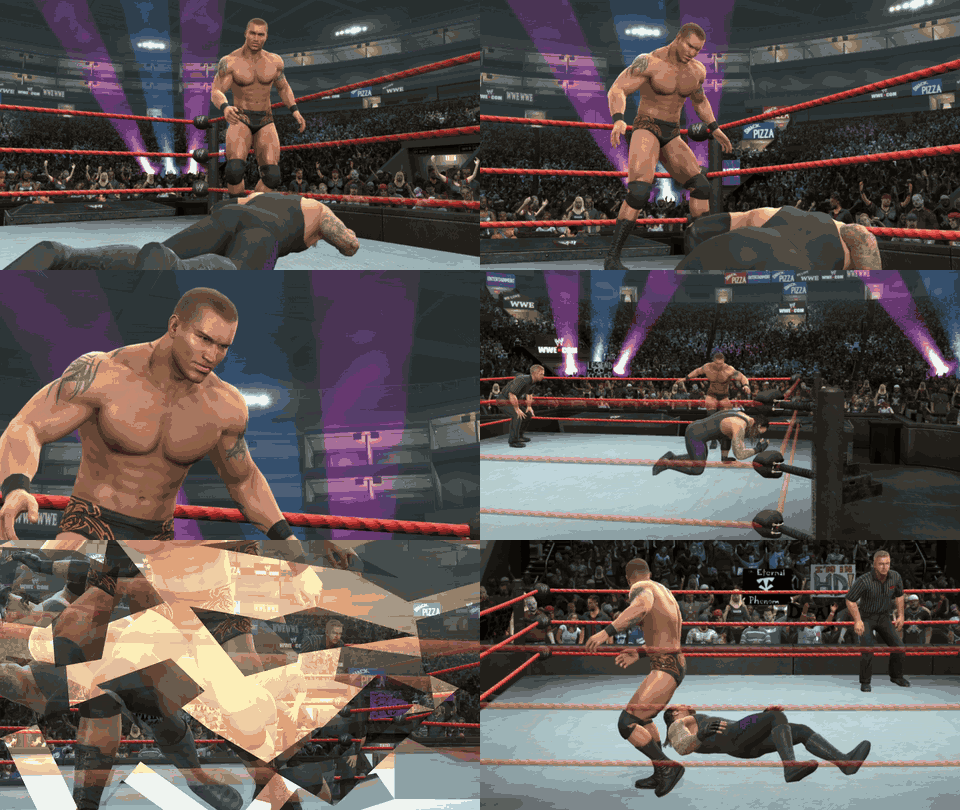
WWE SmackDown vs. Raw 2009 is a native PC port of the Xbox 360 game that runs at 60 fps and up to 4K resolution.
- Type: PC port
- Game: WWE SmackDown vs. Raw 2009
- Runs on Windows
- By nefariousjosiah
- Latest release v2.1.1, 2026-10-24
- Source: https://github.com/nefariousjosiah/WWE-SVR2009-RECOMP
- Website: https://nobkonline.com/svr09/
README
WWE SmackDown vs. Raw 2009 — native PC, Linux & Steam Deck
The Xbox 360 version of WWE SmackDown vs. Raw 2009, recompiled to run natively on Windows, Linux and the Steam Deck: no emulator, 60 fps, up to 4K.
The goal is simple: bring the game back so people can play it again, natively on PC at 60 fps. It's the same game you remember, with no mods, roster changes or reworked gameplay: only what it needs to run well on today's hardware.
You need your own copy of the game. It runs from a disc image (
.iso) of your own SvR 2009 disc. None of the disc's files are in this project or its downloads, and it does not condone piracy: please buy the game.Version 1.0, still updated. Run into a problem? Open an issue with
game.logfrom the game's folder, your graphics card and a screenshot.
Showcase
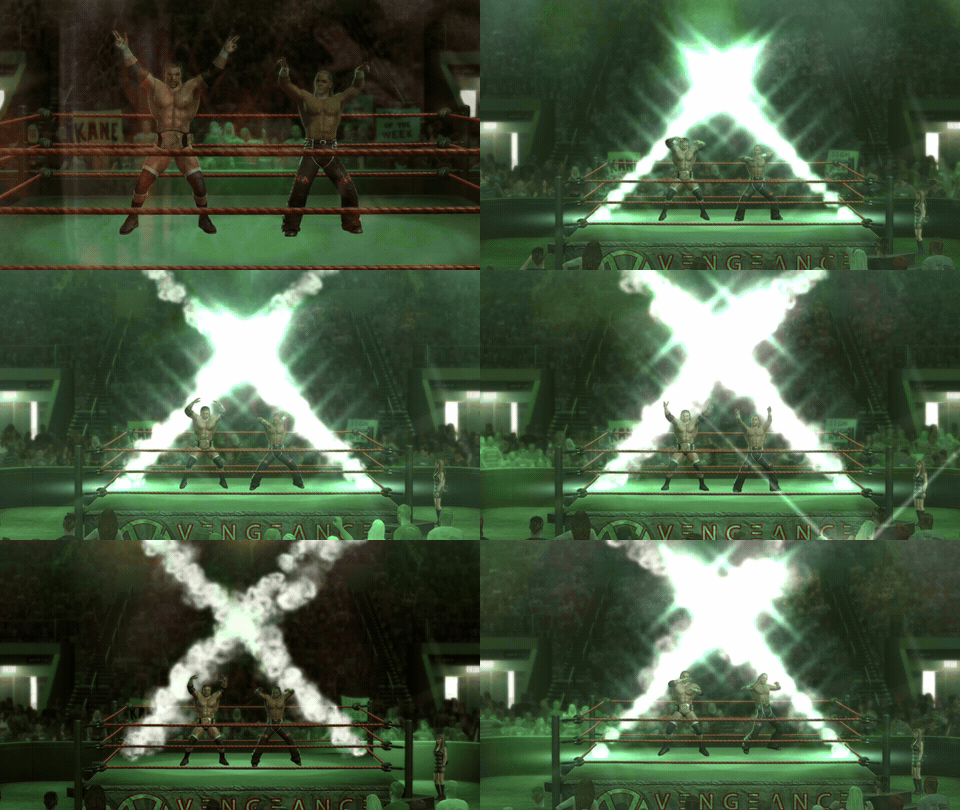
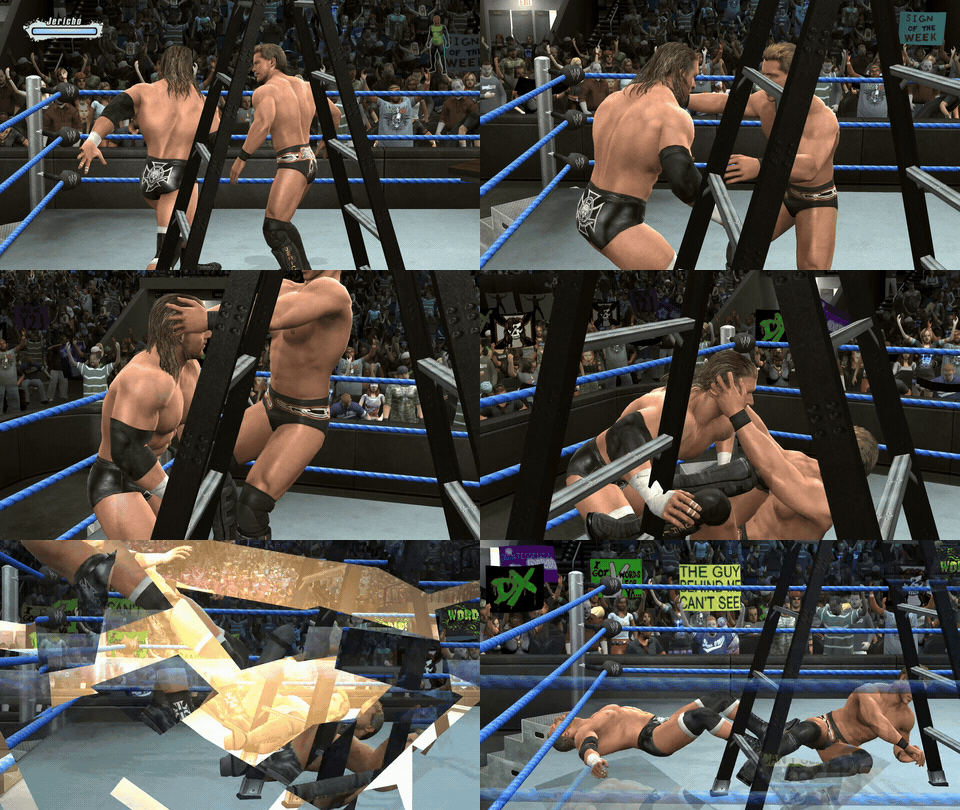
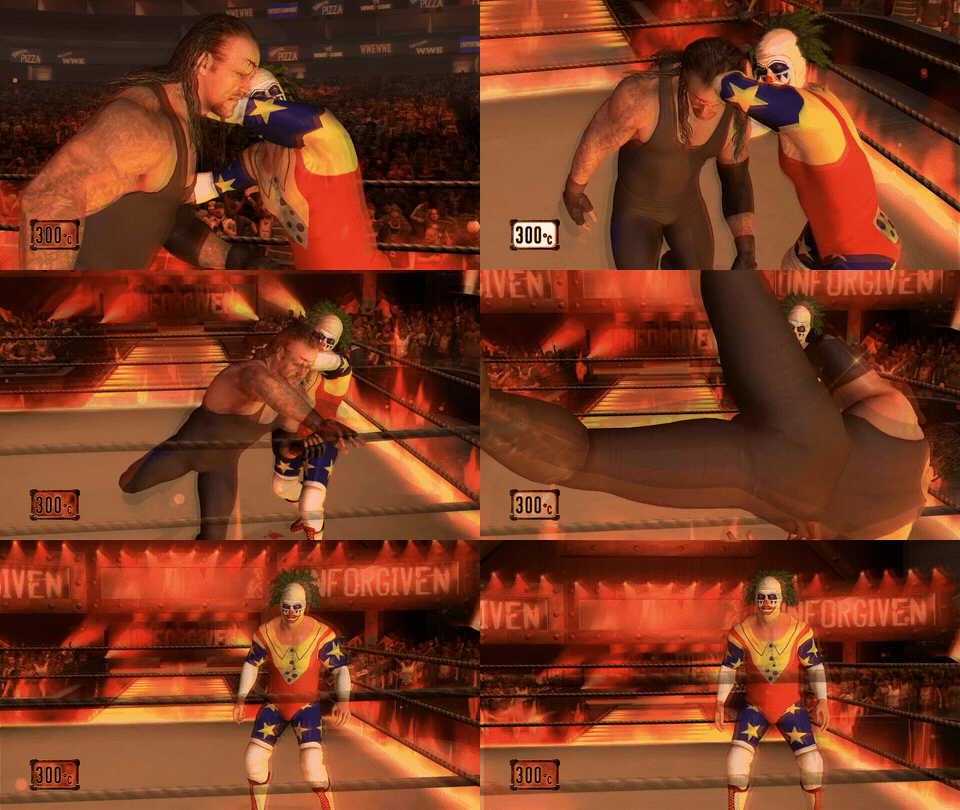
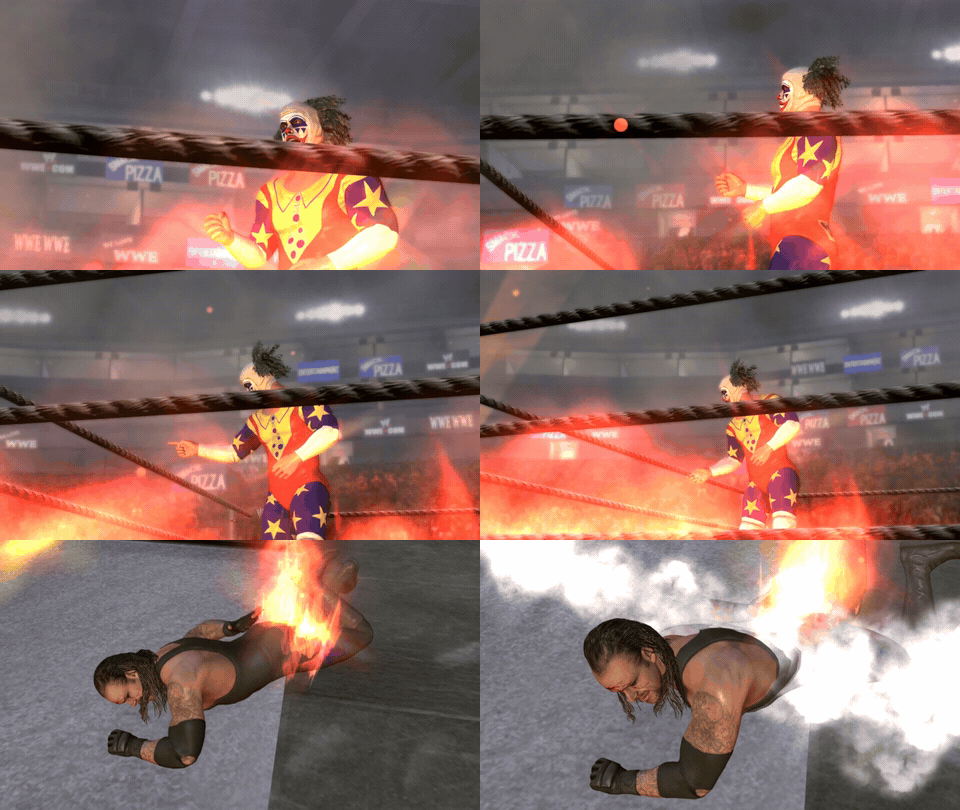
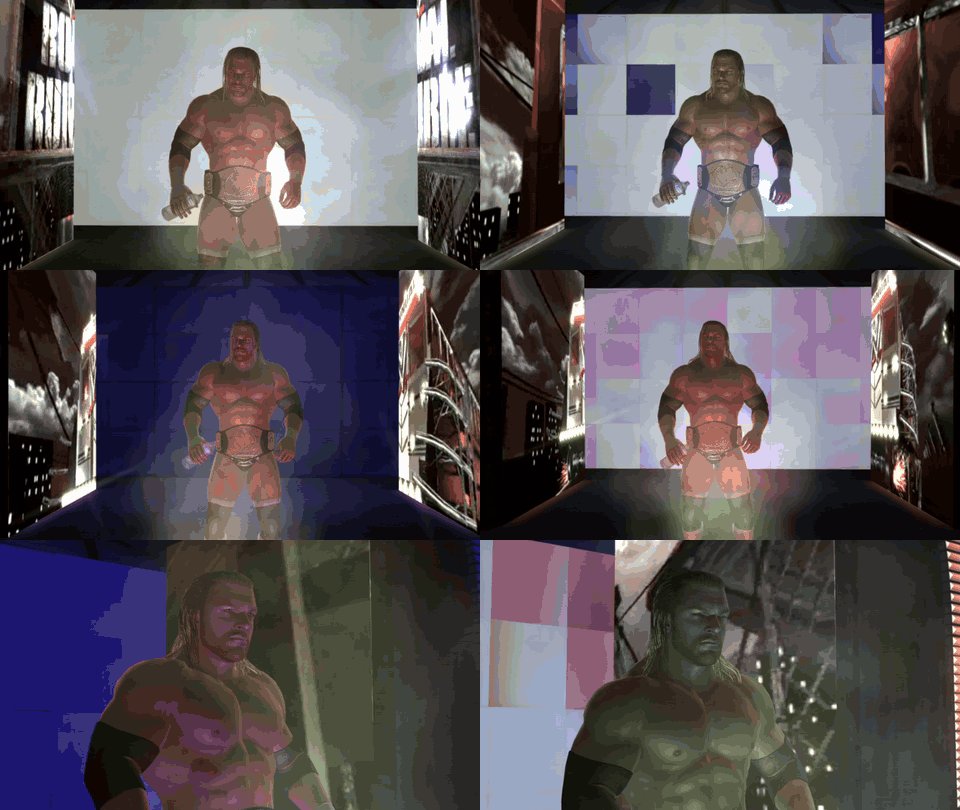
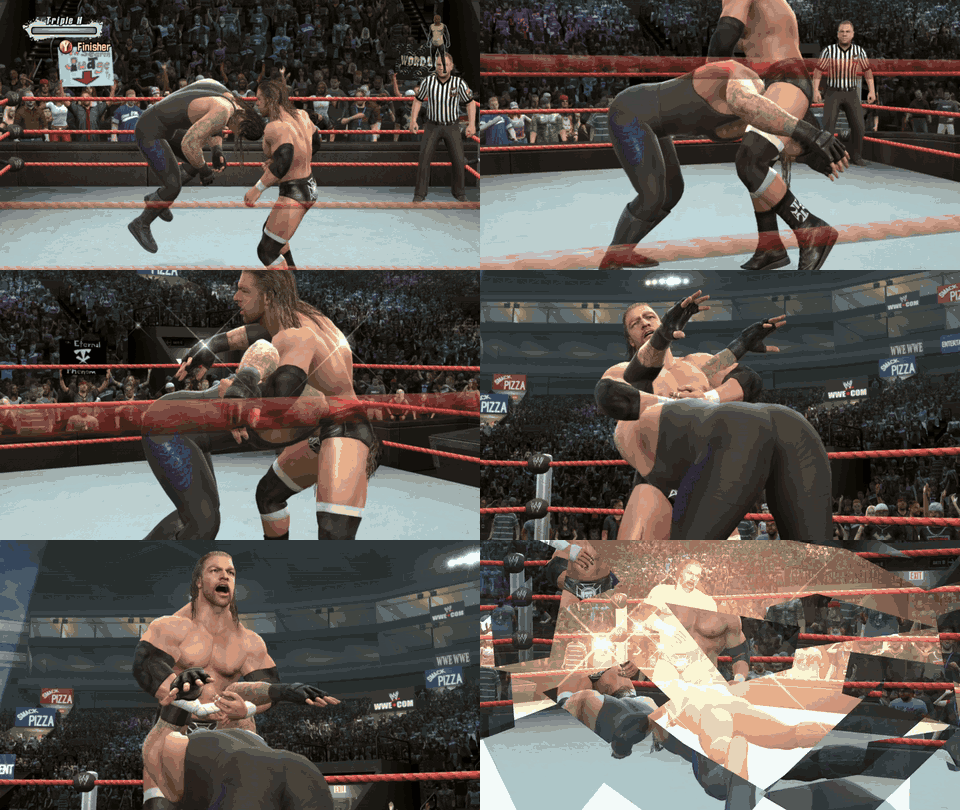
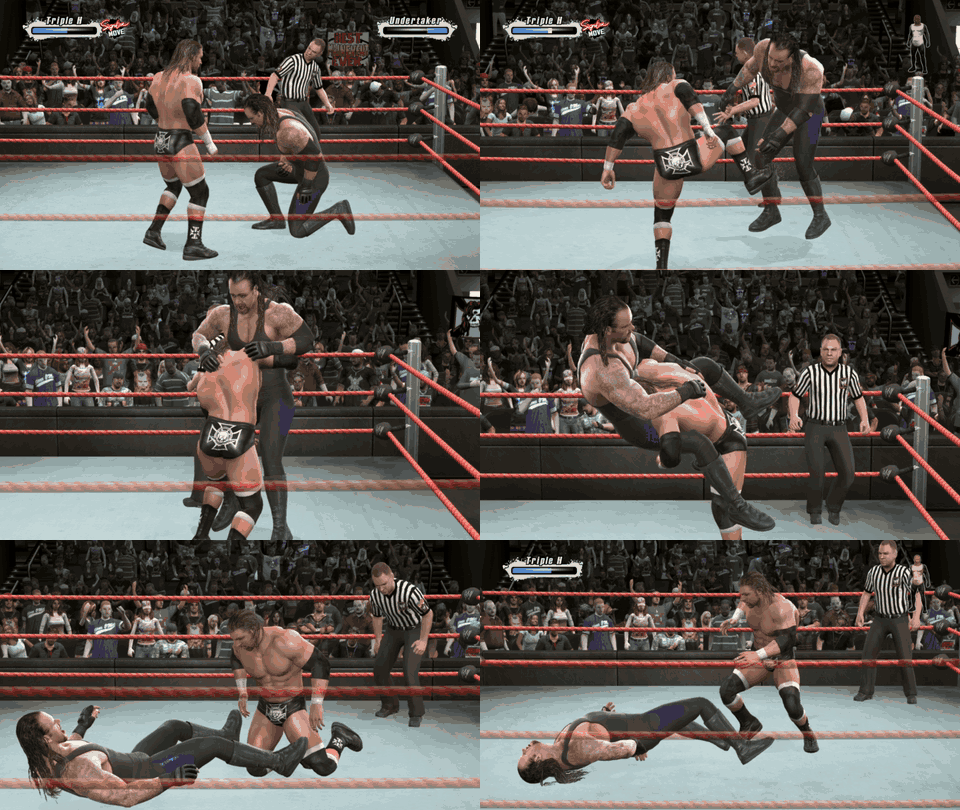
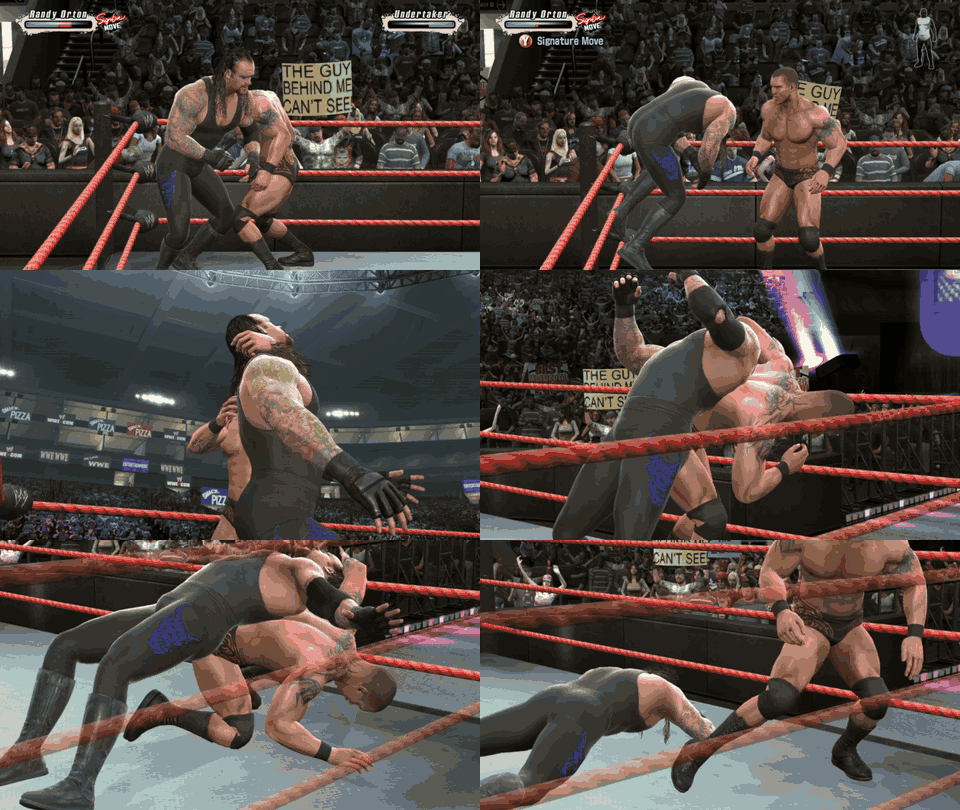
Features
- Native, not emulated: the game's own code is recompiled for PC and drawn by a native renderer, Direct3D 12 on Windows and Vulkan on Linux and the Steam Deck.
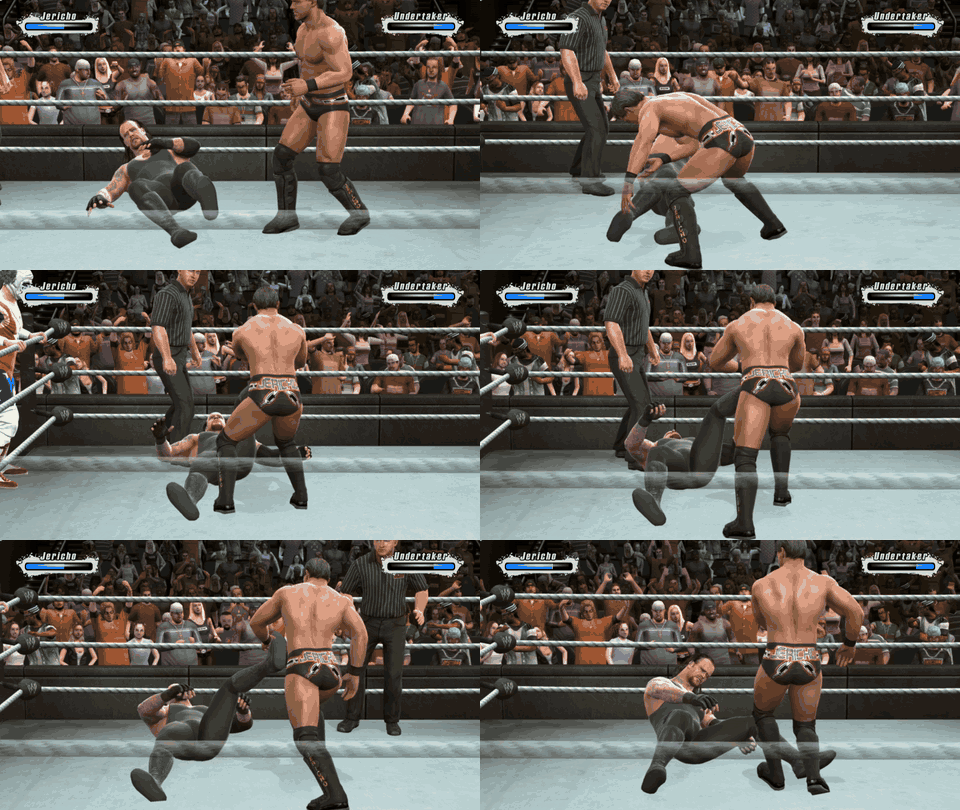
- 60 fps, using the game's own 60 fps mode so everything plays at the right speed, Road to WrestleMania cutscenes too (with their captions in sync).
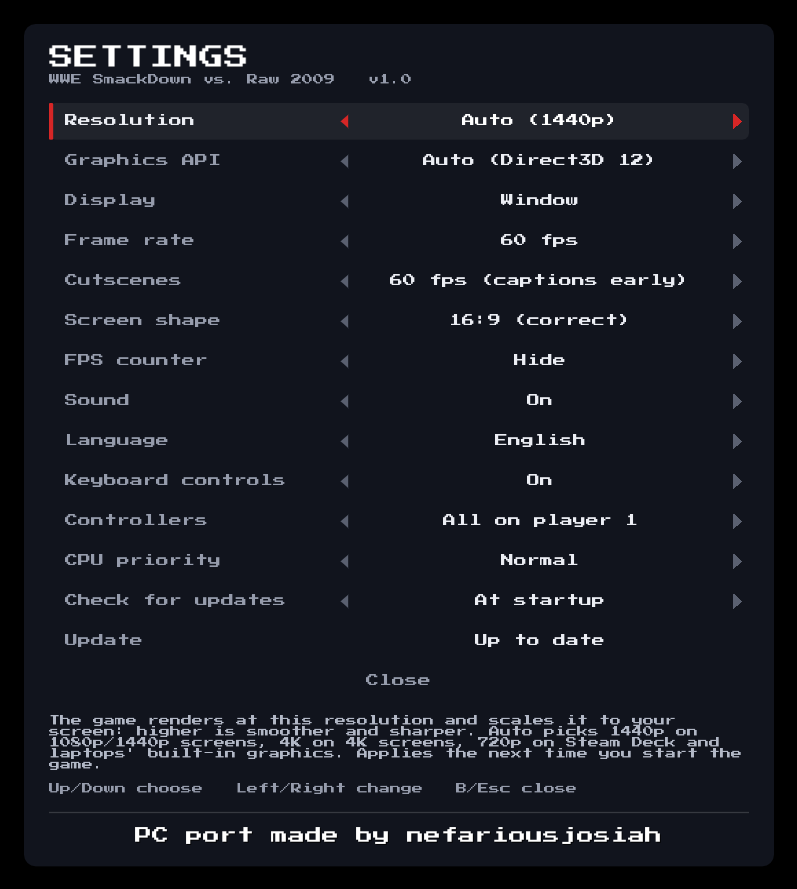
- 480p up to 8K: Auto picks 1440p on 1080p and 1440p screens, 4K on 4K screens and 720p on the Steam Deck; 480p helps weak graphics cards. The console's edge blur and its background blur (depth of field) are off for a sharp image; both are settings.
- Smooth on lower-end PCs too: no first-time stutters, and far less work per frame.
- Matches load in about 20 seconds instead of nearly a minute.
- Play in your language: English, Español, Français, Deutsch or Italiano.
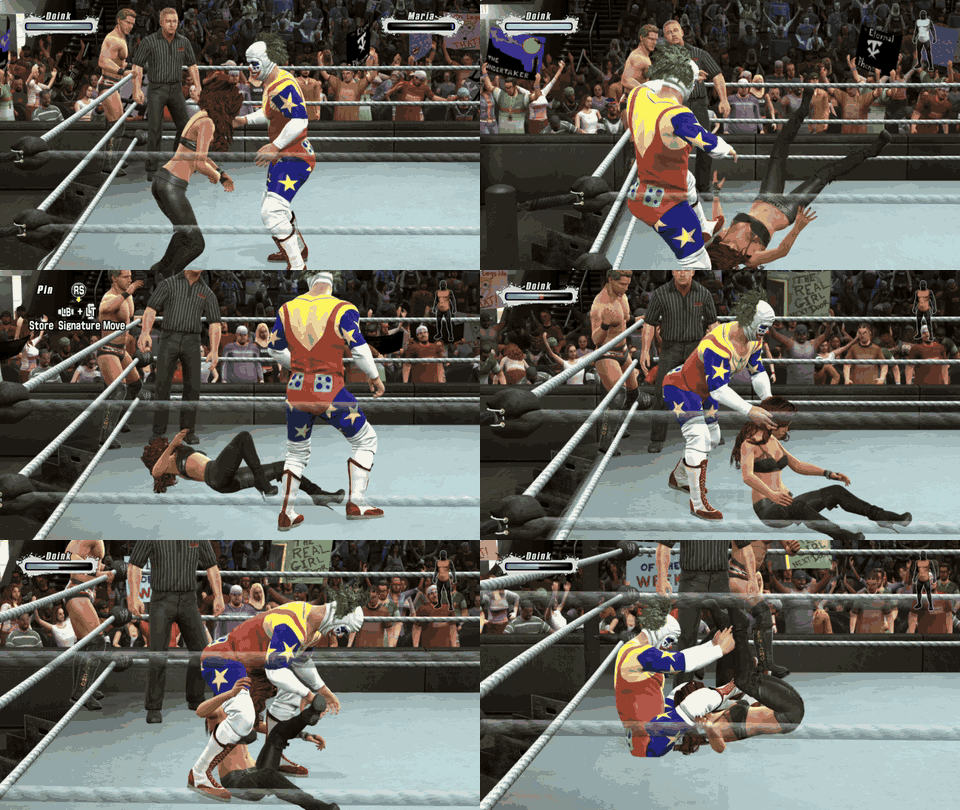
- Your own entrance music (User Playlist) and your own DLC superstars (DLC).
- Updates from inside the game, only when you choose to; your saves are kept and backed up.
- Controllers: Xbox, PlayStation, Switch Pro and the Steam Deck's own.
Windows: install and play
- Download
SVR2009-NATIVE.zipfrom Releases (under Assets, not Source code). - Extract it to a folder of its own, for example
C:\Games\SVR2009-NATIVE(not insideProgram Files). - Copy your
.isointo that folder, next tosvr2009.exe. - Run
svr2009.exe. If Windows warns, click More info > Run anyway (the program isn't code-signed).
In game: F1 (or Back + Start on a controller, Share + Options on PlayStation) opens
the settings menu, and F2 shows or hides the FPS counter. Your saves are in the userdata
folder: back it up to keep your career and created superstars.
You need Windows 10 or 11 (64-bit), a graphics card with Direct3D 12 or Vulkan (AMD, NVIDIA or
Intel, with a recent driver) and the USA / Europe release of the game (title ID 54510826, media
ID 7AFA4596, about 7.3 GB).
Settings, controllers and keyboard
- The settings menu: resolution (Auto, 480p, 720p, 1080p, 1440p, 4K, 8K), graphics API (Auto, Direct3D 12,
Vulkan), fullscreen or window, 60 or 30 fps, Screen shape, Edge blur, Background blur, FPS counter, sound,
Language, keyboard controls, Controllers, CPU priority and updates. Saved in
svr2009.toml. - Language: the game's text and menus in English, Español, Français, Deutsch or Italiano (the commentary is English only, as on the disc). Pick one and press A twice to restart straight into it.
- Screen shape (experimental): 16:10 (Steam Deck, many laptops), 21:9 and 32:9 (ultrawide). The whole game fills the screen: matches, entrances and cutscenes show more of the arena, nothing stretched; menu backgrounds reach the edges while text and panels keep their shape.
- Controllers: plug yours in before starting. By default every controller controls player 1; for local multiplayer, set Controllers to Separate players.
- Disc image somewhere else? If there's no
.isoin the folder, the game asks for one the first time and remembers it. - Keyboard controls are included but not tested yet (a controller is recommended). The default layout (rebind with F4 in game):
| Controller | Keyboard | Controller | Keyboard | |
|---|---|---|---|---|
| A | Space / ; | Left stick | W A S D | |
| B | Backspace / ' | Right stick | Arrow keys | |
| X | L | D-pad | Shift + arrow keys | |
| Y | P | LB / RB | 1 / 3 | |
| Start | Enter / X | LT / RT | Q / E | |
| Back | Tab / Z | Stick presses | F / K |
Shift, Ctrl and Alt work as buttons too (for example Shift to run). A key bound on its own like that is no longer a modifier, so if you bind Shift, give the D-pad other keys.
Linux and Steam Deck (Proton): install and play
The Windows release runs through Proton, Steam's compatibility layer: 720p at 60 fps on the Deck.
- In Desktop Mode, download
SVR2009-NATIVE.zip, extract it to a folder of its own (for example/home/deck/Games/SVR2009-NATIVE) and copy your.isonext tosvr2009.exe. - In Steam: Games > Add a Non-Steam Game to My Library... > Browse..., set the file type to
All files and pick
svr2009.exe. - Right-click it > Properties... > Compatibility, tick Force the use of a specific Steam Play compatibility tool and choose Proton Experimental.
- Back in Game Mode, start it from Library > Non-Steam.
More for the Steam Deck and Linux
- Copying from your PC: a USB stick must be exFAT or NTFS (the disc image is bigger than FAT32's 4 GB limit). A microSD card works too.
- Other Linux PCs: the same steps in Steam's desktop client, with up-to-date Vulkan drivers.
- The first start takes a little longer while Proton sets itself up.
- Settings: press View + Menu together. To use a back button instead: the game's Controller settings > Edit Layout > Back Grip Buttons > L4 > Keyboard > F1.
- Black bars: the game is 16:9 and the Deck's screen 16:10; Screen shape > 16:10 in the settings menu fills it without stretching (experimental), Stretch to fill by stretching.
- Quit with the Steam button > Exit game. You can rename the shortcut (WWE SmackDown vs. Raw 2009) and set its artwork in its properties.
Updating
Open the settings menu, go to Update and press A to see what's new, A again to install,
then Restart now. Your userdata (saves, created superstars, installed DLC), settings, dlc and
music folders and disc image are kept, and your saves are also copied to save_backups first; if
anything goes wrong, the version you had is put back. Check for updates: Off keeps the game
offline (the check only asks GitHub for the latest release). Coming from v0.4 or older? Download the
new zip once by hand.
DLC (optional)
Your own Roster Update packs work: new superstars, their entrances and an extra costume. Copy the
package files from your Xbox 360 (the files with long names like 9FBE32EF4CDA... in
Content\0000000000000000\54510826\00000002\, copied off with a USB stick and a tool such as Horizon
or Velocity) into the dlc folder next to svr2009.exe, and start the game. The first start
unpacks them into userdata, and the DLC superstars are on the roster. None of the DLC is included.
Your own entrance music (User Playlist)
Like songs from the Xbox 360's hard drive: inside the music folder (next to svr2009.exe), make a
folder for each playlist and put your MP3 files in it. Then, where you choose an entrance's
music, pick User Playlist and your playlist.
SVR2009-NATIVE\
  svr2009.exe
  music\
    My Theme\
      my song.mp3
More about entrance music
- Songs play in the order of their file names (put
01,02... in front). MP3s placed straight inmusicshow up as a playlist called Music. WAV works too; other formats (M4A, AAC, FLAC, WMA, OGG) need converting to MP3 first. - In the game: create or edit an entrance, choose User Playlist, then your playlist by its folder name. It plays right away so you can hear it; in matches it plays during the entrance.
- New songs show up the next time you open the playlist list. A renamed folder needs choosing again. Songs play from the start, so trim long intros.
- The volume follows the game's, and Sound: Muted mutes it too. Updates never touch
music. - Steam Deck: in Desktop Mode, copy your music into
musicwith the file manager (Dolphin). - Nothing plays? The folder needs at least one
.mp3or.wav;game.logexplains on lines starting withMusic:.
Known issues
- Local multiplayer: with Separate players, if a controller shows up twice (Steam Input, DS4Windows, DSX) and the copy drops out, the game pauses for player 2 ("2P paused") until it comes back: close or turn off the app making the copy.
Troubleshooting
| What happens | What to do |
|---|---|
| A window asks for a disc image | There's no .iso next to svr2009.exe: pick your disc image (it's remembered), or copy it into the game's folder. |
| The game closes right after starting | Check that your disc image is the USA / Europe release of SvR 2009 and complete. |
| Black screen, or the game closes | Update your graphics driver. Still happening: F1 > Graphics API > the other one (or add svr_graphics_api = "vulkan" to svr2009.toml) and start again. |
| It runs slowly | Get the latest version. F1 > CPU priority > High helps on a busy or weak PC; on a weak graphics card, F1 > Resolution > 720p (from the next start). |
Still stuck? Open an issue with
game.log from the game's folder, your processor and graphics card.
How it works
- Recompilation. ReXGlue translates the game's Xbox 360 executable into C++ compiled for x86-64. The Xbox 360 system calls it makes are provided by the ReXGlue runtime, which also reads the game's data straight from your disc image.
- Rendering. Instead of emulating the Xbox 360 GPU, the renderer (adapted from
re:Blue) watches the game's own Direct3D library and draws the
same scenes through plume on Direct3D 12 or Vulkan (two builds,
svr2009.exeandsvr2009_vulkan.exe; under Proton the first starts the second). The game's shaders are converted ahead of time with XenosRecomp, and the graphics pipelines are compiled in the background while each scene loads. - 60 fps. The game has its own 60 fps mode, which it normally drops to 30 for matches; a hook keeps it at 60, so the game logic and the animations stay in step.
Building from source
For developers; players use the releases. Windows, with about 30 GB free.
git clone https://github.com/nefariousjosiah/WWE-SVR2009-RECOMP.git
cd WWE-SVR2009-RECOMP
powershell -ExecutionPolicy Bypass -File tools\windows\setup.ps1 -Iso "D:\path\to\your disc image.iso"
setup.ps1 installs the tools it needs (Git, CMake, Ninja, LLVM clang, Python, 7-Zip, Visual Studio
2022 Build Tools), fetches the third-party sources at the pinned commits and applies this project's
patches (patches/), builds the ReXGlue SDK, extracts your disc image to assets/, recompiles
default.xex and builds the game.
The native renderer also needs your game's shaders, which can't be in this repository. The first
time, setup.ps1 builds a shader-dump version and tells you how to collect them: play the menus
and a match or two with shader dumping on, run tools\native\build_shader_cache.ps1, then run
setup.ps1 again.
Afterwards: tools\windows\build.ps1 rebuilds, tools\windows\run.ps1 runs it, and
tools\windows\package_release.ps1 makes the release zip (the game, no game files; the version
number comes from CMakeLists.txt).
Repository layout: src/ the game-specific code (native/ renderer glue, reblue/ the renderer),
config/ recompiler configuration, patches/ changes to the third-party sources, tools/ build
scripts, docs/ the images on this page.
Credits
- ReXGlue SDK by Tom Clay, derived from Xenia: the recompiler and runtime.
- re:Blue (Blue Dragon), the renderer this one is adapted from, with plume and XenosRecomp.
- Dear ImGui with the Press Start 2P and Roboto fonts for the settings menu; SDL for controllers and sound; zstd.
- Inside the runtime: FFmpeg (audio), libmspack and the other libraries the ReXGlue SDK uses.
Licences of all of these: THIRD_PARTY.md.
Licence and legal
This project's own code, including the native renderer for SmackDown vs. Raw, was written by
nefariousjosiah and is licensed under the GNU General Public License v3.0 (LICENSE). The
releases are covered by the same licence, and this repository is their source. It builds on
re:Blue's renderer core (BSD 3-Clause) and the other projects in THIRD_PARTY.md,
which keep their own licences; the releases include FFmpeg and libmspack under the LGPL (their
source: see THIRD_PARTY.md). None of the files from the game disc are in this repository or the
releases: the game's data (models, textures, sound, video) comes from your own disc image. The
releases do contain the game's program in recompiled form (svr2009.exe, with the game's shaders
converted for PC).
WWE, SmackDown vs. Raw and all related names, characters, content and the gameplay shown in the showcase clips belong to their respective owners (WWE, THQ, Yuke's); the clips are used only to show the port running. This is an unofficial fan project, not affiliated with or endorsed by them or by Microsoft.