XML1-recomp
XML1-recomp is a Windows recompilation of X-Men Legends (Xbox) with a Direct3D 8 renderer, supporting 4K resolution and custom controls.
- Type: PC port
- Game: X-Men Legends
- Runs on Windows
- By GTTeancum
- Latest release 1.0.1, 2026-10-31
- Source: https://github.com/GTTeancum/XML1-recomp
README
OpenXML1xbox
A Windows recompilation of the original Xbox X-Men Legends, built with XboxRecomp and a native Windows Direct3D 8 renderer.
Version 1.0.1 runs the game natively on Windows at up to 4K, with keyboard/mouse and XInput controls, PC Options and Advanced Options using XML2 menu assets recolored for XML1, Angel and Bishop with XML2 combat handlers, NewGame+, the stash, loose-file modding and HD texture pack support. An optional texture template download contains every original texture as a PNG for making texture packs.
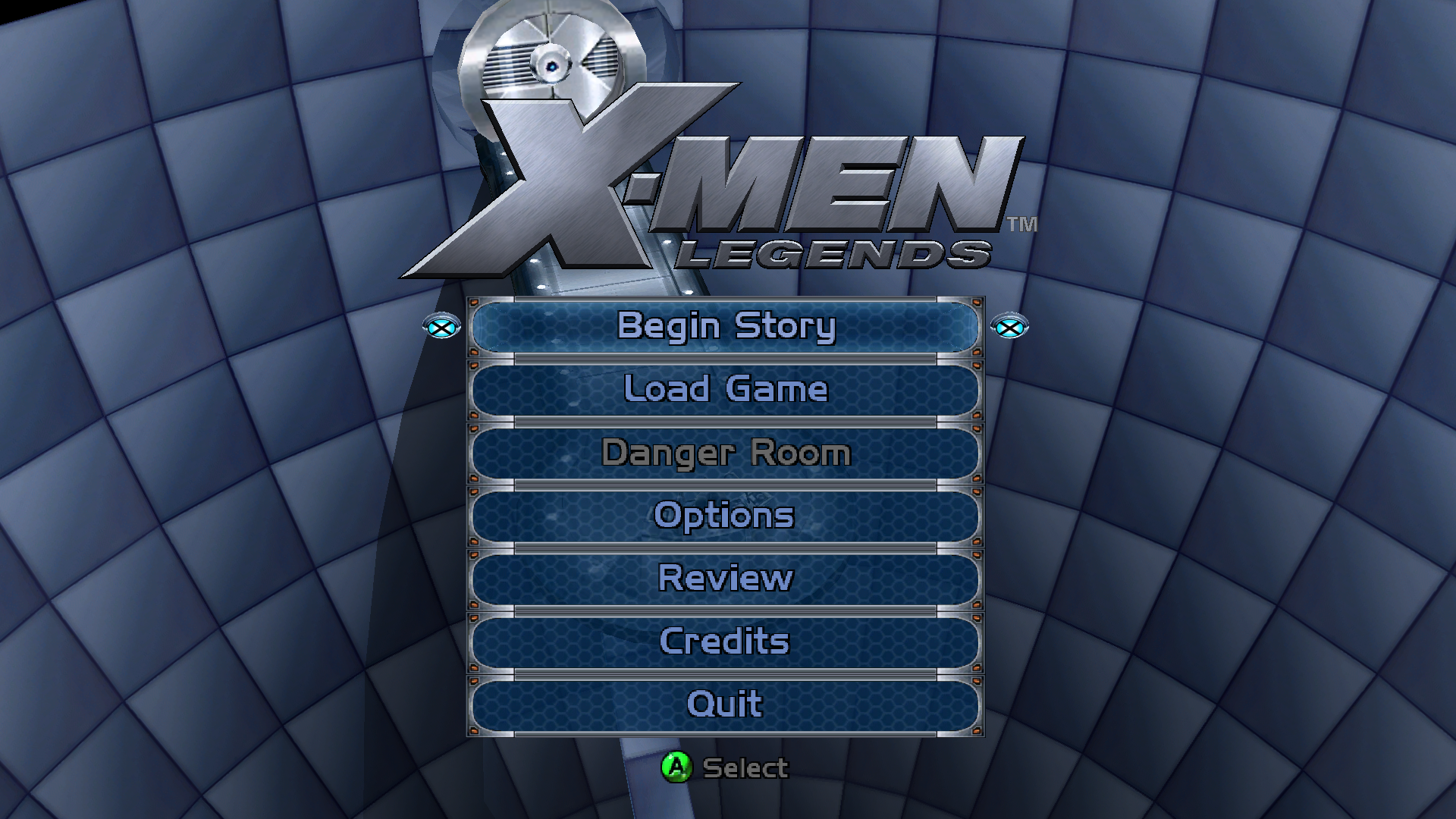 Main menu | 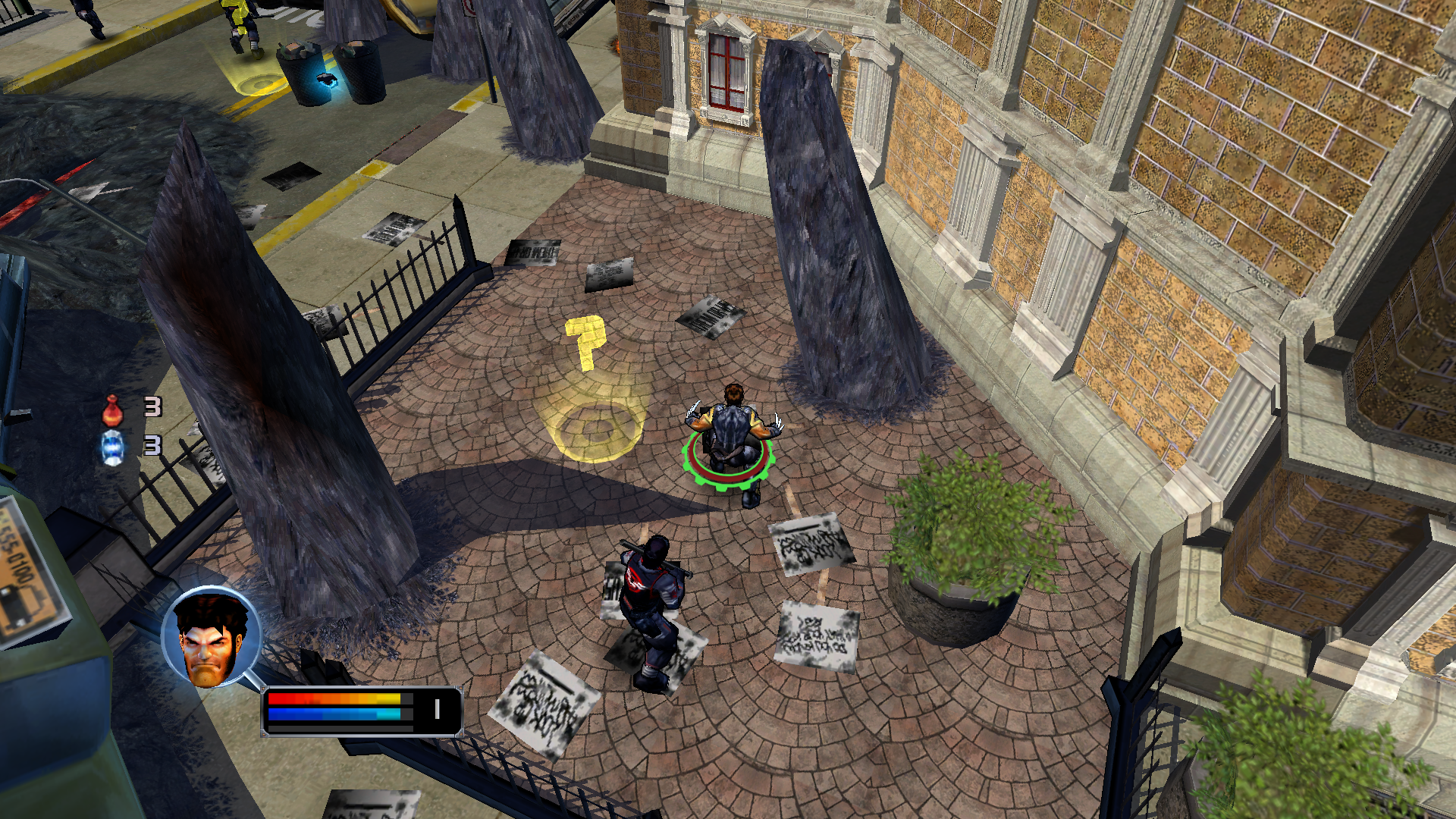 1080p gameplay |
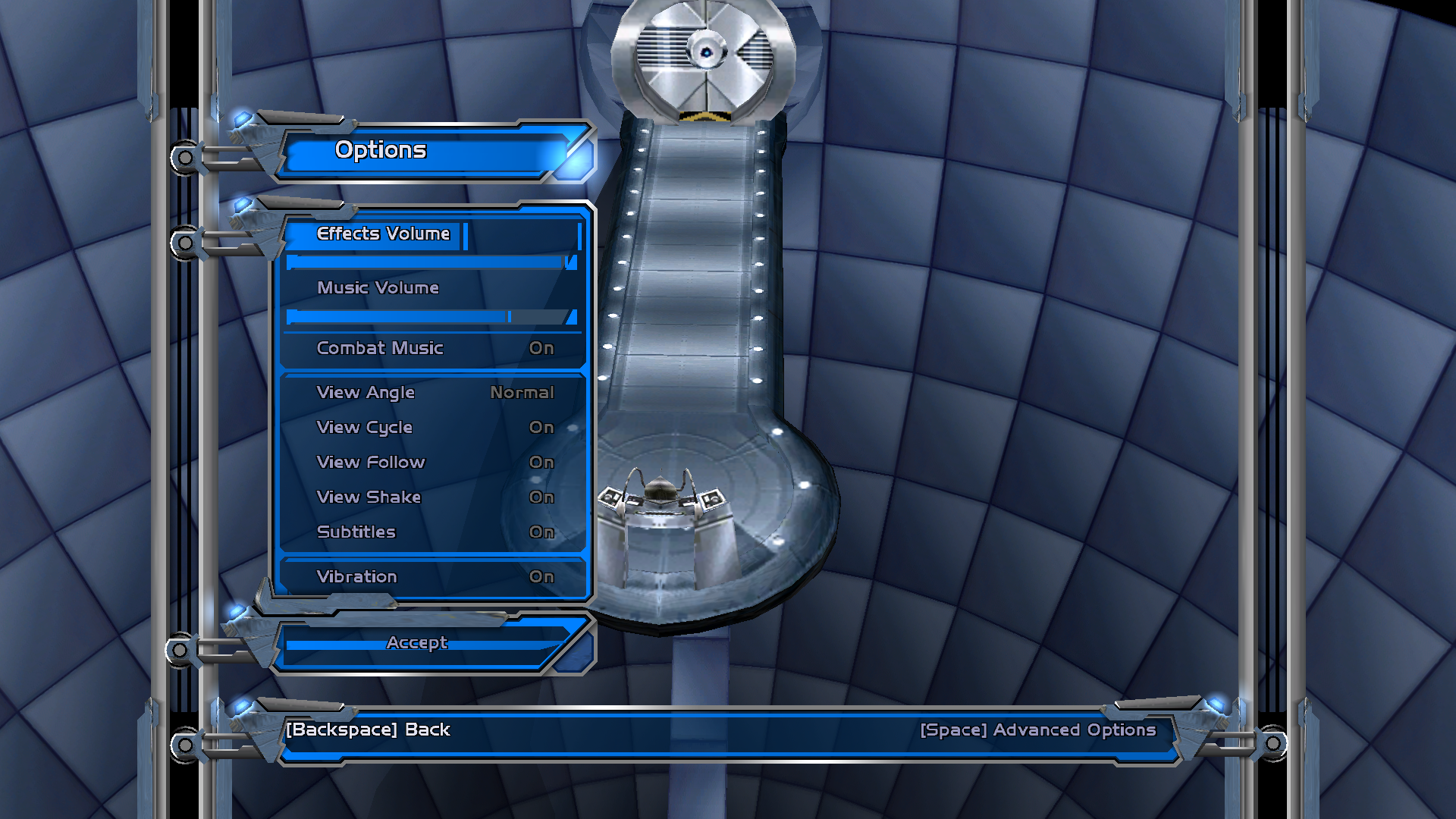 Options | 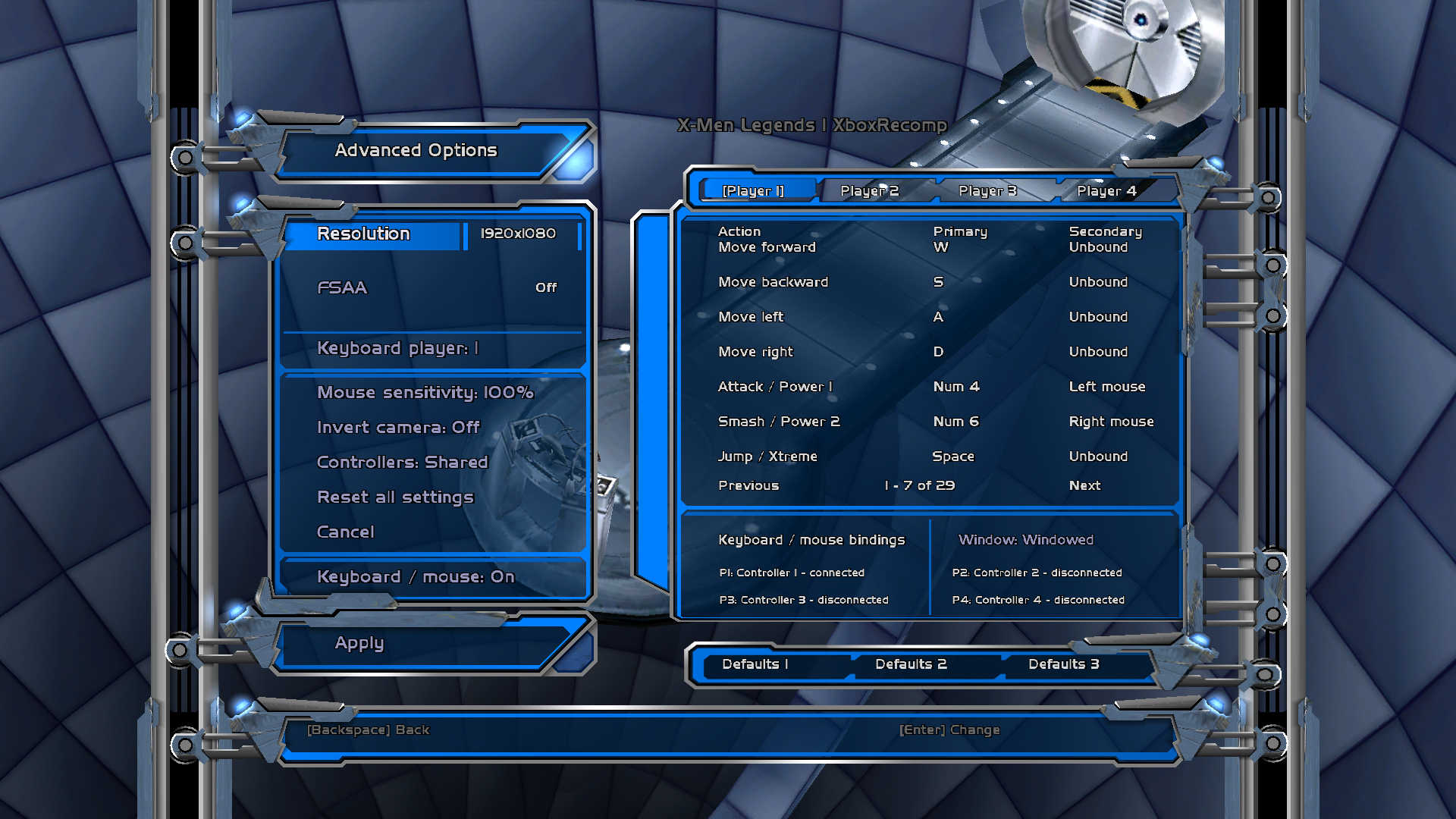 Advanced Options |
Install
Requires 64-bit Windows 10/11 and your own X-Men Legends (World) Xbox ISO.
- Extract the files from your ISO into a writable folder using an Xbox ISO extraction tool.
- Extract
XML1-recomp-1.0.1-win64.zipinto that same folder, replacing the supplied files. Keepruntimeand the hidden.xml1-player-layoutfile. - Launch X-Men Legends.exe. First-run setup extracts the archive into loose assets and generates PKGB manifests
The game also compiles Raven XML data during first-run setup to the
later games' XMLB format (.xmlb, .engb and other variants, .chrb,
.navb). Existing loose installations upgrade once on launch. Original text files
and saves are retained; loose-mode gameplay reads the compiled versions.
The tested World ISO SHA-256 is:
0a1ef03e57458144609906bbc2d44d2c26028cf704f4698ce0f1e61c34030b44.
Features and controls
- 1080p widescreen by default, adjustable display settings and live title-bar FPS.
- Native Options and Advanced Options, retaining the 3D menu or paused level.
- Rebindable keyboard/mouse and controller controls.
- WASD movement; left/right mouse attacks; Space jumps; E interacts.
- Middle mouse + drag, or V + drag, controls the camera. Esc pauses/resumes.
- Options > Space opens Advanced Options; Backspace returns to the previous menu.
- Main-menu Quit closes the application. Normal play has no session limit.
See the included Read Me.txt for the full default controls. Display and input
assignment changes require a restart. PC preferences are stored in
pc-settings.ini; original save data lives in UDATA and TDATA.
build.ini selects installed languages and asset loading. PreferFilesLoose=1
(or true) uses loose resources and PKGBs with no archive fallback. The new
PC menus were validated in English; localized PC menu adaptation is not complete.
modderMode=1 (or true) in [BUILD] unlocks all installed playable characters
and costumes for testing, including after loading a save. Use 0 or false
to disable it, then restart. Unlocks written to a save remain unlocked. If the
key is absent, modder mode is off.
HD textures
The renderer loads PNG replacement textures from the texturepack folder
beside default.xbe. HDTextures=0 in build.ini restores the original
textures. No upscaled pack is supplied: upscale the original textures with
the tool of your choice (2x, 4x or 8x), keep the file names, and put the
results in texturepack. The release's XML1-recomp-1.0.1-texture-template.zip
contains every original texture as a PNG; you can also export them from your
own game files:
python scripts/texture-pack.py build --game <game folder> --out <export folder> --originals
The same script can build a 4x pack itself:
python scripts/texture-pack.py build --game <game folder> --out <game folder>/texturepack --model <4x model .param or .onnx>
The generator reads IGB files with the
IGB Blender add-on's reader
(--igb-reader, default work/igb-blender-reference) and runs an
ESRGAN-family model (for example Upscayl's ultramix-balanced-4x) with
onnxruntime. Each result is locked to the original texture's colors and tones. Edited PNGs work as texture
mods. See HD textures for the format and safeguards.
Building from source
Development requires Git, Python 3.12, CMake and Visual Studio 2022 Desktop C++ tools. XboxRecomp and libsamplerate are pinned submodules; the setup script applies our ordered toolkit patches.
git clone --recurse-submodules https://github.com/GTTeancum/OpenXML1xbox.git
cd OpenXML1xbox
./scripts/setup.ps1
cmake -S . -B build/optimized -A x64 -DOPENXML1_BUILD_BOOT_PROBE=ON -DOPENXML1_OPTIMIZE_RECOMP=ON -DPython3_EXECUTABLE="$PWD/.venv/Scripts/python.exe"
cmake --build build/optimized --config Release --target xml1-boot-probe
Compilation uses the committed src/recomp/game tree, including the remaining
address-named functions. It does not require an ISO, XBE, disassembly or code
generation. The 32-bit DX8 renderer is built and embedded automatically.
The result is build/optimized/Release/xml1-boot-probe.exe; deploy it as
X-Men Legends.exe beside your own extracted game data and default.xbe.
Running the game still requires those original files and the release's modified
assets. Compiling the executable does not create a complete playable asset set.
See Git-only build and regeneration for the source map, checks and optional maintainer regeneration. The game host is 64-bit; an original-Xbox hardware build is not implemented. PC menu documentation covers optional menu asset authoring, which needs local XML2 reference assets and the IGB writer. Original game assets remain outside Git.
This is an unofficial project, not affiliated with the original game's publishers or developers. X-Men Legends and its artwork belong to their respective owners. Third-party components retain their licenses and notices.