xbased
xbased is an original Xbox emulator for Windows and Linux with a console-style dashboard and Vulkan renderer.
- Type: emulator
- Runs on Windows and Linux
- By crazyriddler
- Latest release v1.1.10, 2026-11-17
- Source: https://github.com/crazyriddler/xbased
README
The original Xbox, on your PC.
xbased is an original Xbox emulator for Windows and Linux, developed by crazyriddler.
Free and open source, with a console-style dashboard. Based on hakuX.



Download · Features · Screenshots · Getting started · Building · Credits
https://github.com/user-attachments/assets/bf62adff-002a-4dc6-9b28-eee775181646
Watch on YouTube · Download in 1080p60
xbased runs original Xbox games on a PC with a reimplemented Xbox kernel, a high-level NV2A renderer on Vulkan and an accurate MCPX audio core, behind a console-style front end of its own. No BIOS, MCPX ROM or hard-disk image is needed.
Download
| Platform | File | |
|---|---|---|
| Windows 10/11 (x64) | xbased-1.1.10-windows-x64.zip | Unzip anywhere and run xbased.exe. Portable: everything stays in its folder. |
| Linux (x86-64) | xbased-1.1.10-x86_64.AppImage | chmod +x it and run. Ubuntu 22.04 or newer, or any distribution of the same age. |
Get them from Releases.
Requirements: a GPU with Vulkan 1.1 or newer (1.3 recommended), a CPU with SSE4.1, and your own game images (ISO / XISO) dumped from discs you own. xbased doesn't include any copyrighted Xbox software.
Features
Like a console
|
Your library
|
Picture
|
Patches & mods
|
Save states & in-game menu
|
Controls, online, languages
|
Screenshots
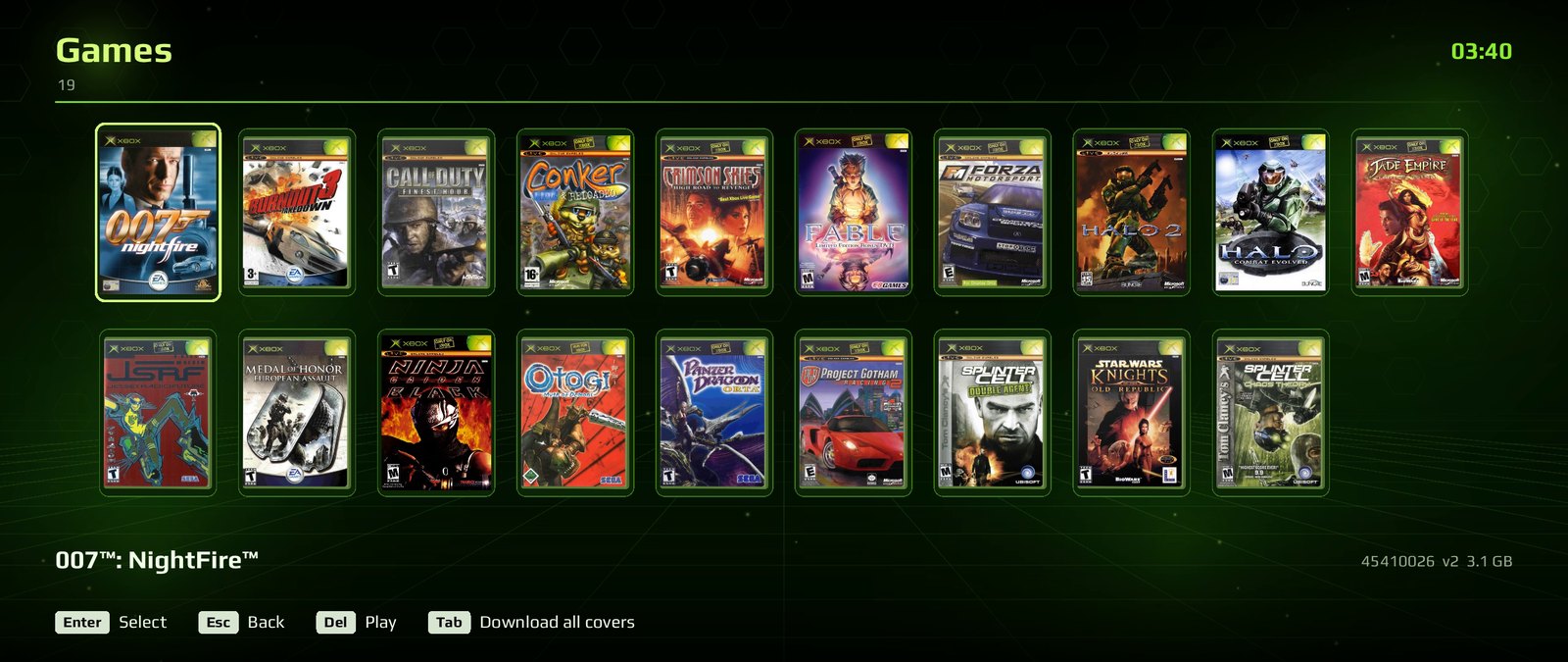
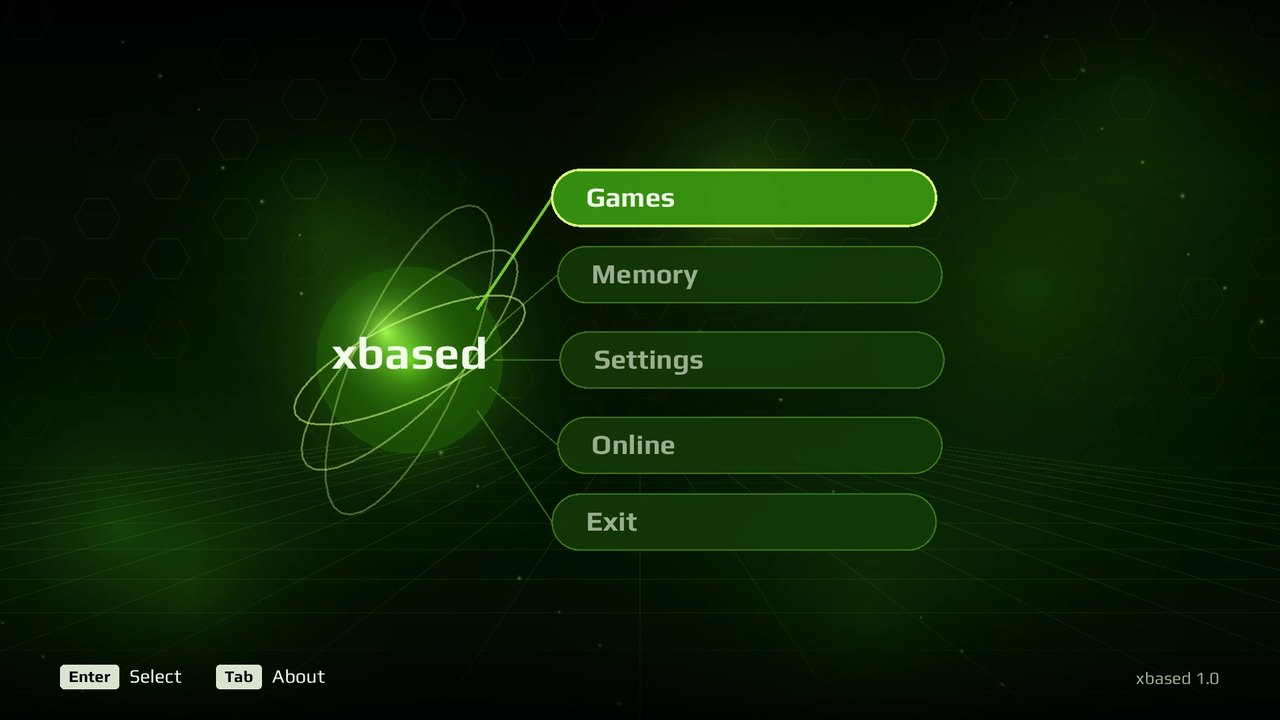 The dashboard | 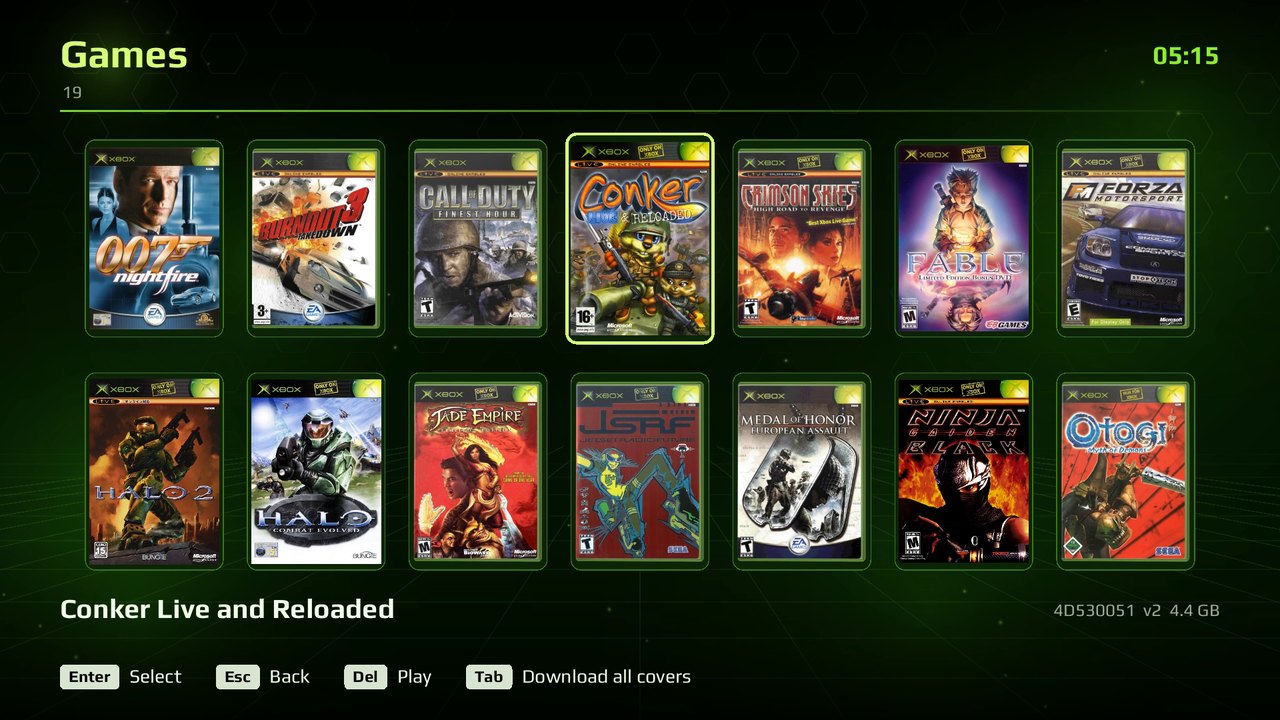 Your library, with box art |
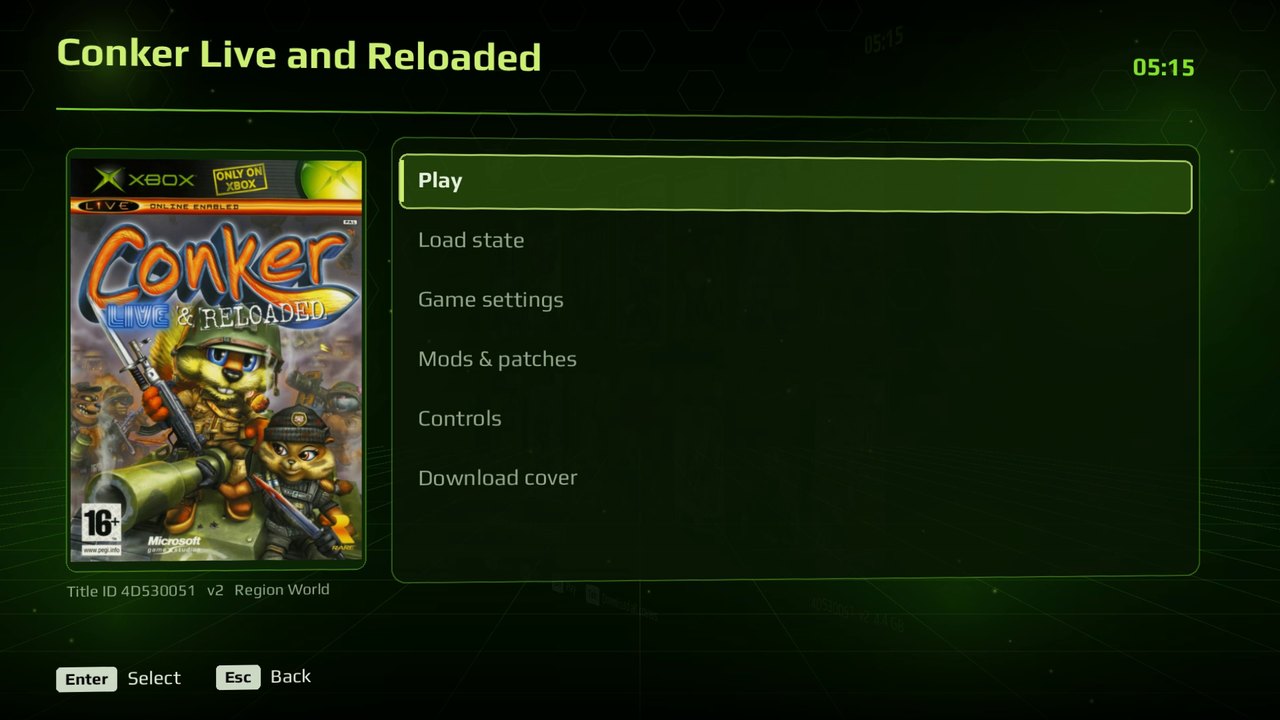 A game's page | 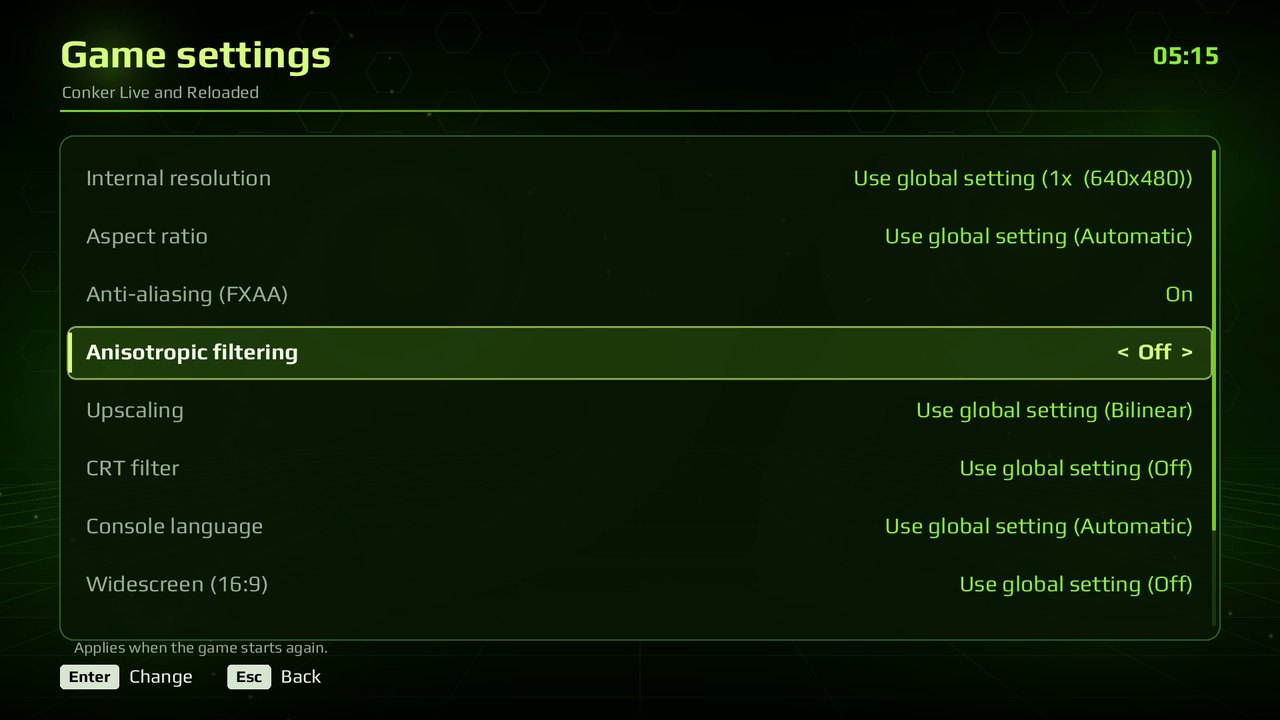 Per-game settings |
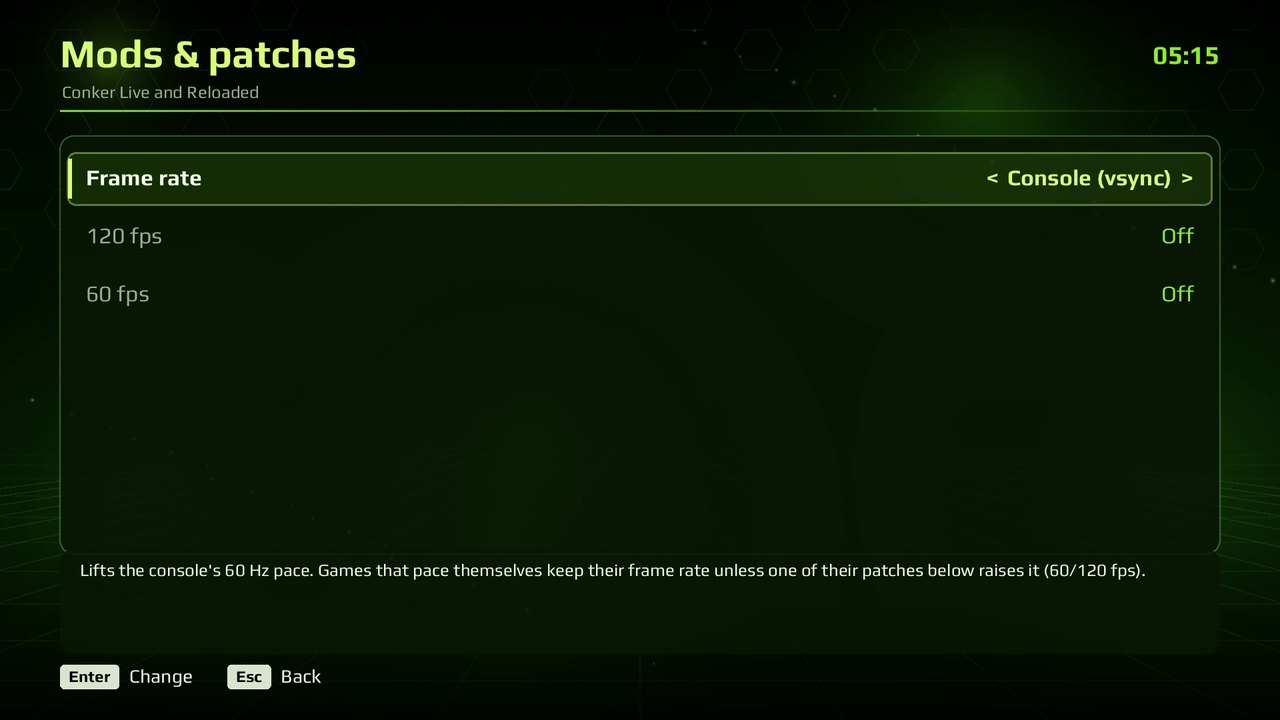 Patches & mods | 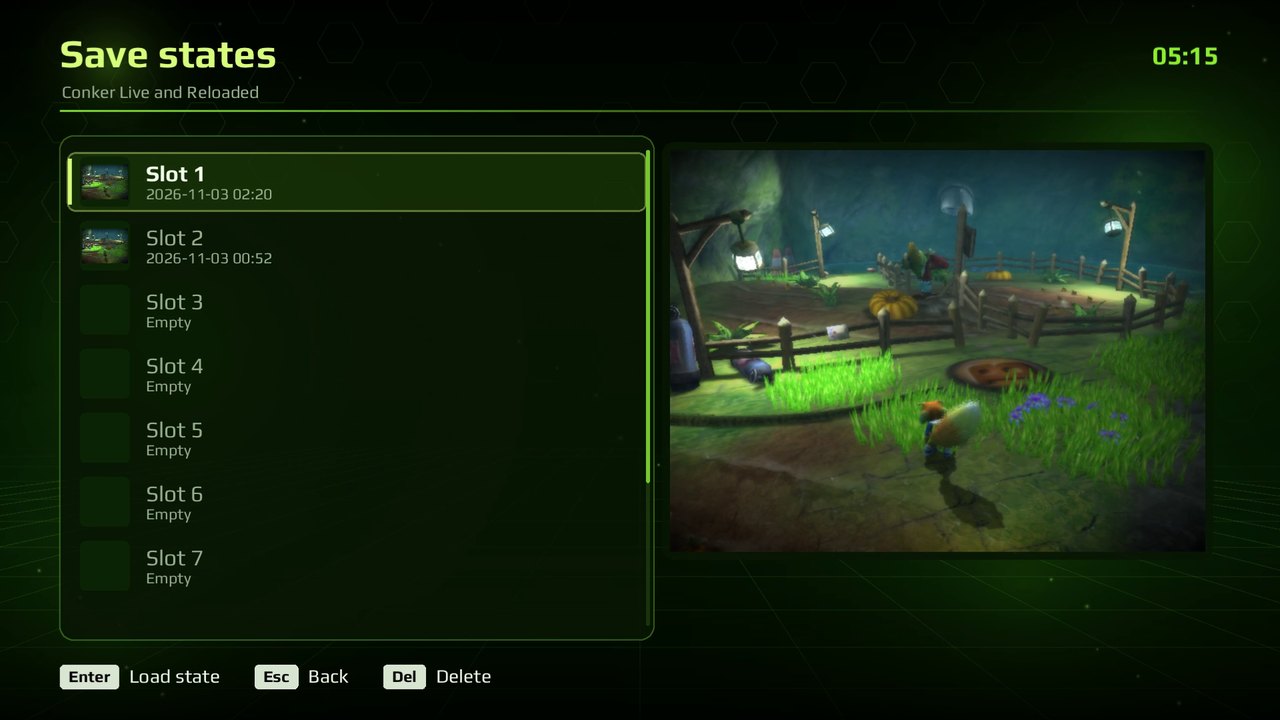 Save states with pictures |
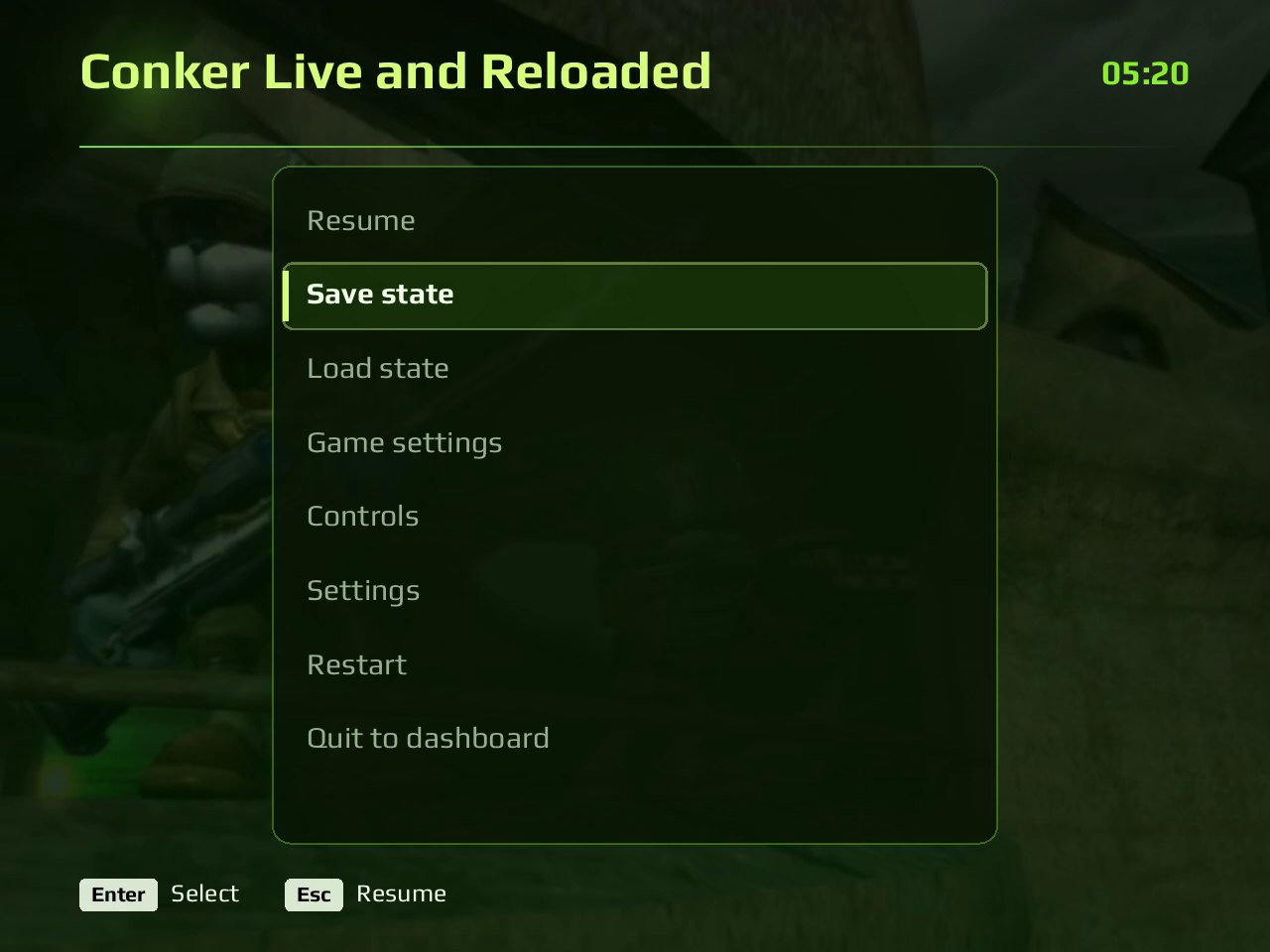 The in-game menu | 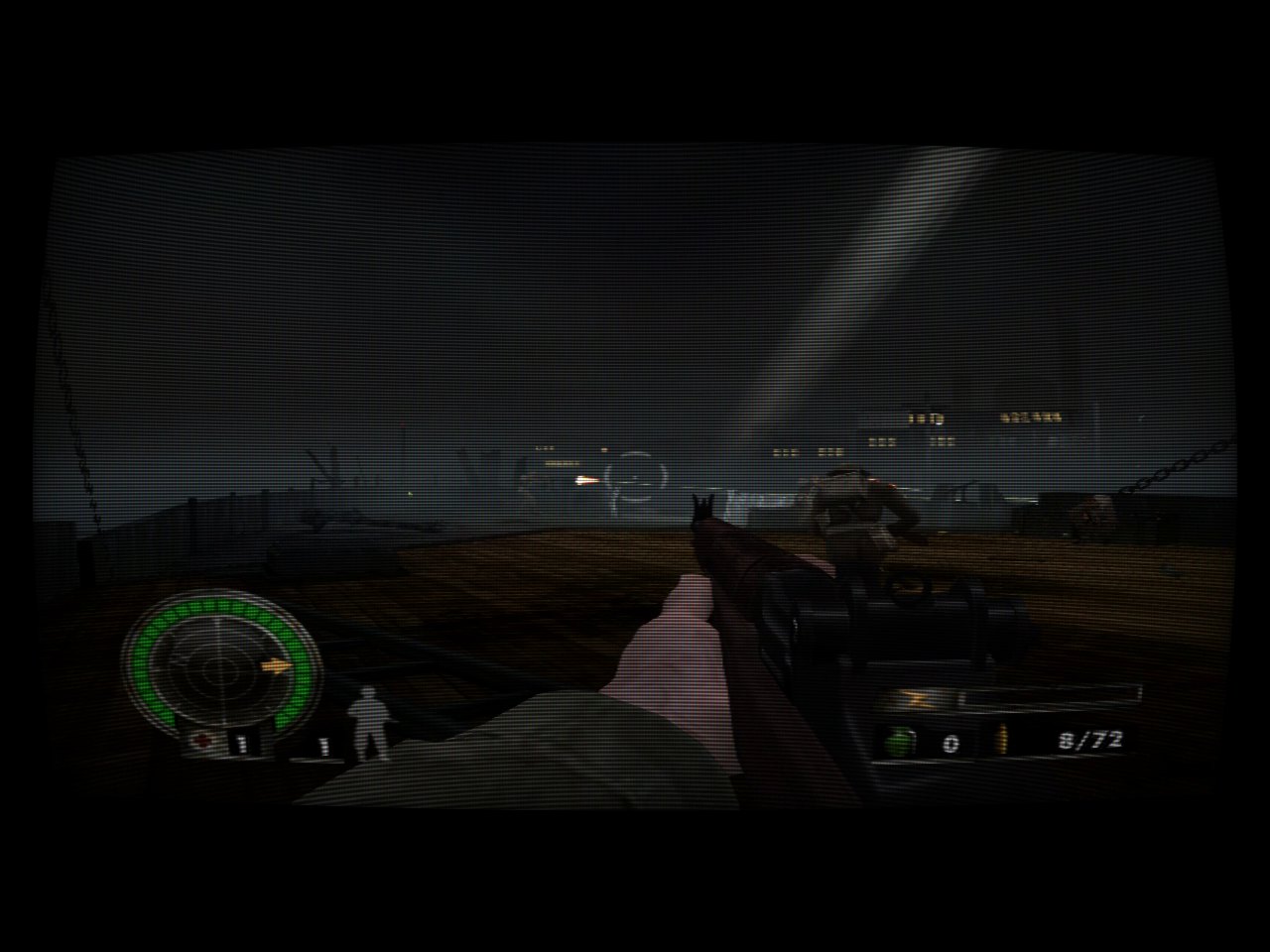 A CRT filter |
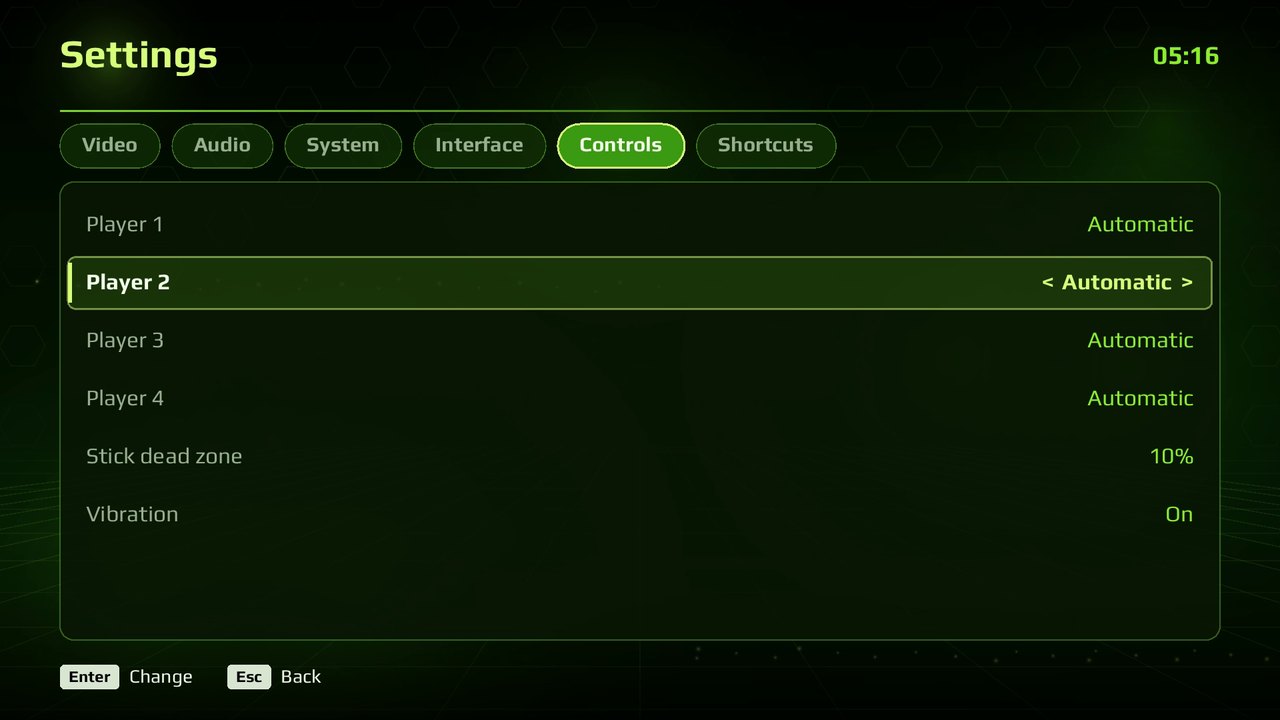 4 controller ports | 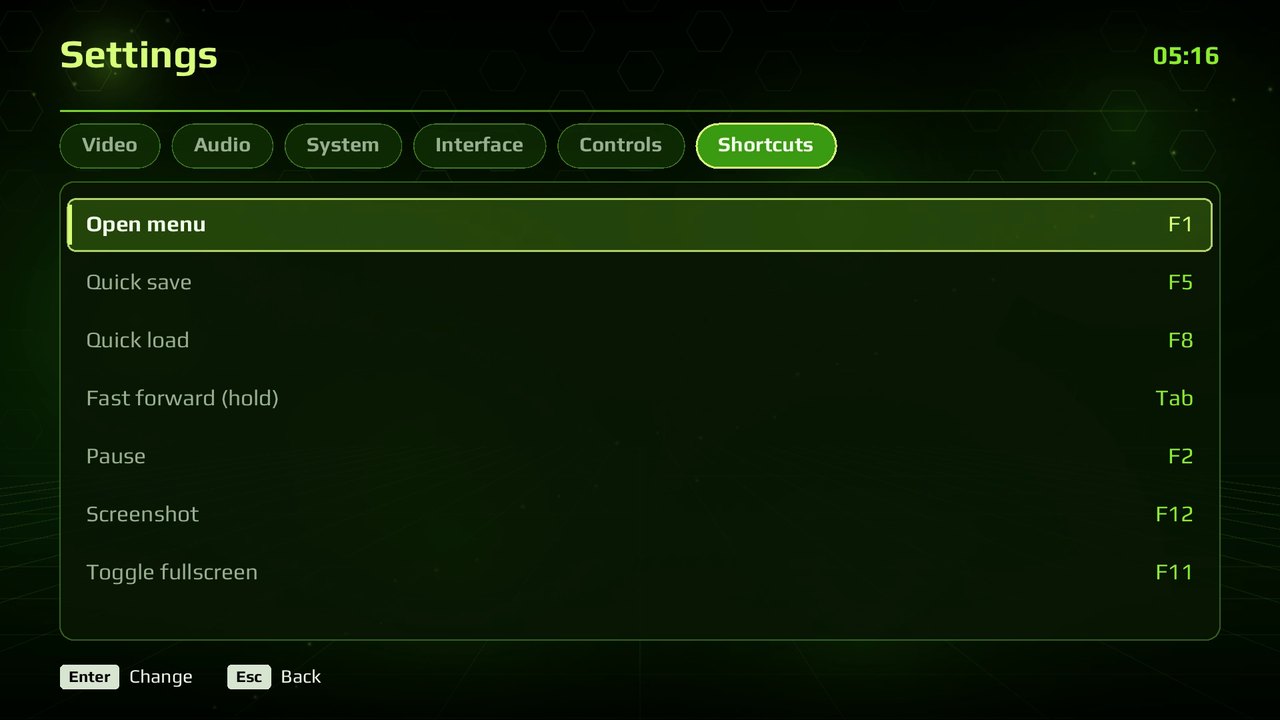 Keyboard shortcuts |
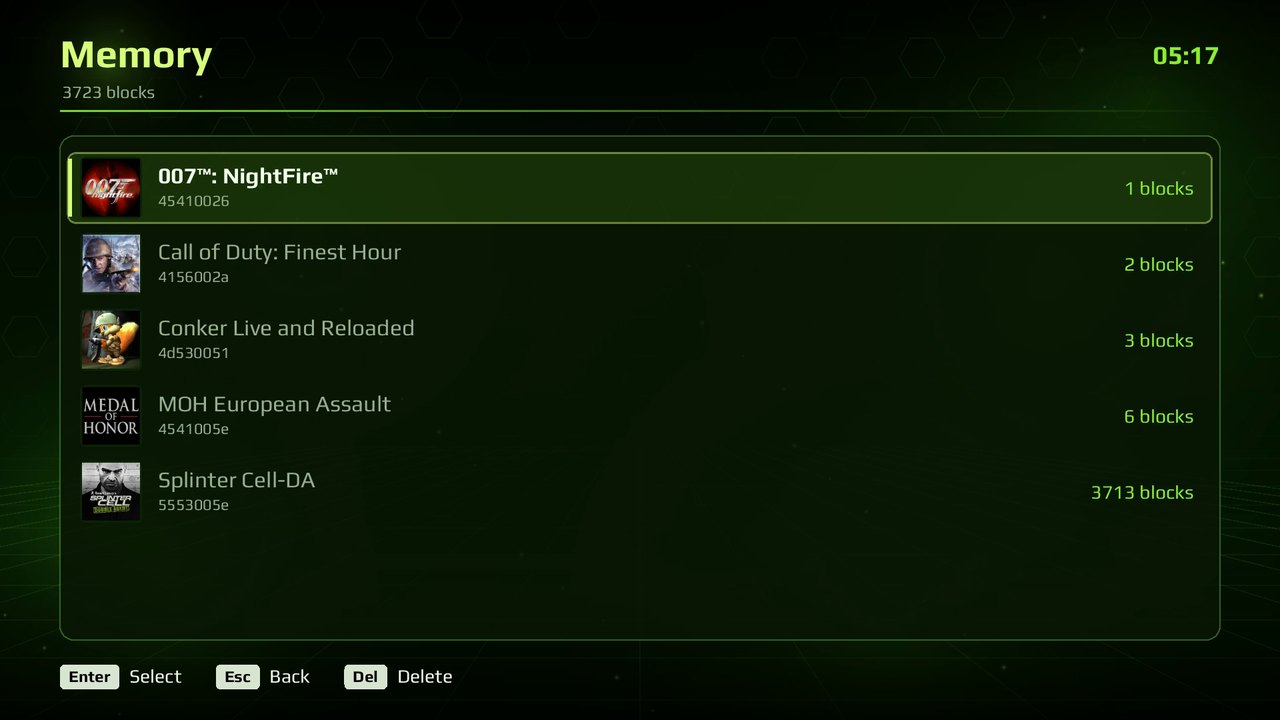 Memory manager | 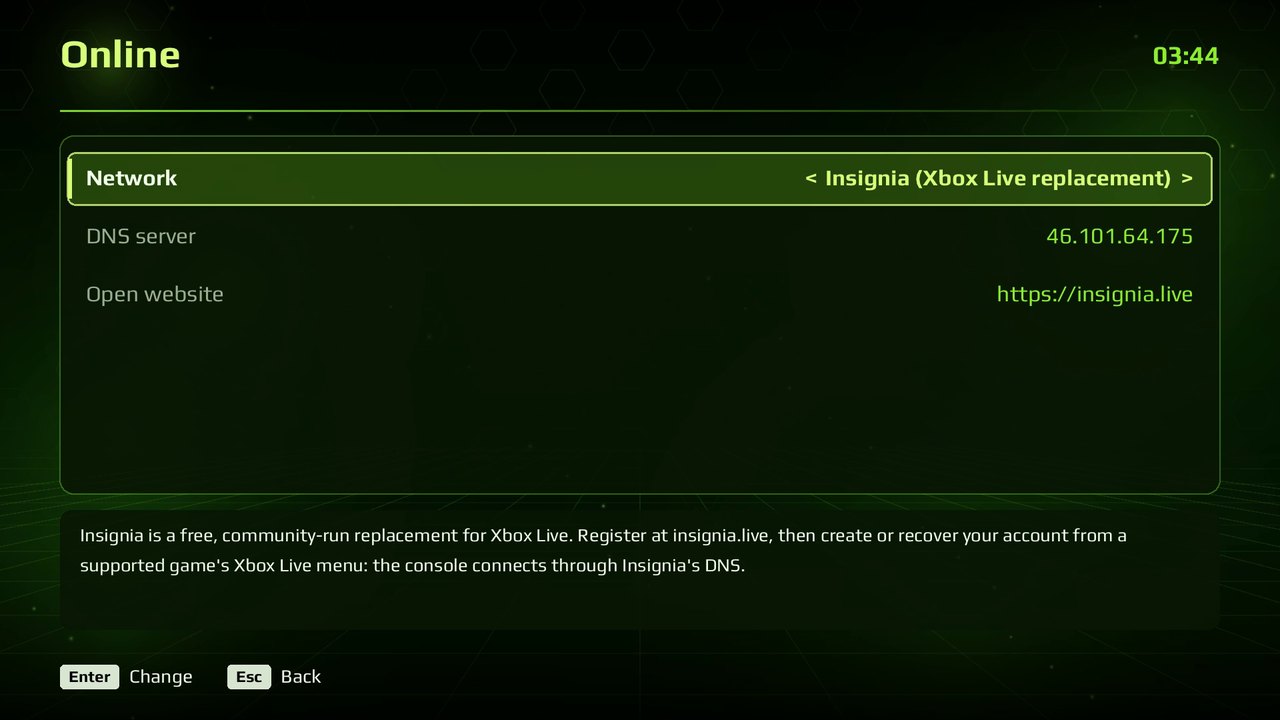 Online: Insignia, XLink Kai, System Link |
Any screen: the dashboard at 21:9
Getting started
- Download xbased from Releases: unzip it anywhere (Windows) or run the AppImage (Linux).
- Start it: the dashboard opens. In Games, choose Add games (the last card, or A on an empty library) to open the file browser: go to the folder with your disc images and press X to add it, or A on a single image to add just that one. It works with a gamepad, the keyboard or the mouse, and lists every drive or mounted disk with its free space.
- Choose a game in Games. Box art downloads automatically (it can be turned off).
Command line: xbased <image.iso, .chd or a game's folder> [options] starts a game directly; options
are the same as the settings files' lines (scale=2, uncap, crt=2,
fullscreen=0, mod=<patch>...). Settings are kept in xbased.ini (global)
and games/<TITLE ID>.<version>.ini (per game) beside the executable on
Windows, in ~/.local/share/xbased/ on Linux.
Default keyboard controls
| Xbox | Key | Xbox | Key |
|---|---|---|---|
| A / B / X / Y | Space / Left Shift / Q / E | Left stick | W A S D |
| Black / White | C / Z | Right stick | I J K L |
| Left / right trigger | 1 / 3 | D-pad | Arrow keys |
| Start / Back | Enter / Backspace | Stick clicks | F / H |
Shortcuts: F1 menu, F5 quick save, F8 quick load (Shift: slot 2), Tab fast forward (hold), F2 pause, F12 screenshot, F11 full screen. On a gamepad, Back + Start or a tap of the Guide button opens the menu and Share takes a screenshot. In Settings › Shortcuts any of them can be a key with Ctrl, Alt or Shift, and on the controller Guide plus a button (held: the game doesn't see that button), the touchpad or Share. Those are buttons the Xbox controller doesn't have, so no game uses them. Controllers without a Guide button can use Back plus a button instead: the game sees Back pressed, but not the button that goes with it.
Playing on Insignia
Insignia is the community's free Xbox Live replacement. To play on it:
- In Online, set Network to Insignia (its DNS is filled in).
- Get Insignia's Setup Assistant disc image from insignia.live, add it to your games like any other image and start it. It registers this console: follow its steps and enter the code it shows on the website.
- For your Xbox Live account you need the Xbox dashboard (version 5960):
put its files (
xboxdash.xbeand its folders) inhdd/Partition2, the hard disk's C: drive, beside the executable. Then open it from Online with Xbox dashboard, and in Xbox Live create a new account or recover the one you have. - Start a game that supports Xbox Live and sign in from its own Xbox Live menu.
The Insignia disc image doesn't go in hdd/Partition2: it's started as a
game. Only the Xbox dashboard's files go there.
Building from source
xbased builds with clang and CMake. The third-party sources are fetched at
pinned versions by tools/fetch_deps.sh into a deps folder beside the
repository:
<work>/
  xbased/      this repository
  deps/        third-party sources (tools/fetch_deps.sh)
  build/       build trees
The executable is built from the xbased target and named xbased.
Windows (x64)
-
Install MSYS2 and open the MSYS2 CLANG64 shell.
-
Install the toolchain:
pacman -S --needed git mingw-w64-clang-x86_64-clang mingw-w64-clang-x86_64-lld \ mingw-w64-clang-x86_64-cmake mingw-w64-clang-x86_64-ninja mingw-w64-clang-x86_64-python -
Get the source, fetch the dependencies and build:
git clone https://github.com/crazyriddler/xbased
cd xbased
tools/fetch_deps.sh
cmake -S native -B ../build/win -G Ninja -DCMAKE_BUILD_TYPE=Release \
  -DCMAKE_C_COMPILER=clang -DCMAKE_CXX_COMPILER=clang++
cmake --build ../build/win --target xbased
../build/win/xbased.exe runs from the build folder (its fonts and mods are
copied beside it). It imports only system DLLs, so it runs on any Windows
10/11 x64 with a Vulkan driver. To make the release zip in ../dist
(PowerShell): tools\release\package_windows.ps1
Linux (x86-64)
-
Install the packages (Ubuntu/Debian; on other distributions, the same libraries' development packages):
sudo apt install git clang lld cmake ninja-build pkg-config python3 zlib1g-dev \ libx11-dev libxext-dev libxrandr-dev libxcursor-dev libxi-dev libxss-dev libxtst-dev libxfixes-dev \ libxkbcommon-dev libwayland-dev wayland-protocols libegl-dev libgl-dev libdecor-0-dev \ libdrm-dev libgbm-dev libasound2-dev libpulse-dev libpipewire-0.3-dev libudev-dev \ libdbus-1-dev libibus-1.0-dev -
Get the source, fetch the dependencies and build:
git clone https://github.com/crazyriddler/xbased
cd xbased
tools/fetch_deps.sh
cmake -S native -B ../build/linux -G Ninja -DCMAKE_BUILD_TYPE=Release \
  -DCMAKE_C_COMPILER=clang -DCMAKE_CXX_COMPILER=clang++
cmake --build ../build/linux --target xbased
../build/linux/xbased runs from the build folder. Settings, saves and states
go to ~/.local/share/xbased (or beside the executable when a portable.txt
is there). SDL3 is linked statically; at run time the system needs glibc 2.35
or newer and a Vulkan driver (Mesa or the GPU vendor's). To make the AppImage
in ../dist: tools/release/package_linux.sh ../build/linux (the release
one is built on Ubuntu 22.04, so it runs there and on newer distributions).
More options (link-time optimization, the dependencies' location) are in BUILDING.md.
Credits
- xbased by crazyriddler, its creator and maintainer: the emulator for x86-64 Windows and Linux, the console-style dashboard and front end, the game fixes (Fable, The Thing, BloodRayne 2, NFL Fever 2004, Panzer Dragoon Orta and more), internal resolution up to 8x, 5.1 audio, the automatic updates and every release (CHANGELOG.md).
- Based on hakuX. Its README and changelog are in docs/hakuX.
- Box art from the libretro-thumbnails project. Interface font: Play (SIL Open Font License).
- SDL3, Zydis, libslirp, libchdr, xxHash, volk, Vulkan Memory Allocator, glslang, SPIRV-Reflect and the other components listed in LICENSE.
Thanks
xbased's cheat and patch database is the work of the Xbox community, and it's here thanks to them:
- The cheat makers of the Xbox scene: xboxtrainers.net, Team Evox-T, Team Xored, Angelfly, k_away, Hitman, RoBoZeO, Falcon3, Thatguy, Xor and everyone else who made the .etm and .xbtf cheat files EvolutionX, Avalaunch and XBMC4Xbox ran (known there as trainers). The files come from the Xbox Original ETM Trainers collection on the Internet Archive.
- XBMC4Xbox and Team Xored, whose trainer loader showed how those files run (xbased loads the same helper routines for .xbtf files).
- icup321 and Slippy2k for their widescreen, 60 fps and 480p patches, and the OgXHD widescreen database that comes with them.
- xemu and its xdb title database, which matched every patch to its game.
- raddad772, whose measurements of the audio chip on a retail console (xemu pull request #3105) the sound emulation follows: the HRTF taps and routing, the filters, the resampler, the volume curve, envelopes, LFOs and ramps.
- P1Login, for testing on AMD hardware, logs, workarounds for other users and the help across many issues.
- Everyone who reports issues, tests games and shares saves and logs: that's how the games on the list got fixed.
License
xbased, like hakuX, is free software under the GNU General Public License, version 3 or later (COPYING). The third-party components keep their own licenses (LICENSE, licenses/).
xbased is not affiliated with or endorsed by Microsoft. Xbox is a trademark of Microsoft Corporation. Game names and box art shown belong to their owners.