Yu-Gi-Oh! Forbidden Memories Recompiled
Yu-Gi-Oh! Forbidden Memories Recompiled is a native PC port of Yu-Gi-Oh! Forbidden Memories for Windows and Linux with up to 4x internal resolution and 3D monsters on the field. Confusingly, it has "Recompiled" in its name even though it is not a static recompilation.
- Type: PC port
- Game: Yu-Gi-Oh! Forbidden Memories
- Runs on Windows and Linux
- By Unchiga
- Latest release v0.2.0, 2026-10-03
- Source: https://github.com/Unchiga/Yu-Gi-Oh-Forbidden-Memories-Recompiled
README
Yu-Gi-Oh! Forbidden Memories Recompiled
Yu-Gi-Oh! Forbidden Memories (PS1, USA) rebuilt from its decompiled source as a native PC game for Windows and Linux, with a macOS ARM64 source build. Bring your own disc image; no game data is included but the text of the European translations (below).
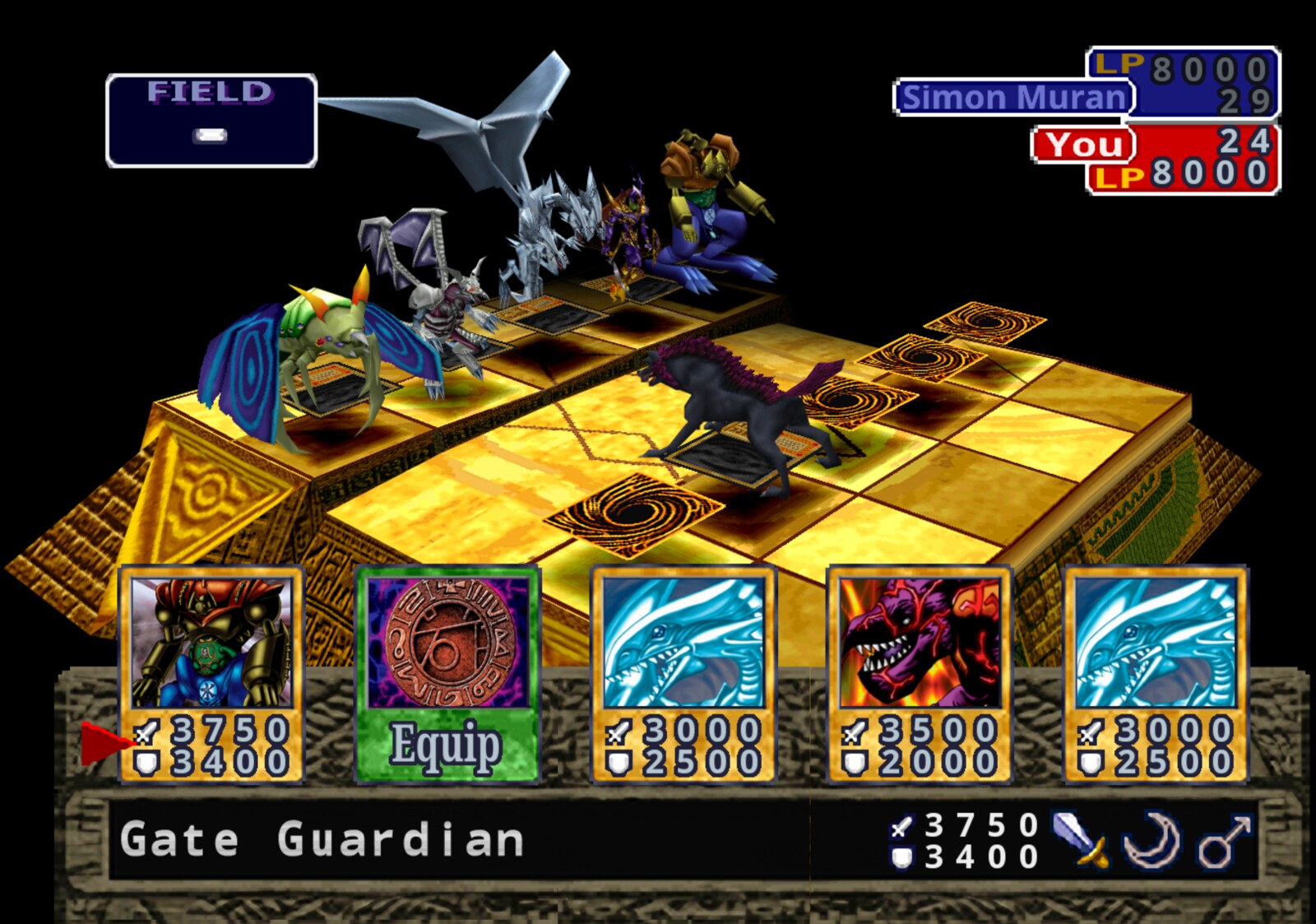
Features
- Up to 4x internal resolution, widescreen and HD text
- 3D Monsters: face-up monsters stand on the field as their battle models
- Optional Forbidden Memories HD pack: redrawn cards, frames and portraits
- Mods: framework for new cards past the original 722, fusions, textures, music, gameplay tables
- FM Editor: make mods without writing JSON: cards, art, fusions, duelists, decks, packs, the title screen and more (guide)
- Save slots, fusion helper, card drop rates, rebindable controls
- Game > Language: the European releases' own English, French, German, Italian and Spanish
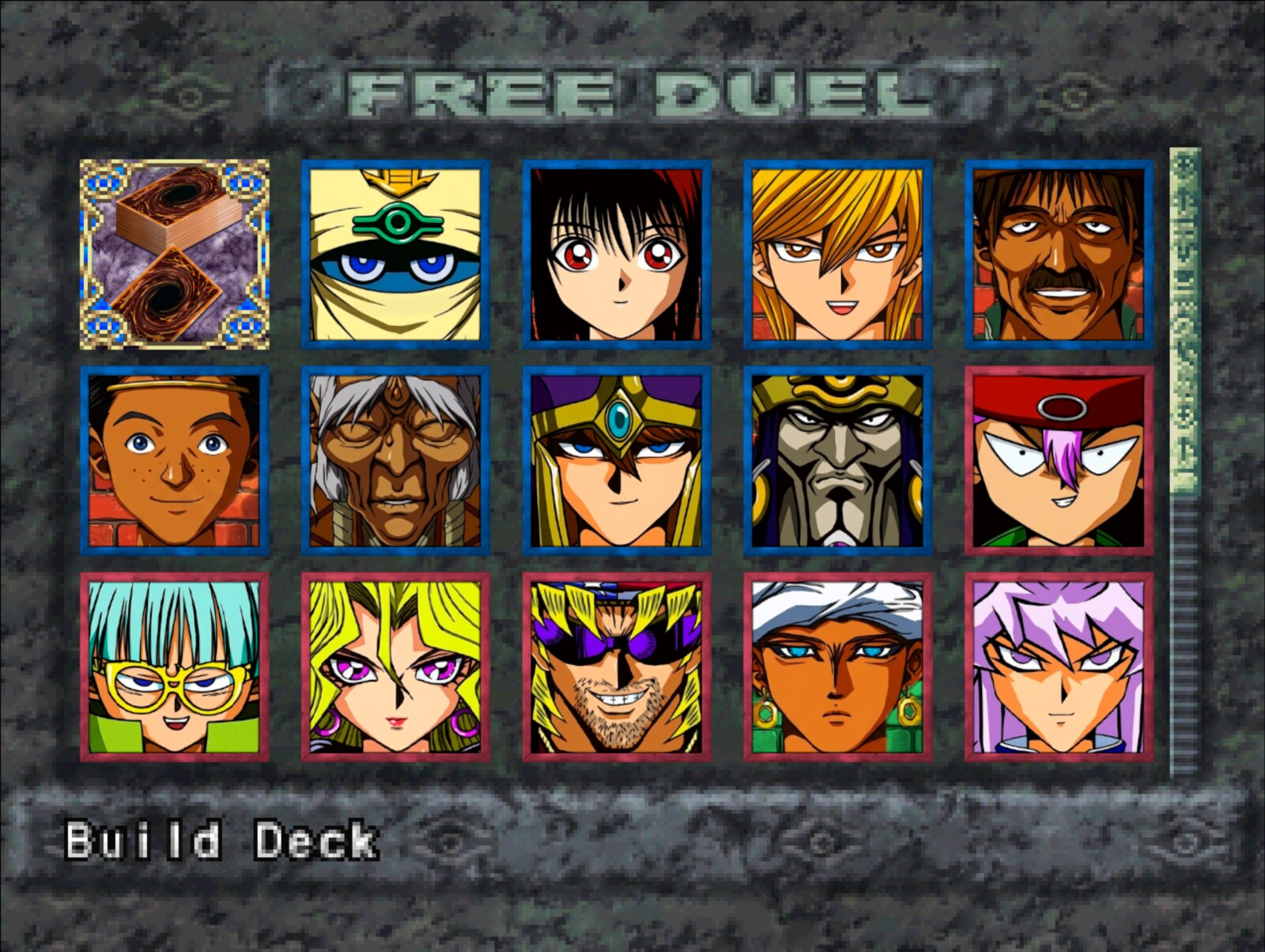
Play
Download the latest build from Releases,
extract it and run memories-pc.exe (Windows) or ./memories-pc (Linux). On first
launch, pick your USA disc's .bin. The game can tell you when a newer release is out
(Help > Check for updates at start turns it off; see Updates).
Bring your save from an emulator
Your save from the original game (an emulator's memory card, or a PS1 card copied to a PC)
loads in the port. Copy the memory card file (.mcr, .mcd, .srm, .gme, .mcs, .psv,
...; DuckStation keeps its cards in its memcards folder, ePSXe in memcards) into the
port's saves folder: Documents\My Games\YFM Re-Decomp\saves on Windows,
~/.local/share/YFM Re-Decomp/saves on Linux. Then pick LOAD on the title screen: the
save is copied into an empty slot (the card file is renamed .imported) and you can load it.
Emulator save states are not memory cards and cannot be imported; save in game first.
HD pack
- From the same release, download
yfm-redecomp-hd-mod-<version>.zip. - Close the game and extract the zip into the game folder, the one with
memories-pc.exeormemories-pc. You should end up withmods/assets-hdbeside the other mods. - Start the game. The pack is on by default: press F10 for the menu bar and open Game > Mods to check it, or to turn it or any of its parts off.
- For the best look, pick Video > Resolution > Internal 4x and turn on Video > HD text.
From source: put the .bin in game/ and run play.bat or ./play.sh. The first
run builds everything (Linux needs gcc and python3). See PC build.
On Apple Silicon, ./play.sh builds and runs the macOS target using Python 3,
Xcode command-line tools, and verified dependencies installed under tmp/.
See macOS build and the ARM64 runtime guide.
Native save states use F5/F7 and have build and platform compatibility limits;
see save-state compatibility. Code mods
need a macOS ARM64 build; existing i386 code-mod binaries cannot be loaded.
See macOS code mods.
Languages: languages/*.txt is the text of the five European releases, read off the
PAL discs by the port itself. With the discs in game/pal, python3 tools/pc/export_languages.py
writes them again, and --check compares them (Translations,
"The official languages"). They are the only game data in the repository: text, no pictures.
Decompilation
Every game function matches the original executable byte for byte:
make tools   # pinned toolchain
make match   # rebuild SLUS_014.11 exactly (see notes/setup.md)
Progress
| Metric | Current |
|---|---|
| Game C-decompilation targets matched | 1,134 / 1,134 (100.00%) |
| Game C-decompilation target bytes matched | 356,080 (0x56EF0) / 356,080 (0x56EF0) (100.00%) |
| Remaining game C-decompilation targets | 0 functions, 0 (0x0) |
| Evidence-backed handwritten game assembly | 61 functions, 40,116 (0x9CB4) |
| Total game-owned functions | 1,195 |
| Preserved Psy-Q CRT/SDK assembly | 591 functions, 117,348 (0x1CA64) |
| Total discovered functions | 1,786 |
| Embedded/unassigned resident text | 1,780 (0x6F4) |
Runtime overlay modules:
| Module | Matching C functions | Matching C bytes |
|---|---|---|
free_duel | 9 / 9 (100.00%) | 4,140 (0x102C) / 4,140 (0x102C) (100.00%) |
main_menu | 31 / 31 (100.00%) | 17,724 (0x453C) / 17,724 (0x453C) (100.00%) |
overworld_after_coup | 15 / 15 (100.00%) | 6,184 (0x1828) / 6,184 (0x1828) (100.00%) |
overworld_before_coup | 15 / 15 (100.00%) | 6,184 (0x1828) / 6,184 (0x1828) (100.00%) |
password | 27 / 27 (100.00%) | 10,884 (0x2A84) / 10,884 (0x2A84) (100.00%) |
Generated from config/slus_01411/functions.csv and config/slus_01411/overlays/*_functions.csv by tools/project/progress.py.
Docs
Modding · FM Editor · More cards · Fusion helper · Card drops · Card packs · Translations · Updates · Setup · Build · Releases
Community
Join the Discord to follow development, ask questions and report issues.
License
The PC port (src/pc/, tools/pc/, tests/pc/, mods/, examples/ and the build
and play scripts) is MIT: keep the copyright notice and please link back
here. The decompilation builds on memories-decomp
by its authors. Yu-Gi-Oh! and Forbidden Memories belong to Konami.